AI Background Generator
Using our AI background generator, create unique wallpapers, patterns, and textures with simple text prompts to support your creative design workflow.


How to Use an AI Background Generator
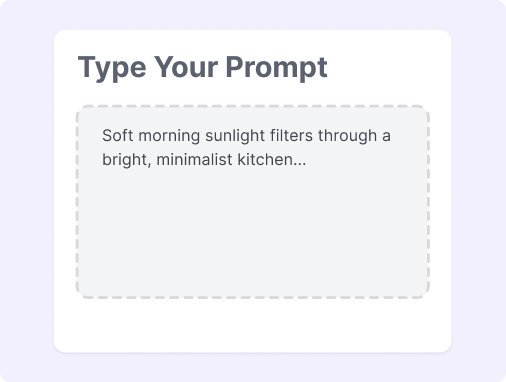
Step 1: Customize Your Prompt
Select your desired theme or style. Customize colors, patterns, and complexity parameters.
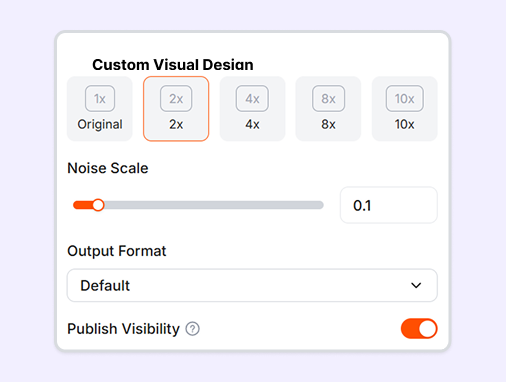
Step 2: Generate the Visual
Click the generate button to process your settings. The tool instantly creates your customized AI-generated background.
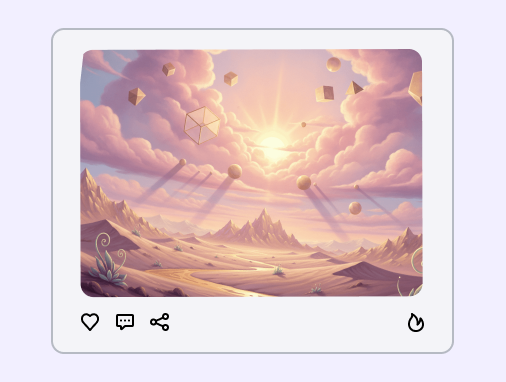
Step 3: Download Your Image
Save the unique AI-generated backgrounds to your device. Use the images directly in your marketing and design projects.
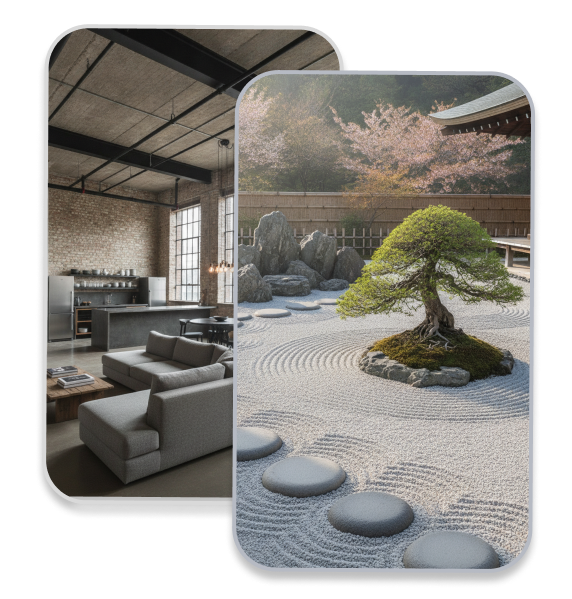
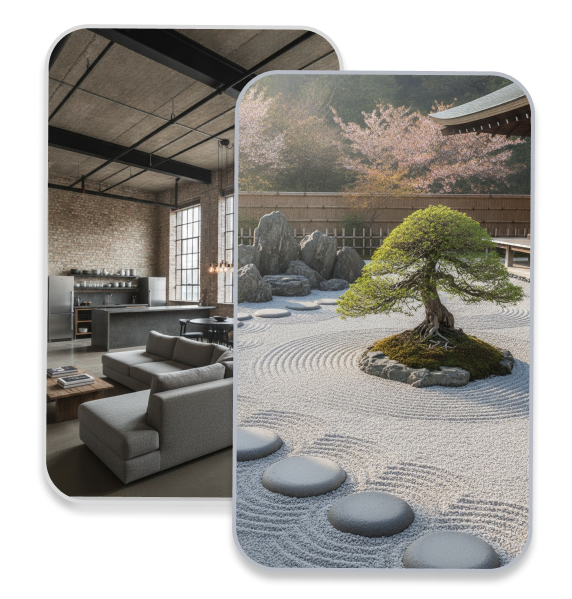
How to Write Background AI Prompts?
Learn how to write simple prompts that match each step of making your AI background.
Choose Style and Theme: Tell the AI the exact style you want for your background. Use simple words like "cozy modern cafe" or "clean marble surface" to set the main look.
Set Colors and Patterns: Describe your favorite colors and details to customize the image. Use clear words like "soft pastel pink" or "simple geometric shapes" to keep the background neat.
Control the Generation: Keep the background simple before you click generate, so it is not too busy. Add words like "blurry out of focus" or "plain studio lighting" for a clean look.
Plan for Final Use. Make sure the downloaded background has space for your product or text. Use layout words like "space in middle" or "wide landscape view" to fit your project.
Great Prompts for AI Background
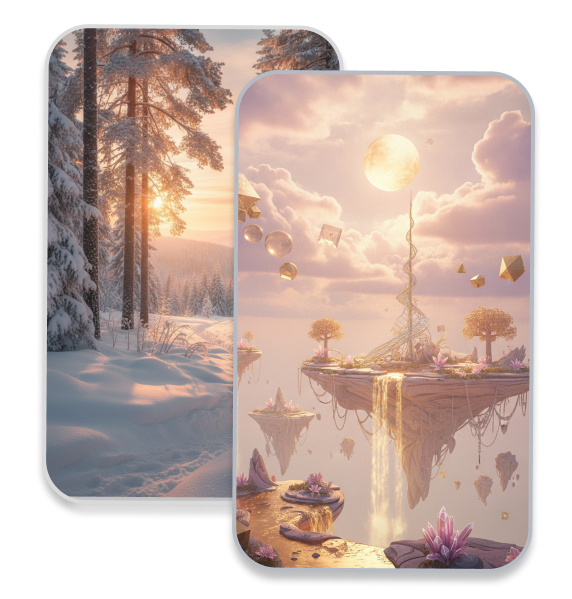
Explore these high-performing text prompts designed to help you get the most out of an AI background generator for your creative projects:
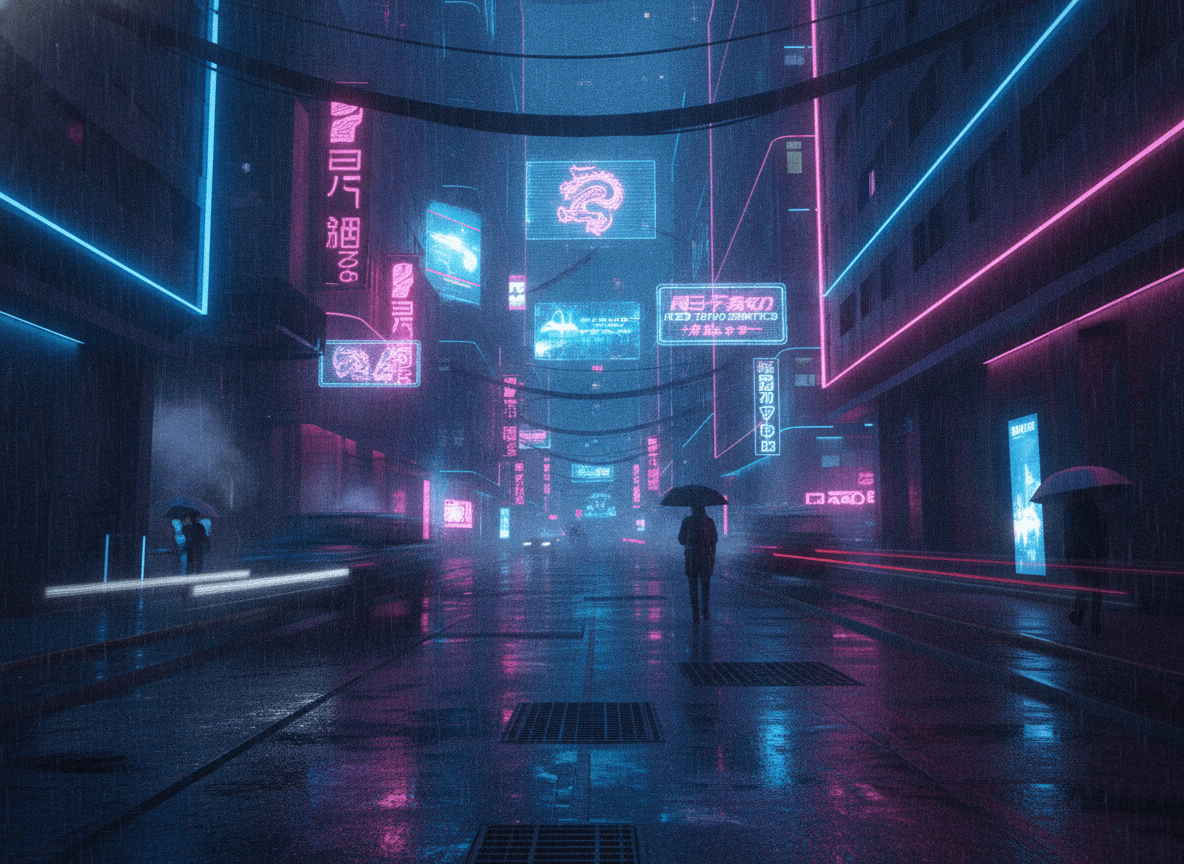
Corporate Tech: A deep blue abstract background with faint glowing digital lines and network nodes.
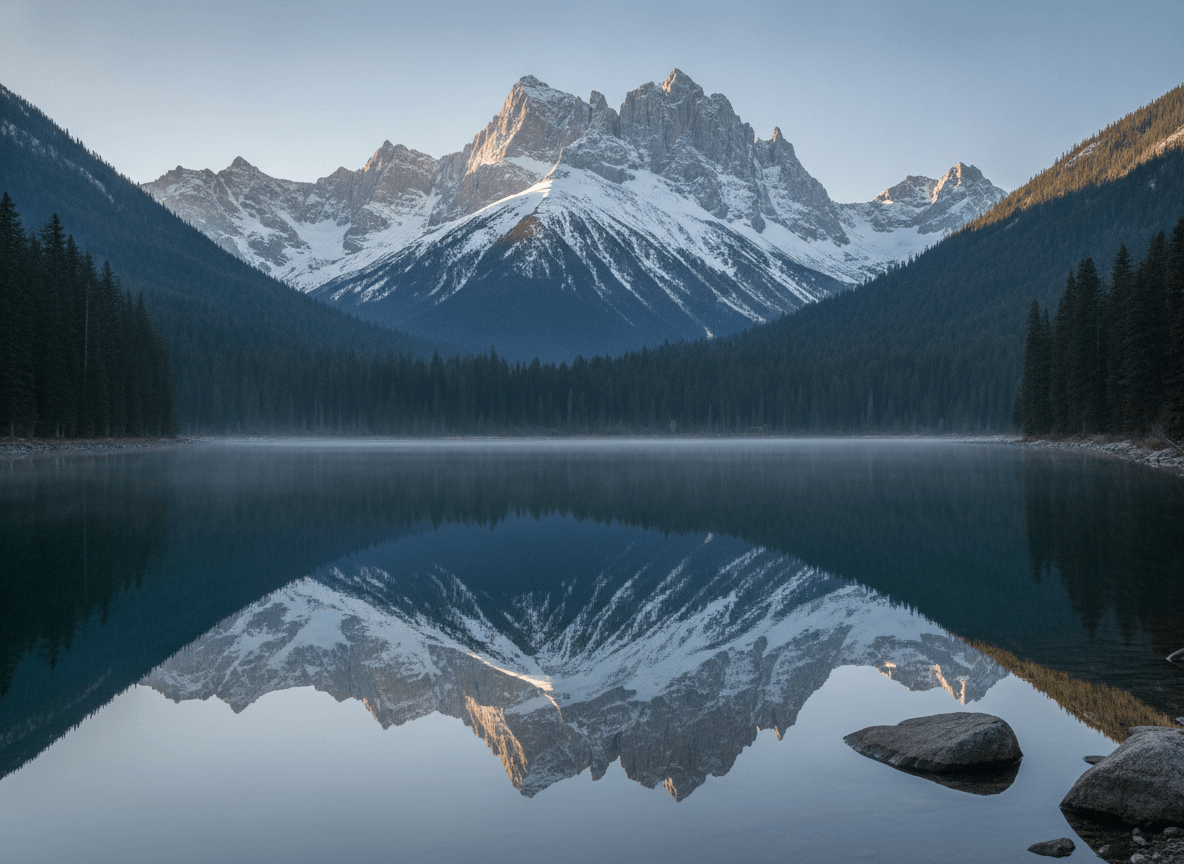
Fantasy Forest: A twilight woodland clearing with glowing bioluminescent moss and soft purple mist.
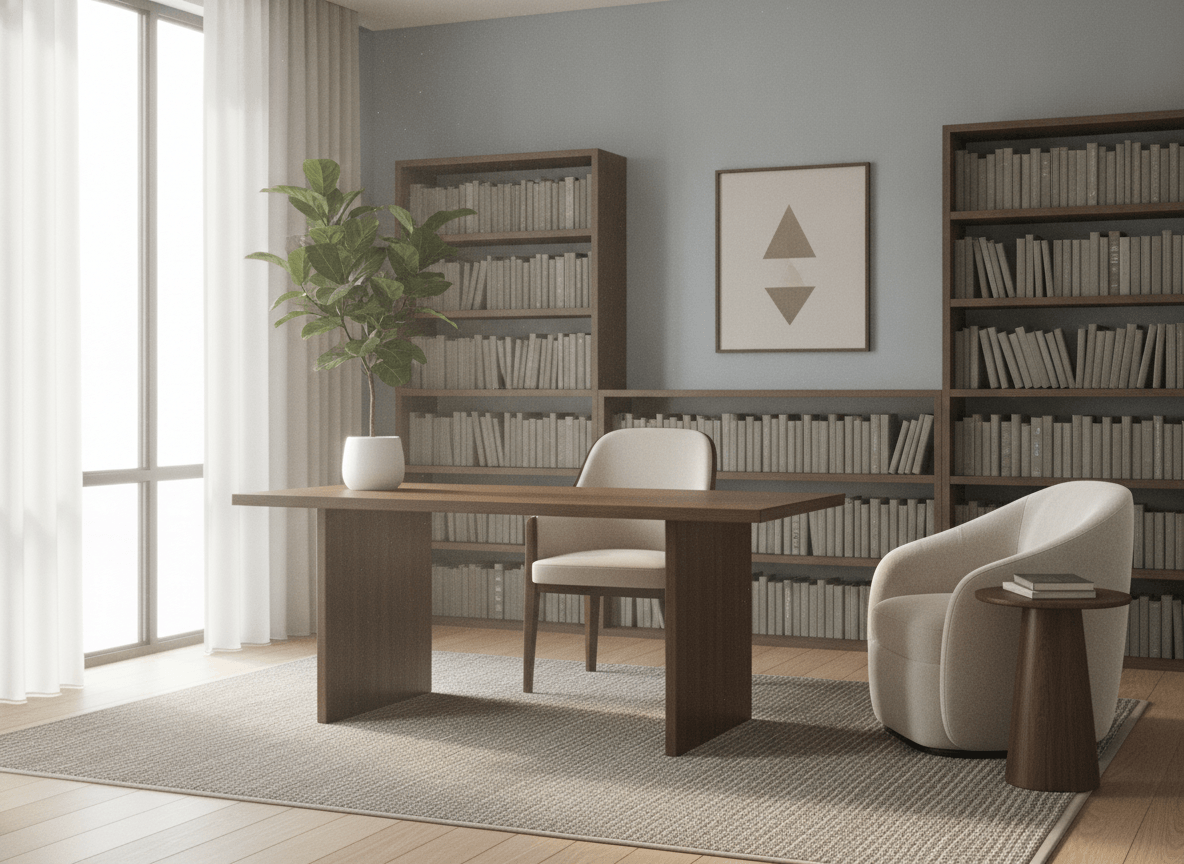
Cozy Interior: A blurred Scandinavian living room with light wood, green plants, and warm morning light.
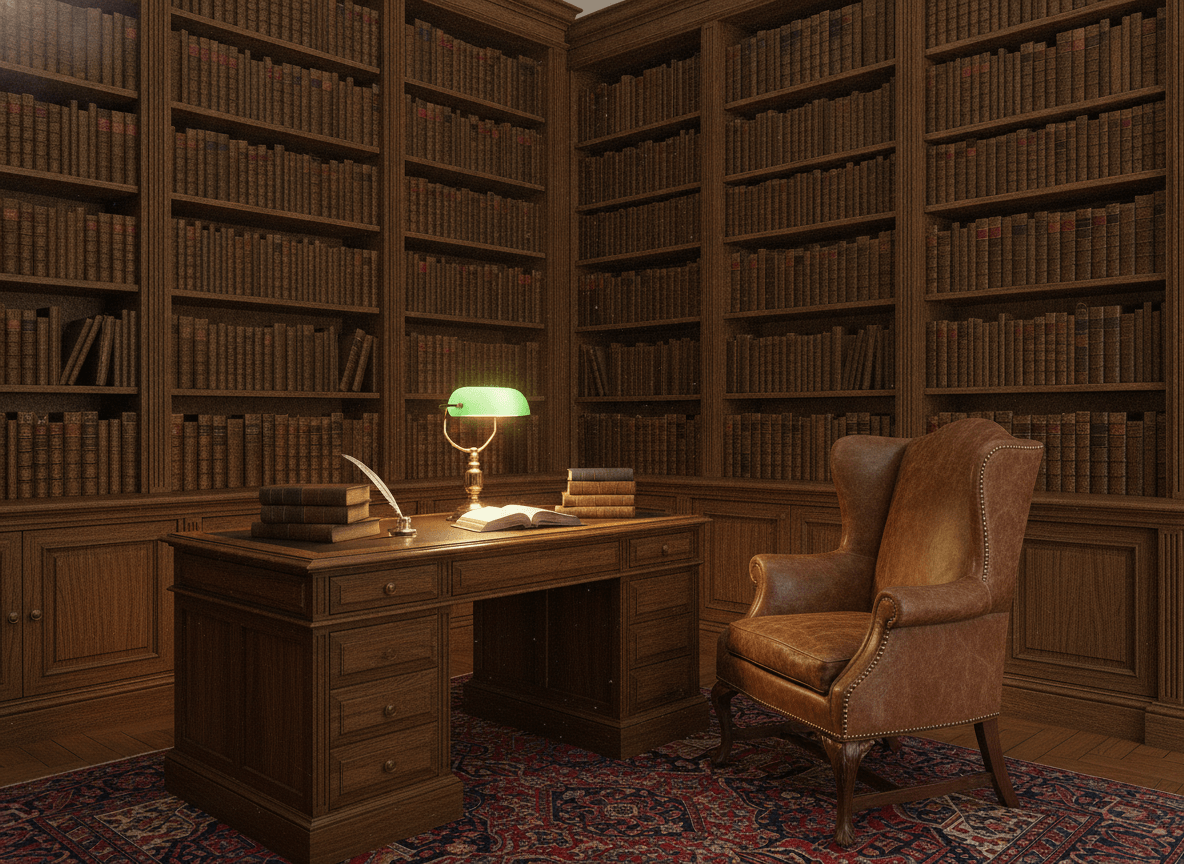
Classic Studio: A textured charcoal and bronze canvas backdrop with soft studio lighting.
Why Use an AI Background Generator?
Build Consistent Branding Assets
Tailor colors, patterns, and complexity to match your brand guidelines and maintain visual consistency.
Customize Every Single Detail
Adjust patterns, colors, and design complexity with simple controls to match your exact vision.
Generate Backdrops in Seconds
Skip hours of manual design work; get unique, AI-generated backgrounds with just one click.
Download High-Resolution Images
Save original, high-quality graphics ready for immediate use across digital and print platforms.
Select From Diverse Styles
Choose from pre-set themes and artistic styles to fit any project theme or mood.
No Design Skills Required
Create professional-grade visuals even if you have zero prior experience in graphic design.
FAQs
How do I describe my scene in the AI background generator from text?
How does the AI Background Generator create custom visual assets?
What resolution can I expect from the AI-generated background?
How detailed can I be with the AI background generator from text?
How long does the AI photo background generator take to render a file?
Bring Your Ideas to Life
No complex prompts needed. Choose a style, input your vision, and let our AI handle the rest. Your creative journey starts with a click.