AI Explainer Video Maker
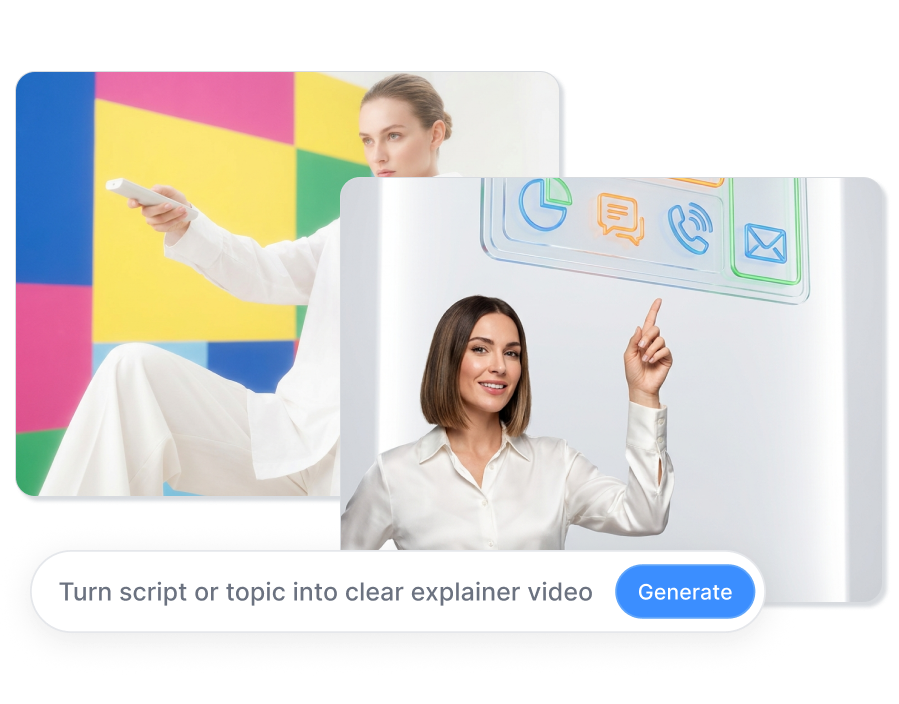
Turn a script or topic into a clear explainer video with your own character, a digital presenter, or a stylized virtual host. Show real products in action, add visual examples and captions, and keep every scene focused on the point you need to explain.
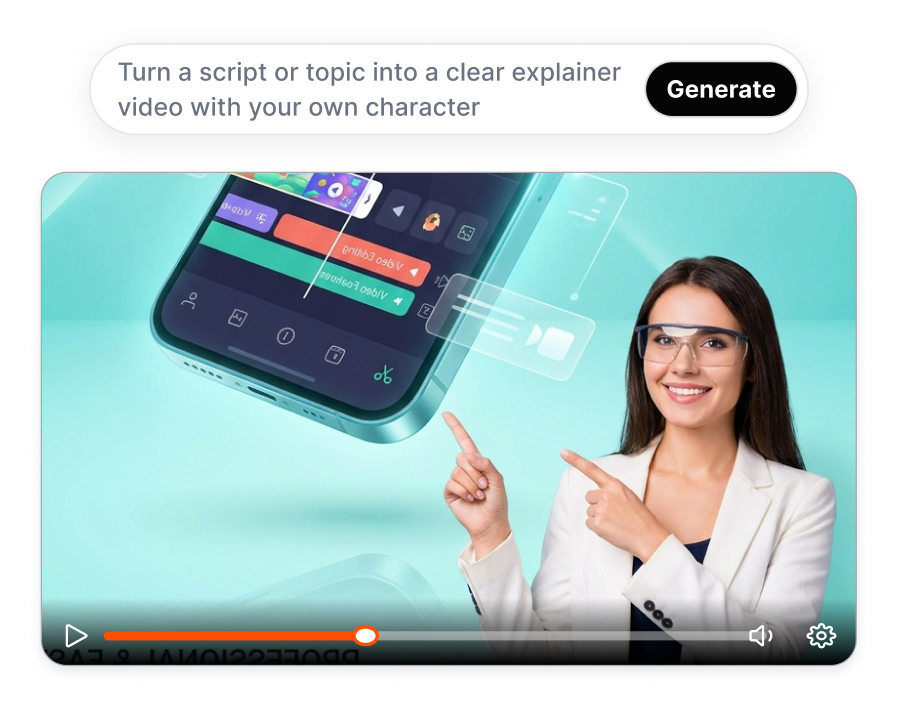
Make Every Explainer Video Easier to Follow
Combine a consistent presenter, product close ups, demonstration scenes, supporting visuals, voice, gestures, and readable captions in AI Explainer Video.
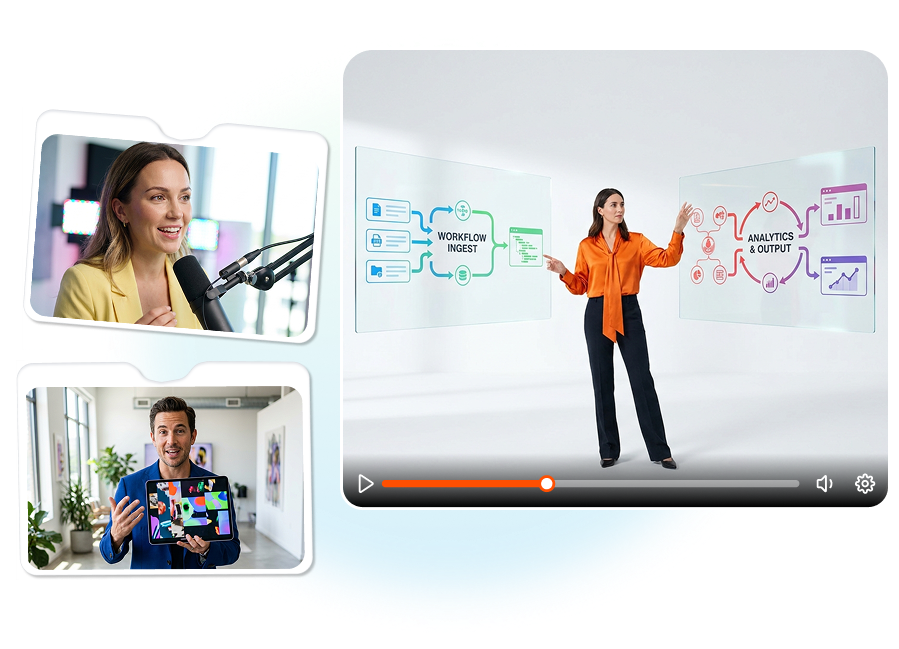
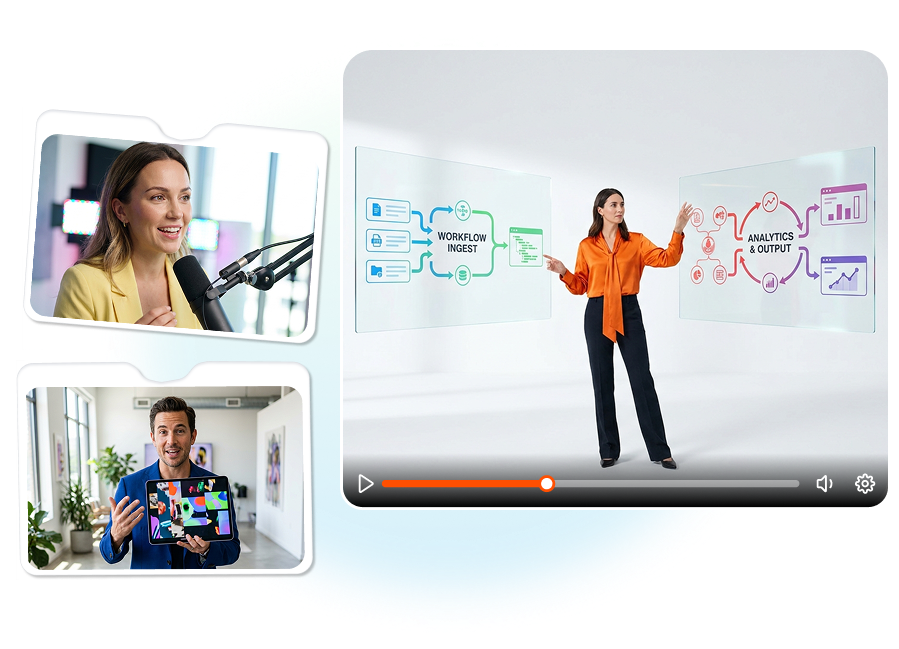
Explain It With Your Own Character
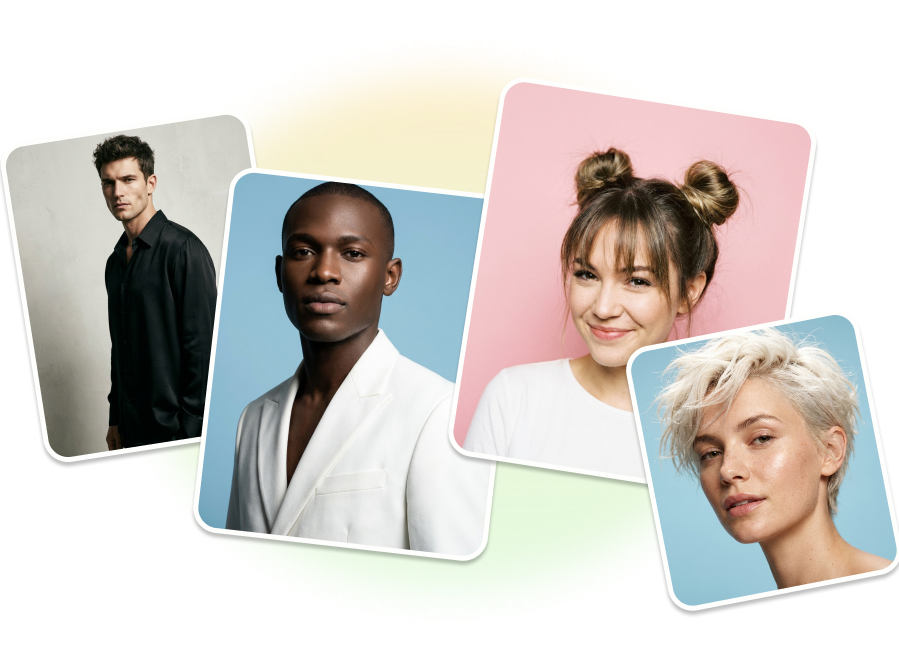
Upload a photo to create a recognizable presenter or choose a digital human from the character library. Set the voice, expression, clothing, background, and eye contact for the subject you are explaining. Reuse the same character across a course, product line, or customer education series.
Show the Product While You Explain It
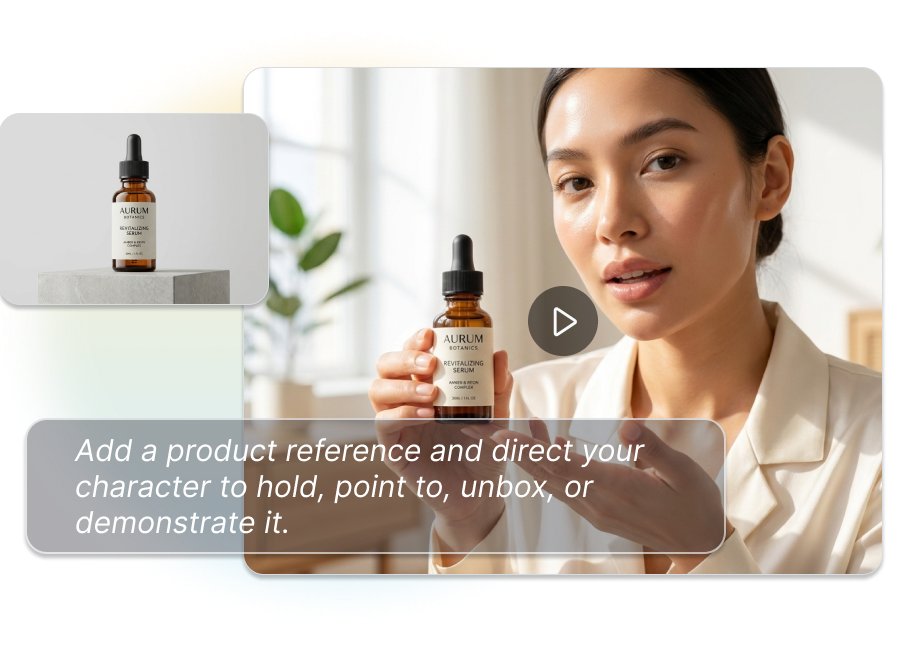
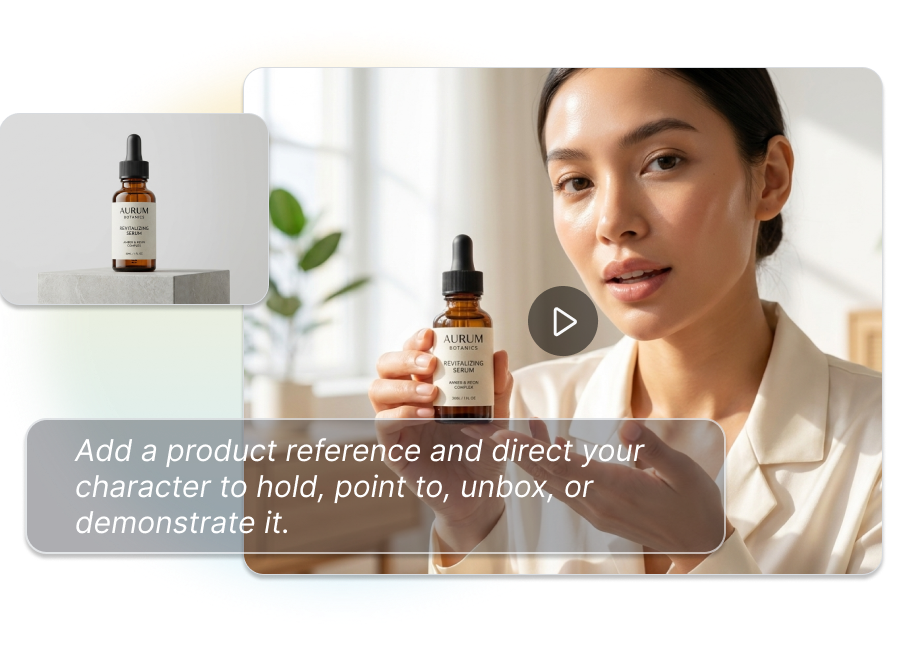
Add a product reference and direct your character to hold, point to, unbox, or demonstrate it. Pair the action with product close-ups, benefit callouts, and step-by-step captions so viewers see what each line means.
Choose a Host That Fits the Story
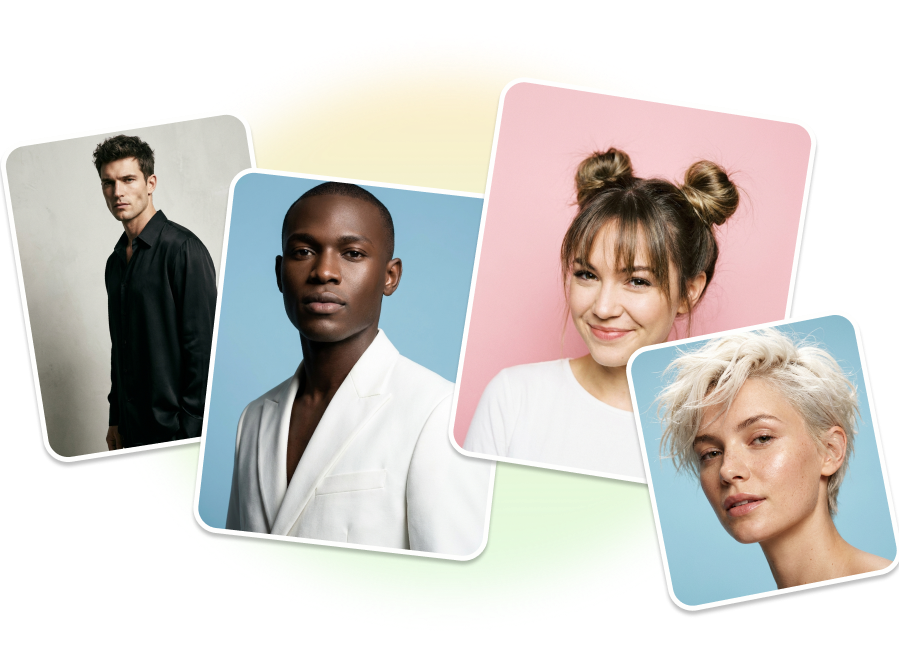
Use a realistic presenter when trust matters, or switch to a 3D, cartoon, comic, or clay-style character when the topic needs imagination. You can also keep the product or process center stage with voiceovers, diagrams, and text instead of a person.
Turn One Script Into Clear Scenes
Generate captions, change the voice or language, and resize the same story for 16:9, 9:16, or 1:1 publishing. Adapt a detailed website explainer into a short tutorial, help-center clip, or social lesson without rebuilding every scene.
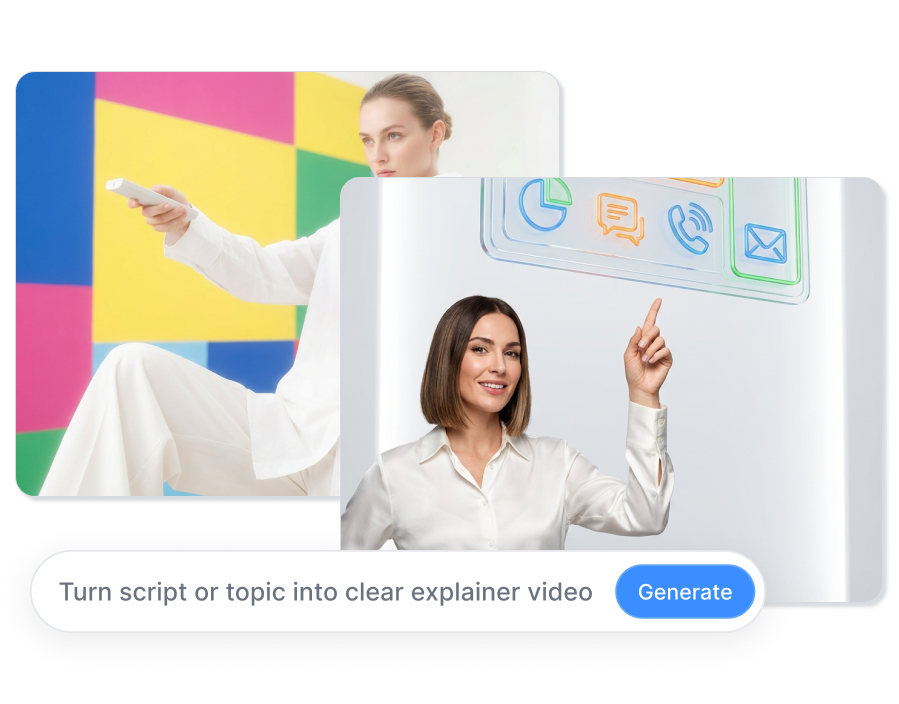
How to Make an AI Explainer Video?
Step 1: Add Your Topic and Assets
Paste a script or describe what you need to explain. Upload a character photo, product image, screenshots, or other references that should appear in the video.
Step 2: Choose the Presenter and Direction
Create a custom character, select a digital presenter, choose a stylized avatar, or build a presenter free video. Set the voice, tone, gestures, visual style, aspect ratio, and caption treatment.
Step 3: Generate, Review, and Export
Preview the full video and check that the narration matches each demonstration and callout. Adjust scenes, then export in the aspect ratio and language your channel needs.
One Explainer Video Maker, Different Ways to Teach

Ecommerce Sellers
Show shoppers what a product does before they reach the checkout. Turn product images and selling points into demonstrations, unboxings, feature breakdowns, and use instructions without arranging a new creator shoot for every SKU.
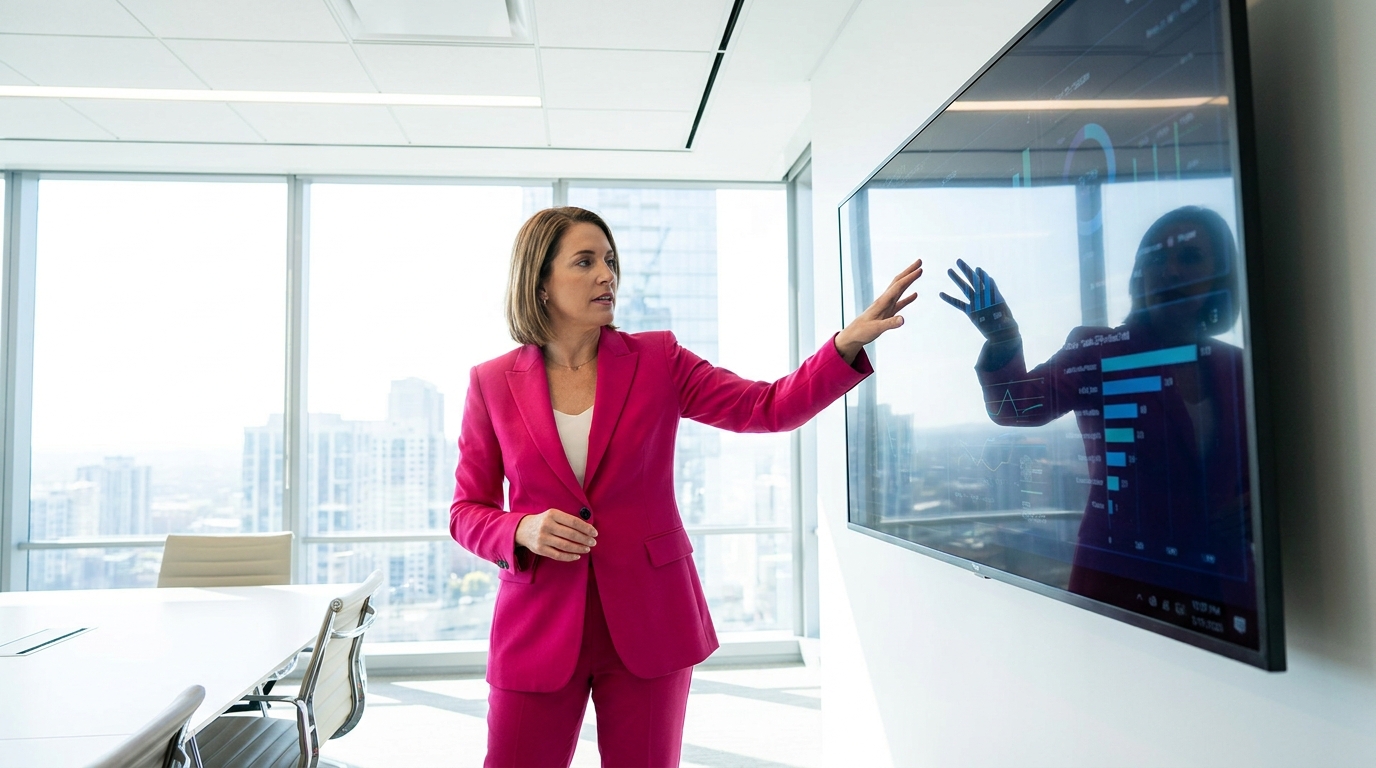
Tutorial and Knowledge Creators
Transform an outline into a structured lesson with a consistent on screen host, supporting examples, and captions. Use a realistic character for direct teaching or a stylized guide when the topic benefits from a more visual personality.
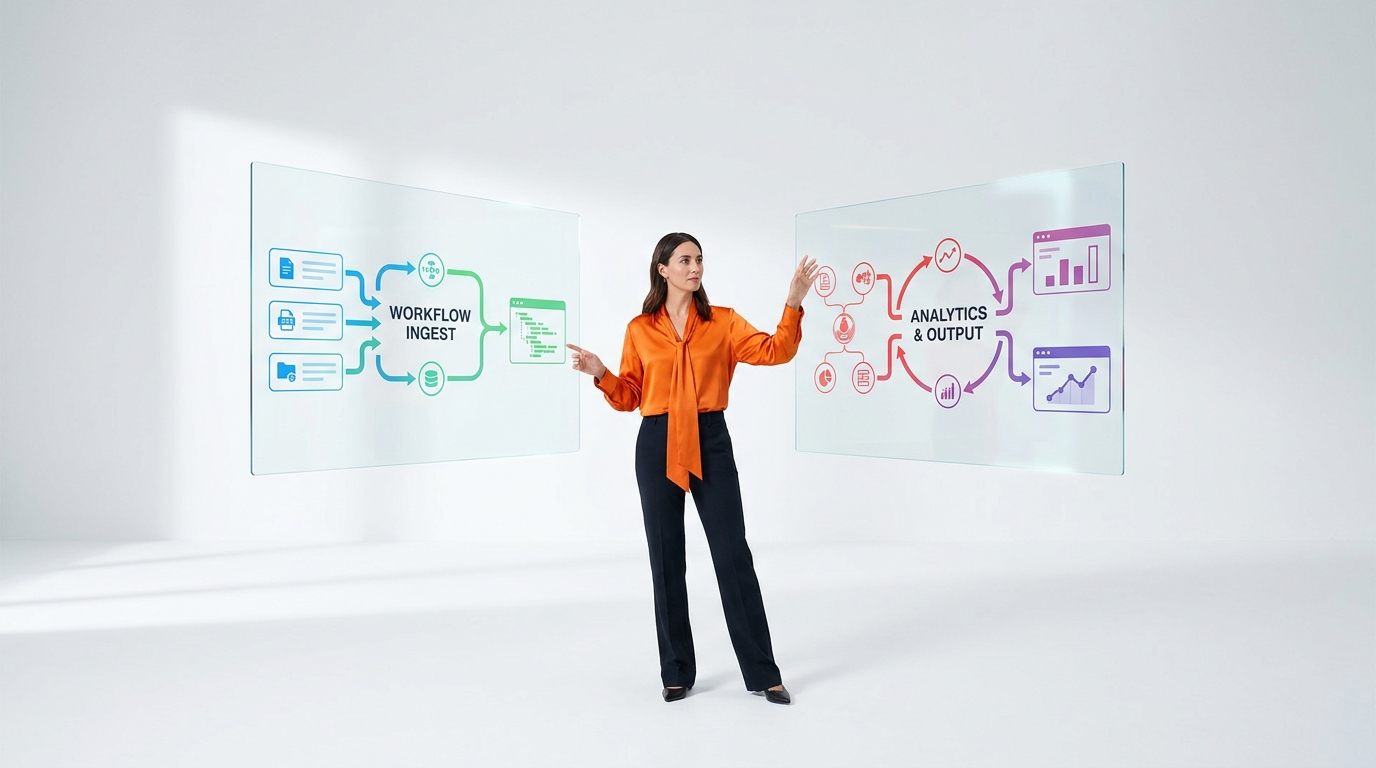
Product and Education Teams
Use a custom digital version of yourself, a recurring cartoon host, or a faceless visual format to explain software, languages, finance, science, or practical skills. Captions and coordinated gestures help viewers track each point.
FAQs
What is an AI explainer video maker?
Can I make an explainer video with my own character?
Can the presenter hold or demonstrate my product?
Do I need a person in every explainer video?
Can AI write the explainer video script?
Can I add subtitles to an AI explainer video?
What types of explainer videos can I create?
Can I use AI explainer videos commercially?
Turn the Explanation Into Something Viewers Can See
Use the AI Explainer Video Maker to create a focused explanation with the character, product visuals, scenes, voice, and captions your subject needs.
Create Your First Explainer