AI Brand Ambassador Generator
Build one recognizable character for your brand, then place that ambassador in product images, demonstrations, and ad videos. Create from a prompt, customize a character, or start with an authorized photo.
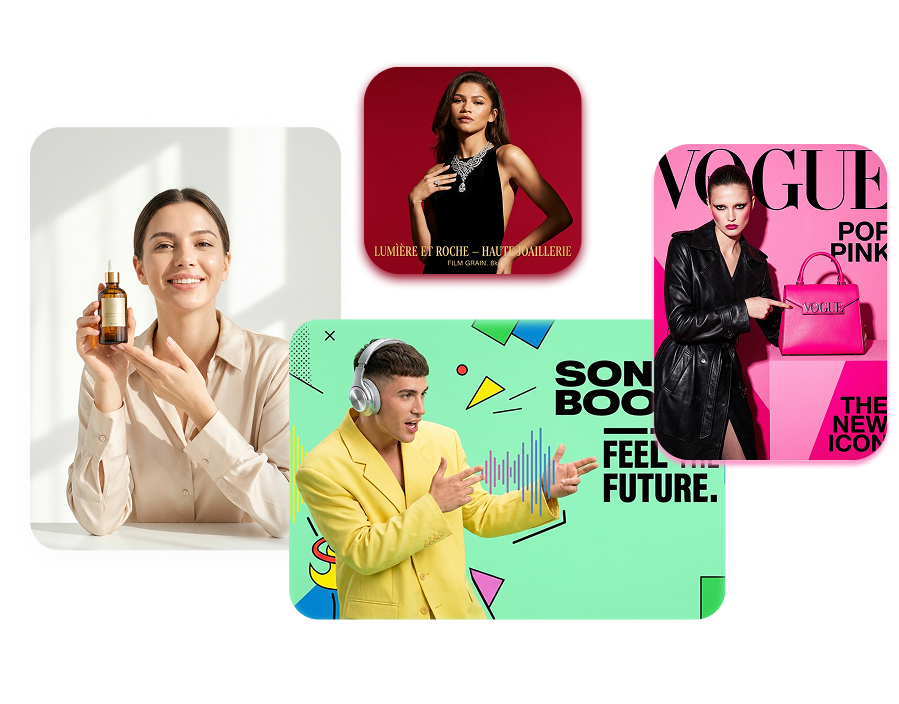
Build an AI Brand Ambassador Your Audience Recognizes
Give your campaigns a consistent face and visual direction. Change the product, message, or setting without casting a new creator for every asset.
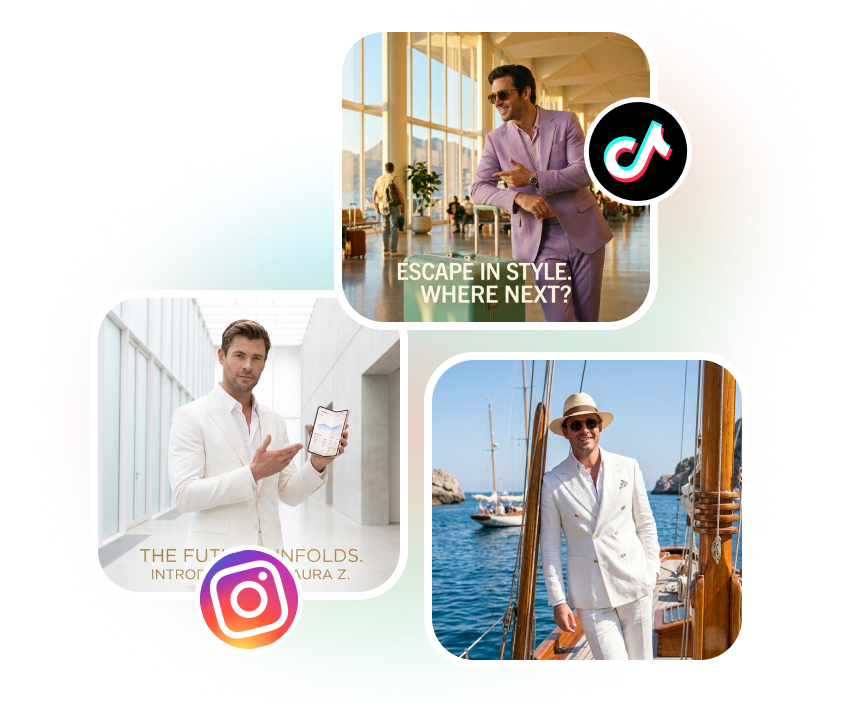
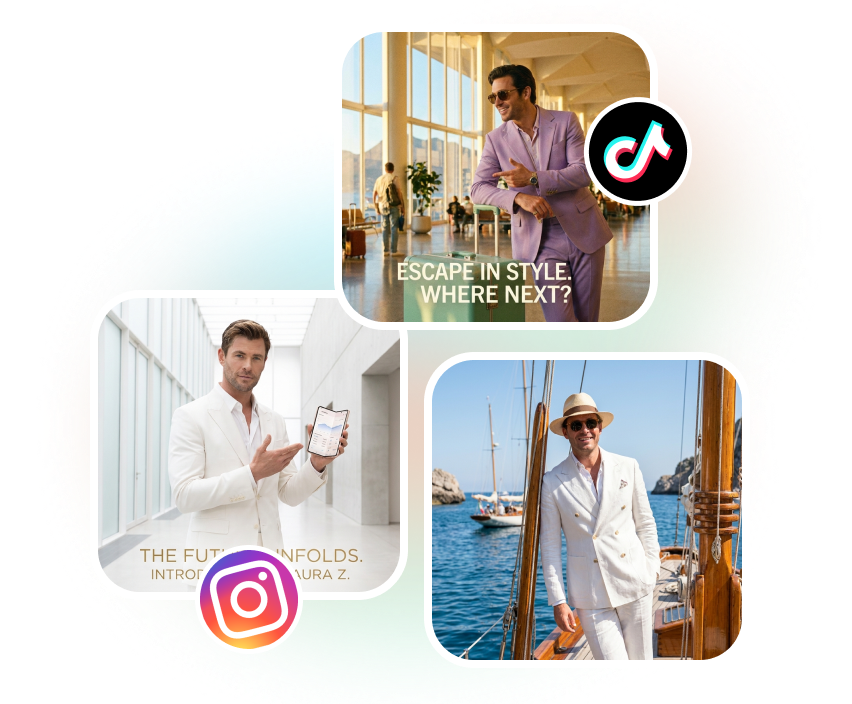
Design the Character Around Your Brand
Start with a written character brief, customize a ready-made option, or upload a photo you have permission to use. Direct the ambassador’s appearance, wardrobe, expression, and setting around your audience and product category.
Change the Campaign, Not the Face
Reuse the same recognizable character across seasonal launches, social posts, and product collections. Shift the location, outfit, pose, and creative concept while keeping the ambassador’s core identity anchored to the reference.
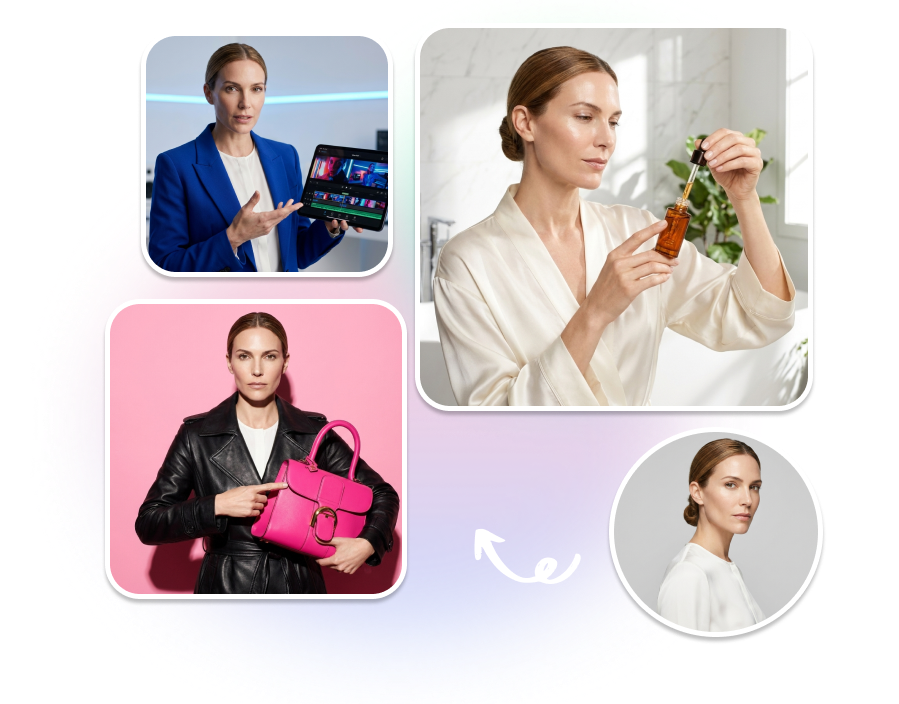
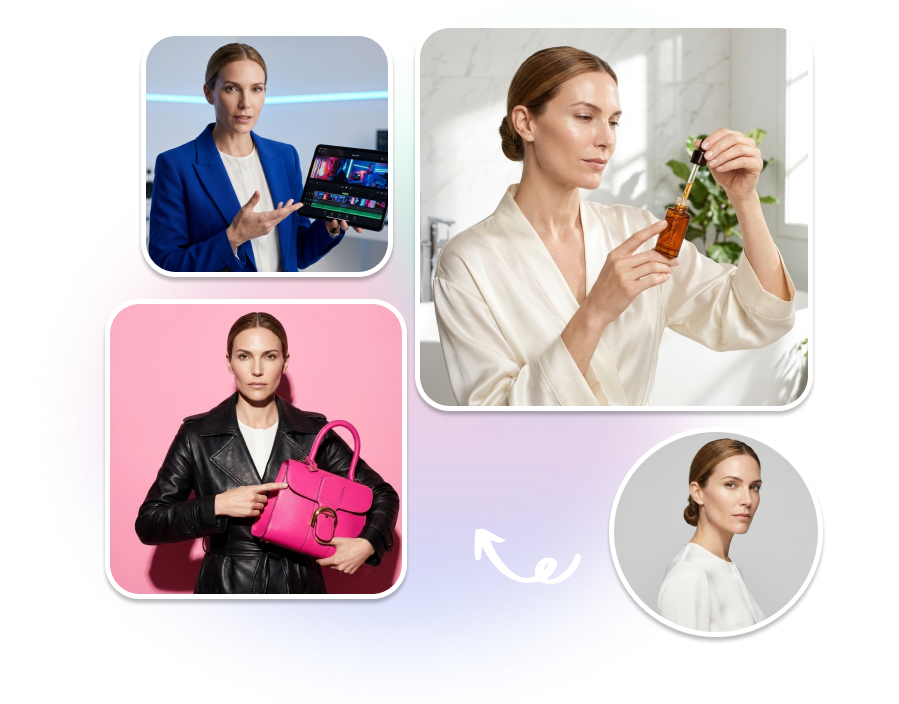
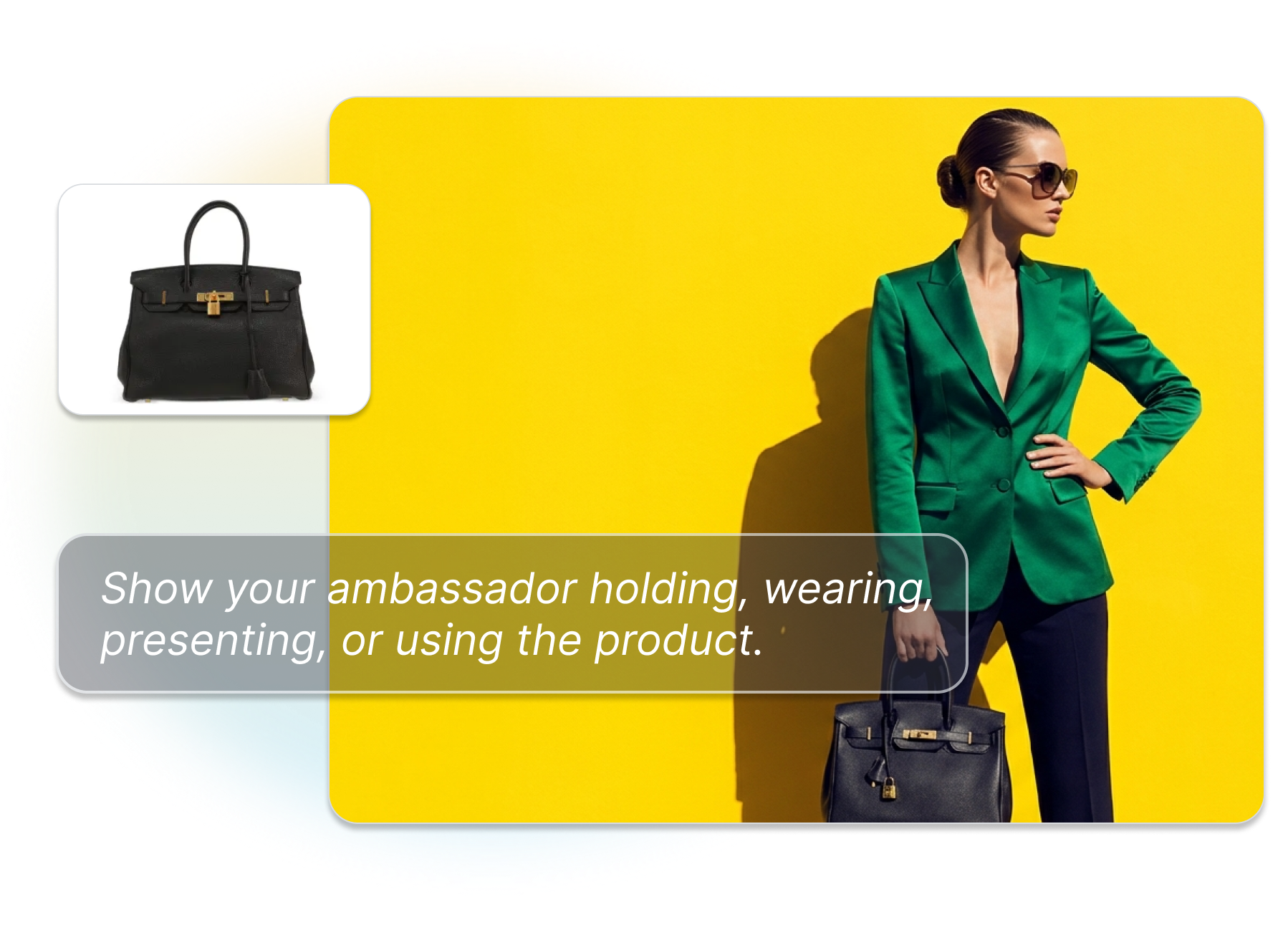
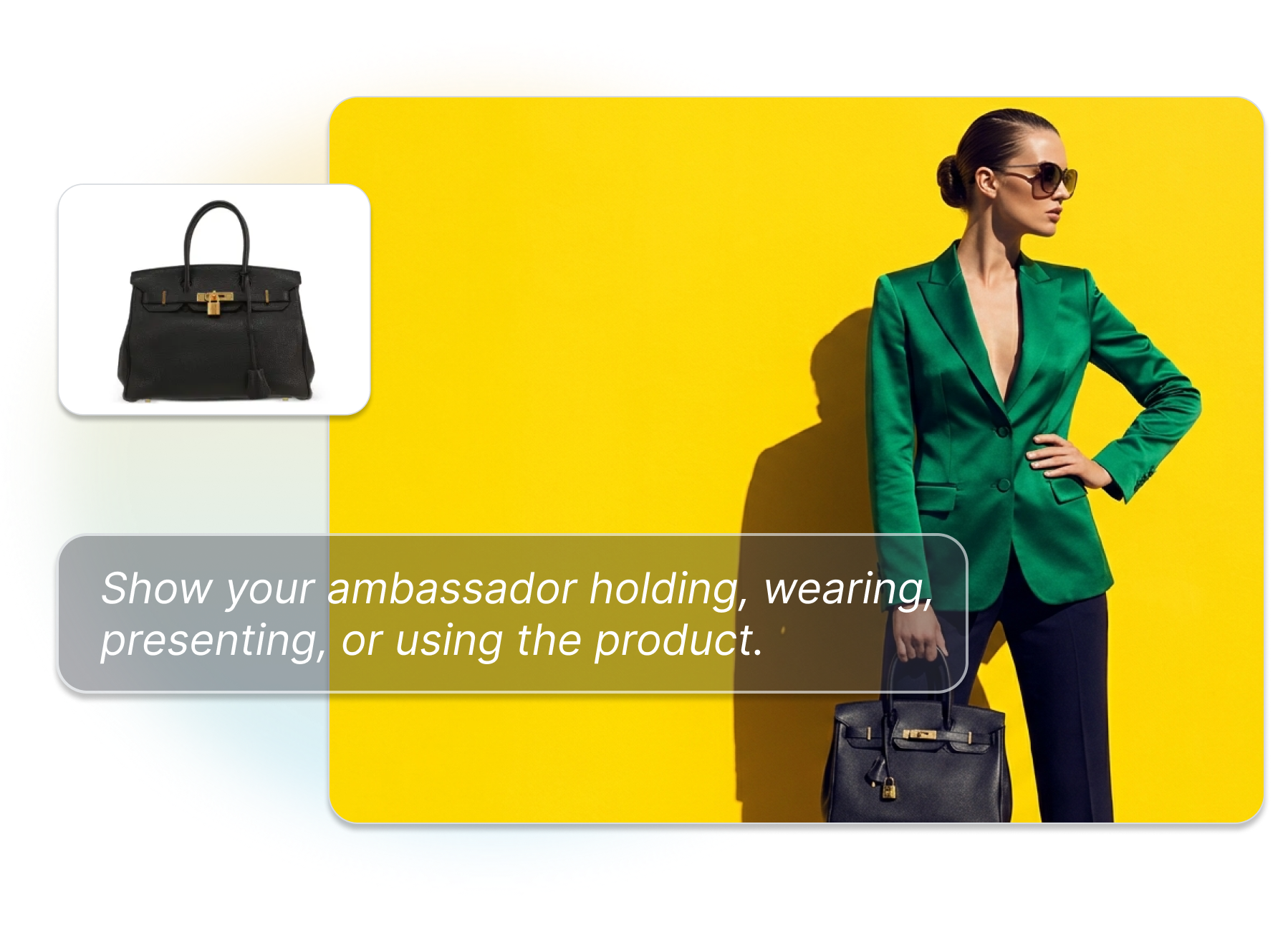
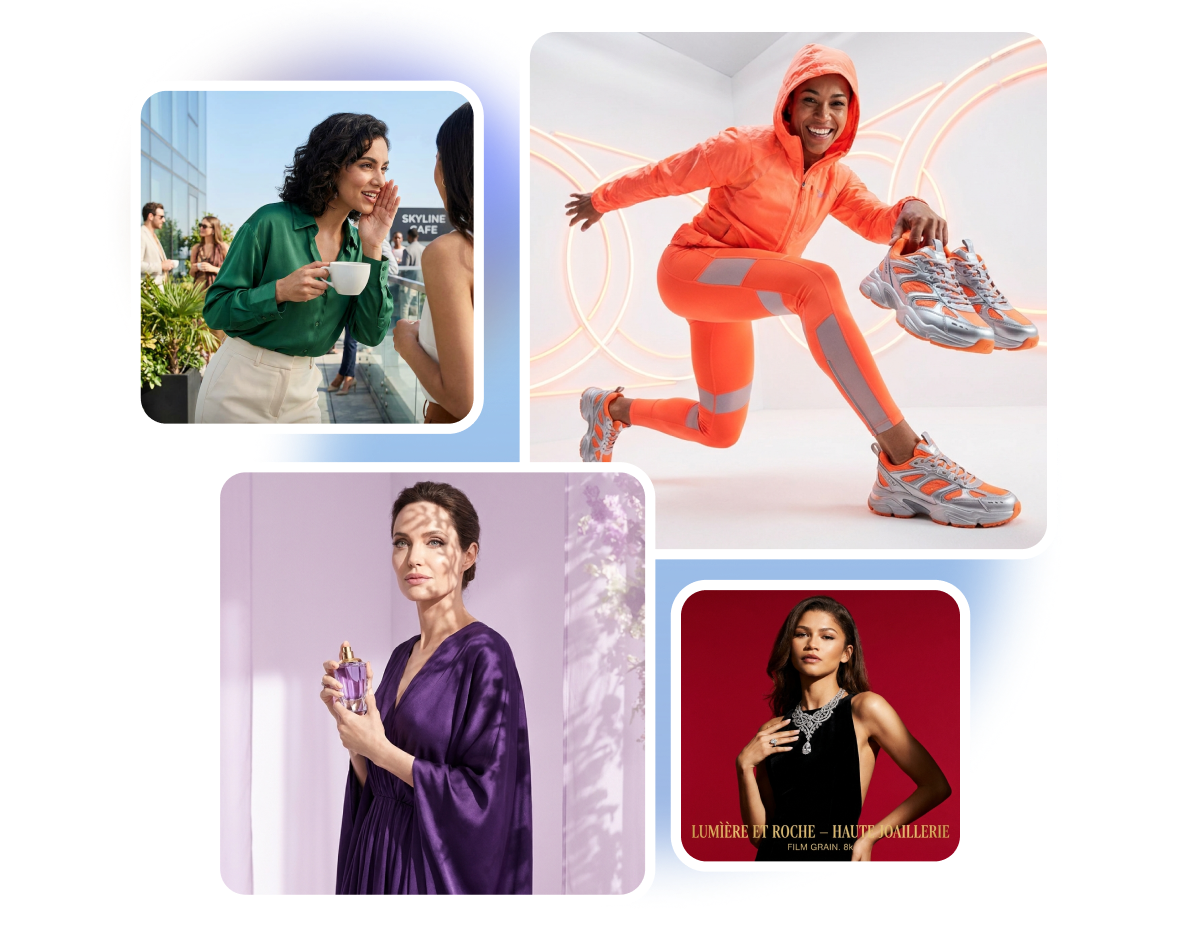
Put Your Ambassador Into Product Photos
Add a product reference and direct a lifestyle scene around the item. Show your ambassador holding, wearing, presenting, or using the product in an environment that matches the campaign. Generate storefront visuals, social posts, and creative concepts from the same character and product assets.
Move From Still Campaigns to Video
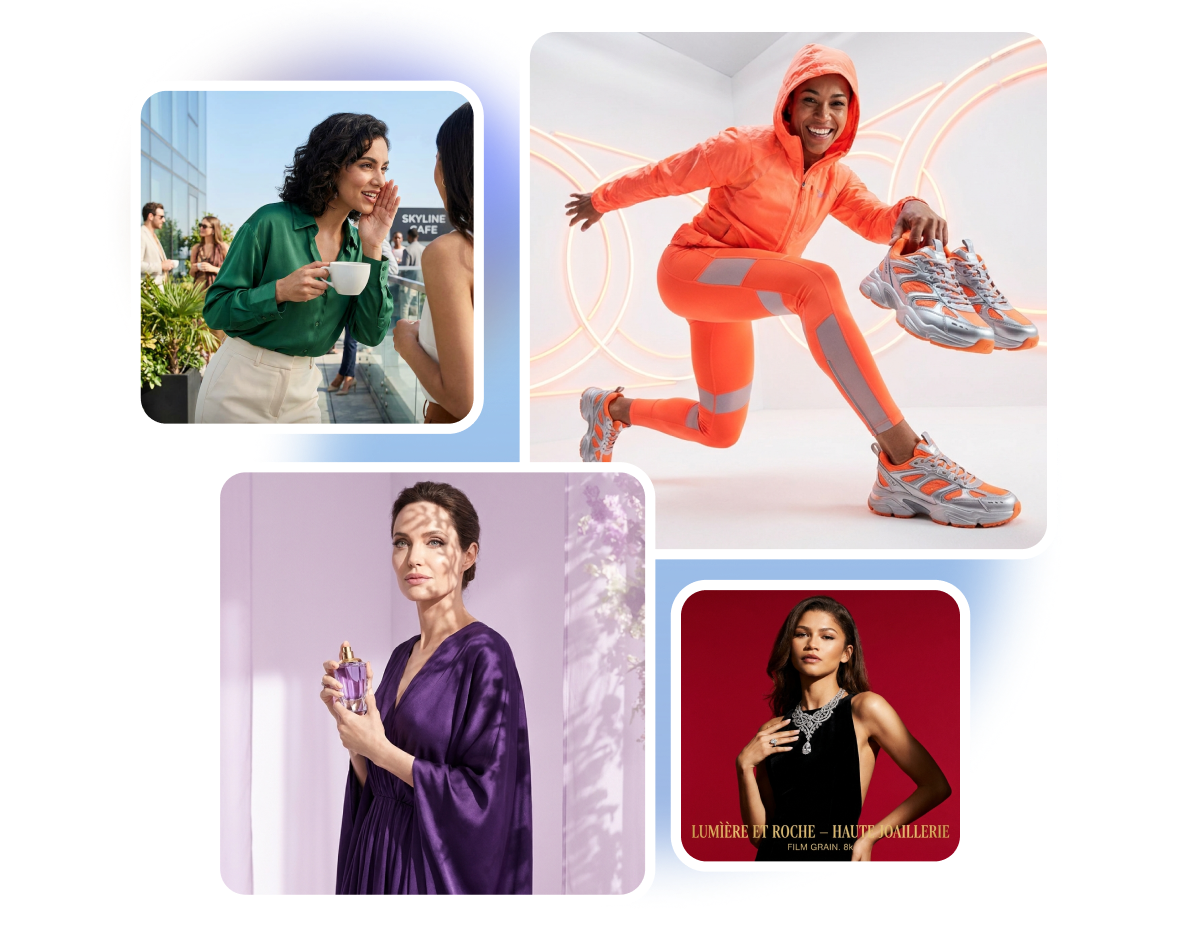
Bring the ambassador and product into short videos, demonstrations, unboxings, or spokesperson scenes. Describe the action, framing, expression, and message, then generate formats for the channels you plan to use. Review product details and interactions before the video goes live
How to Create an AI Brand Ambassador
Step 1: Create or Add Your Character
Describe the ambassador you want, choose a character to customize, or upload an authorized reference photo. Select the version that best fits your brand and audience.
Step 2: Add the Product and Campaign Direction
Upload a product image or choose an existing asset. Describe the scene, action, wardrobe, camera angle, and visual mood for the image or video.
Step 3: Generate and Review the Assets
Create the campaign output, then check the character identity, packaging, logo, hands, product interaction, and message. Download the approved image or video in the format your placement needs.
A Reusable Brand Ambassador for Every Creative Team

E-commerce and DTC Brands
Create fresh lifestyle images and short videos without booking the same model and location again. Pair your approved character with real product references for launches, product pages, paid ads, and marketplace content. Keep the brand recognizable while each SKU gets its own setting and story.
Brand and Social Teams
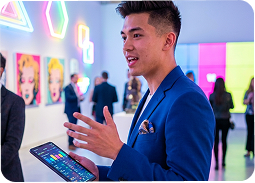
Build a recurring face for announcements, seasonal content, educational posts, and brand storytelling. Use a shared character direction instead of starting every brief with a different stock model. Update the scene or message while maintaining a visual thread across the calendar.
Agencies and Creative Studios
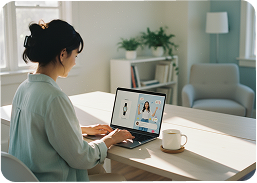
Develop distinct ambassador concepts for clients with different audiences and visual identities. Keep each brand’s character, product references, and campaign direction separate. Produce more concepts for review without coordinating a new cast for every pitch or variation.
FAQs
What is an AI brand ambassador generator?
How is an AI brand ambassador different from an AI avatar?
Can I create an AI brand ambassador from my own photo?
Can the ambassador hold or use my real product?
Can one ambassador appear in both images and videos?
Can I make a non-human or stylized brand ambassador?
Should I disclose that the ambassador is AI-generated?
What content can I create with a virtual brand ambassador?
Give Every Campaign the Same Recognizable Character
Create your ambassador, connect the character with your products, and move from a single identity to a library of brand-ready images and videos.
Try AI Brand Ambassador Generator