AI Sweatshirt Mockup Generator
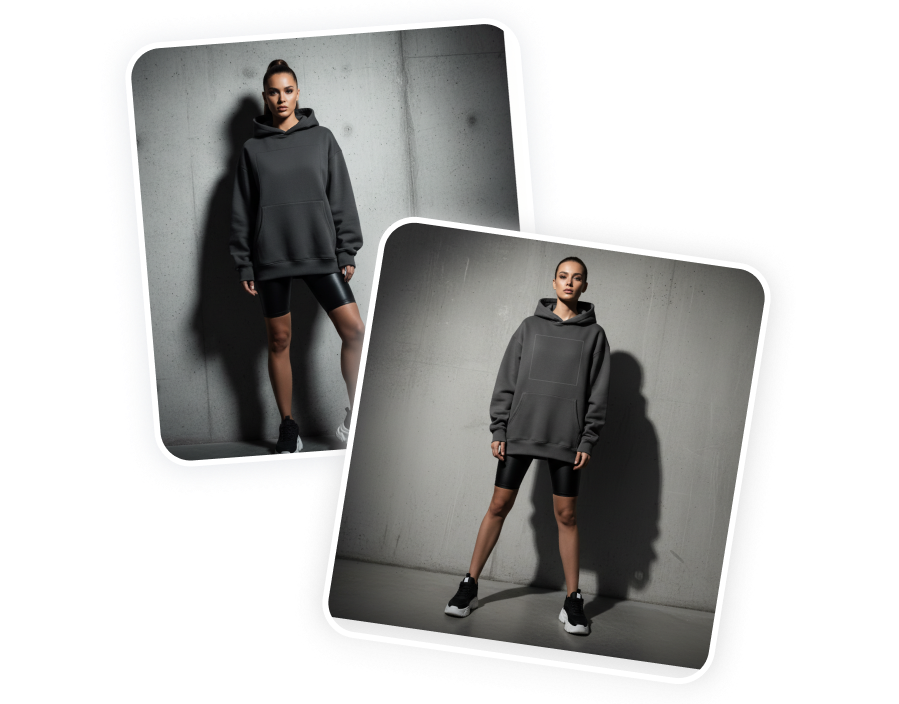
Upload a flat-lay or hanger shot of your sweatshirt to generate realistic mockups in minutes. AI seamlessly fits your physical garment—preserving its exact texture, prints, and folds—onto diverse models and custom scenes. Skip expensive studio shoots and launch shop-ready product visuals.
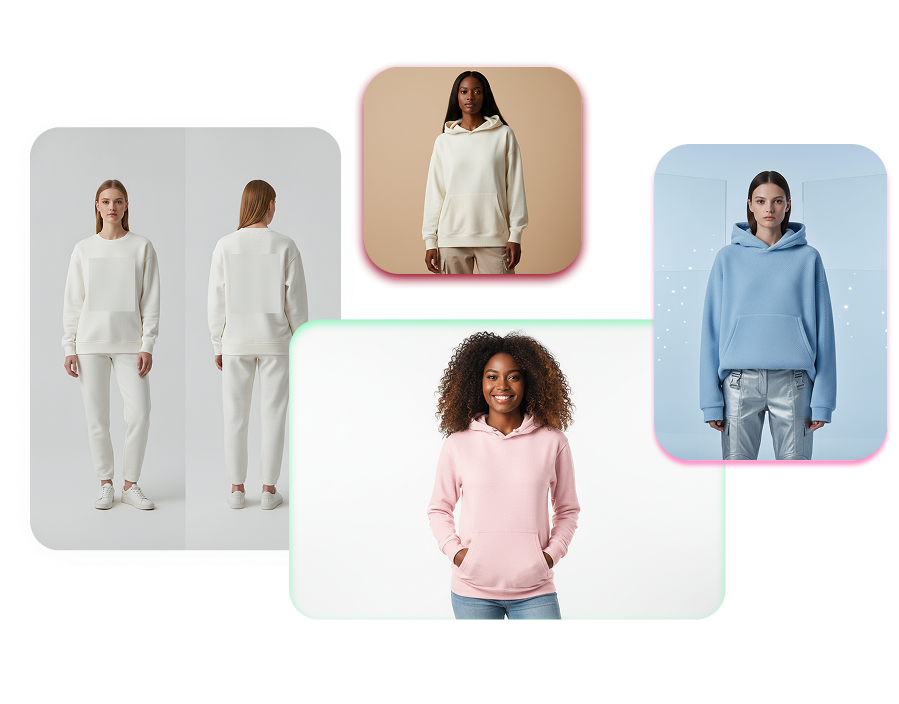
Turn Sweatshirt Photos into Studio-Grade Model Shots
Transform your flat-lay or hanger photos into professional lifestyle imagery. Preserve every authentic fabric texture, print detail, and seam while changing the model, lighting, and scene background.
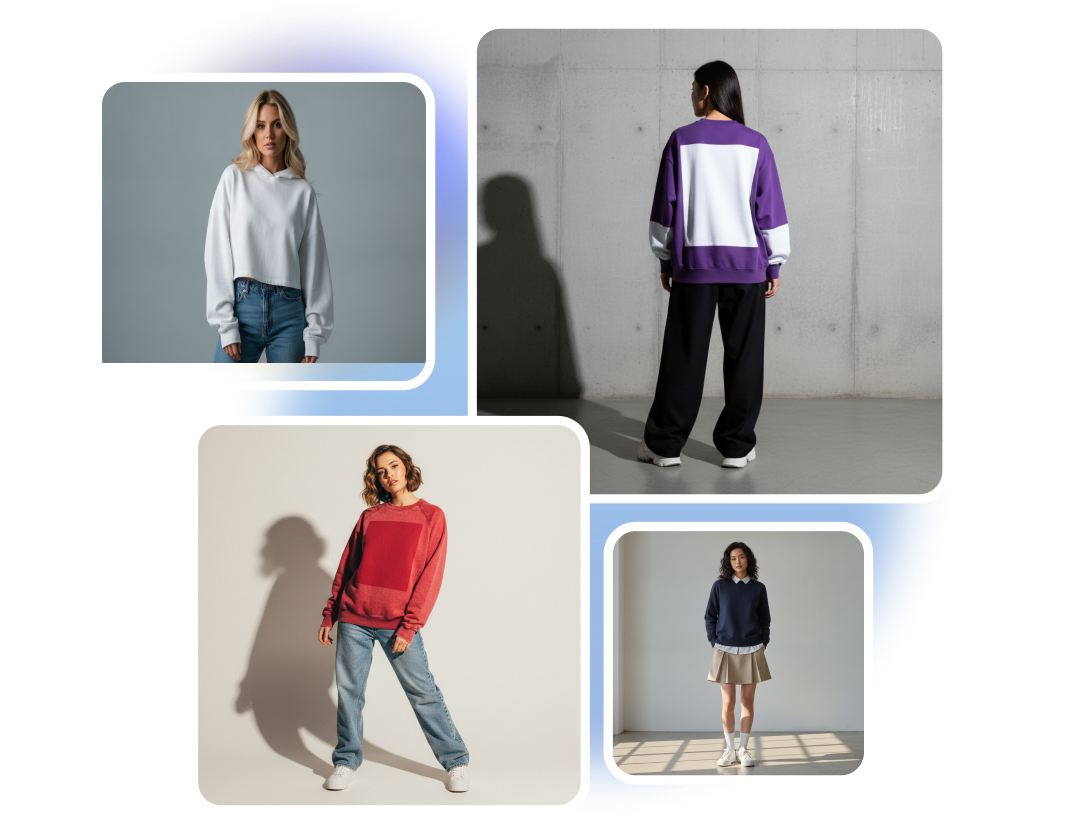
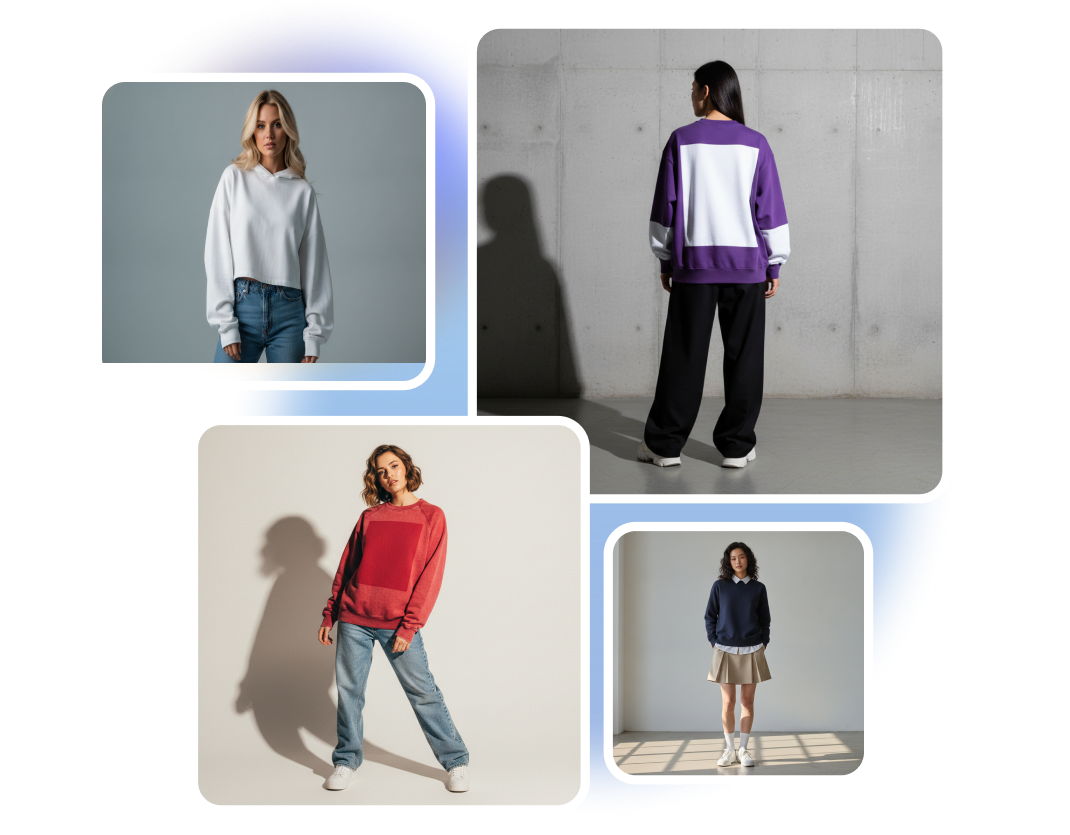
Keep Authentic Drape & Print Details
AI preserves the exact color, fleece texture, prints, and seam details from your original photo. It naturally adapts the garment’s weight, creases, and shadows to fit the new model’s pose and camera perspective—without distorting your real product.
Stage Sweatshirts Without a Photoshoot
Place your physical garment on diverse models, premium hangers, or branded environments. Direct the scene through custom prompts for lighting, location, and aesthetic styling. Create campaign-ready imagery without booking a studio.
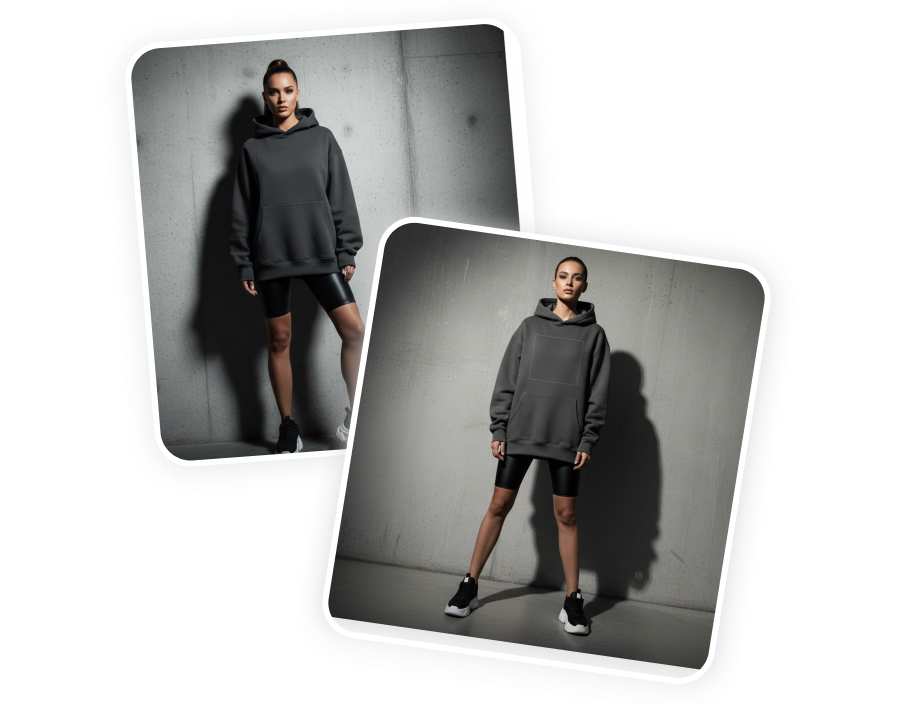
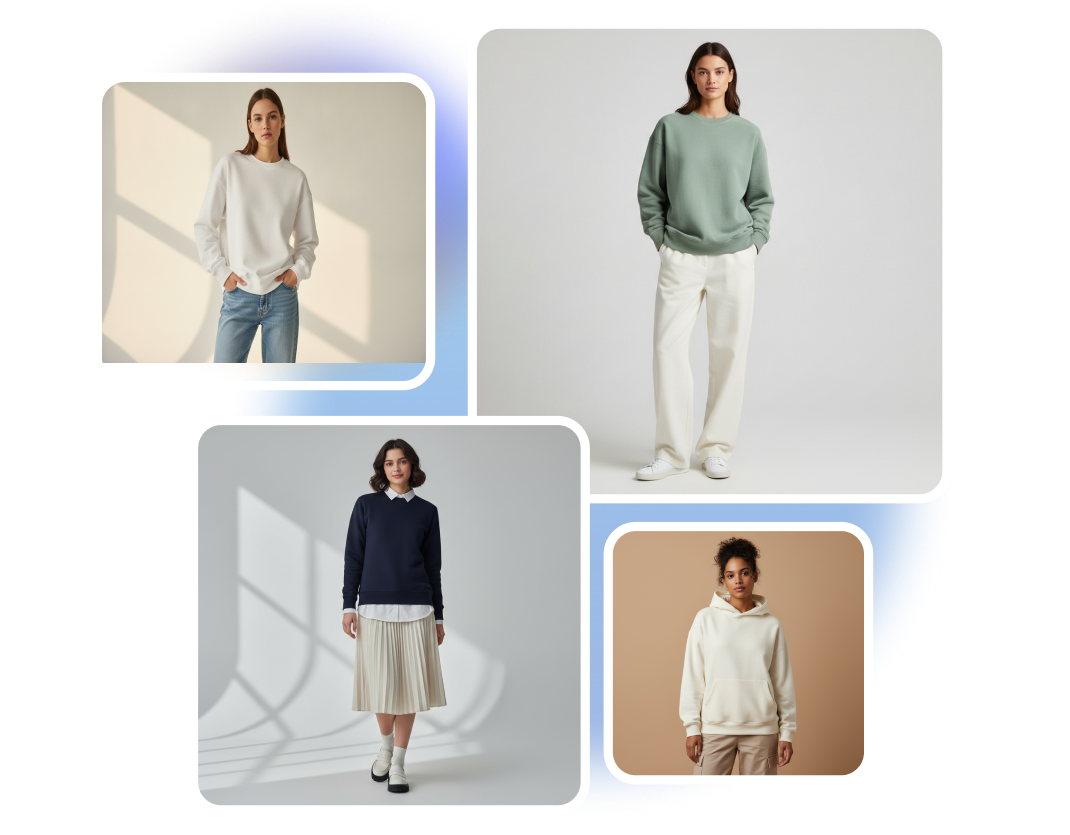
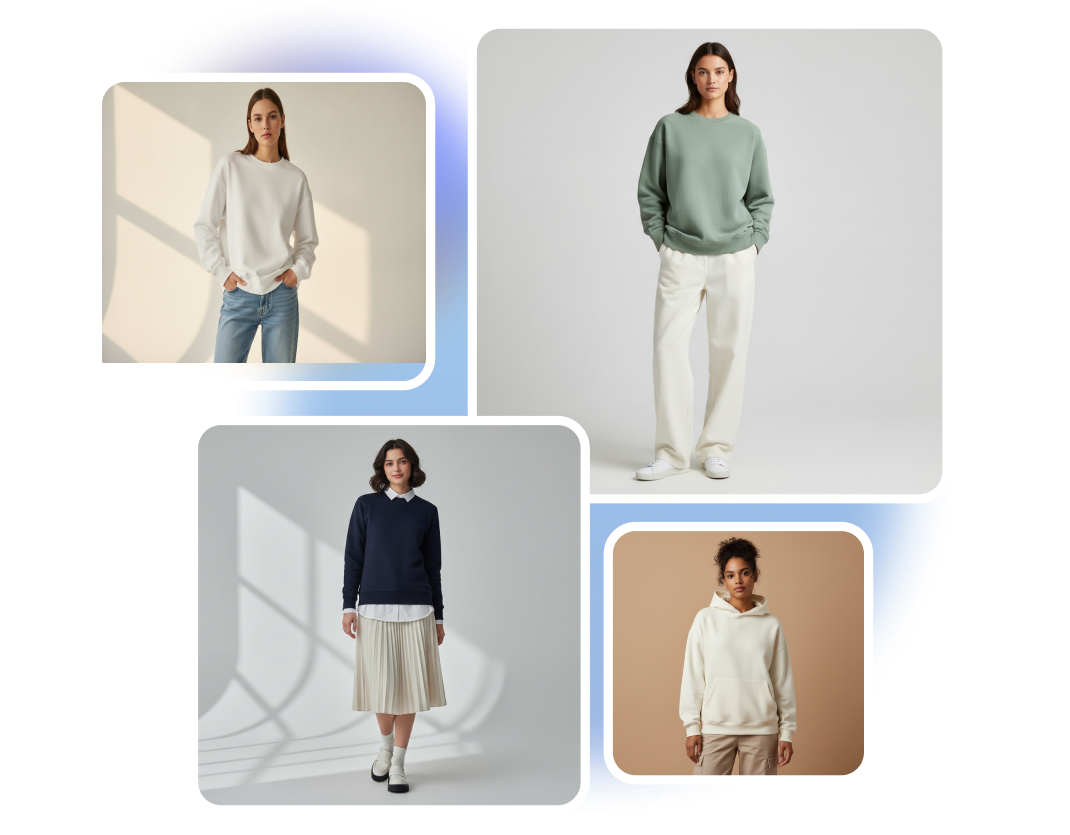
Explore Different Models & Styles
See how your finished sweatshirt looks across different body types, poses, and camera angles before launching. Easily test streetwear, athletic, or casual styling to find the best look for your target audience.
Build a Cohesive Sweatshirt Drop
Standardize your entire collection using photos of your physical garments. Maintain brand consistency across multiple listings with matching models, lighting, framing, and seasonal backgrounds.
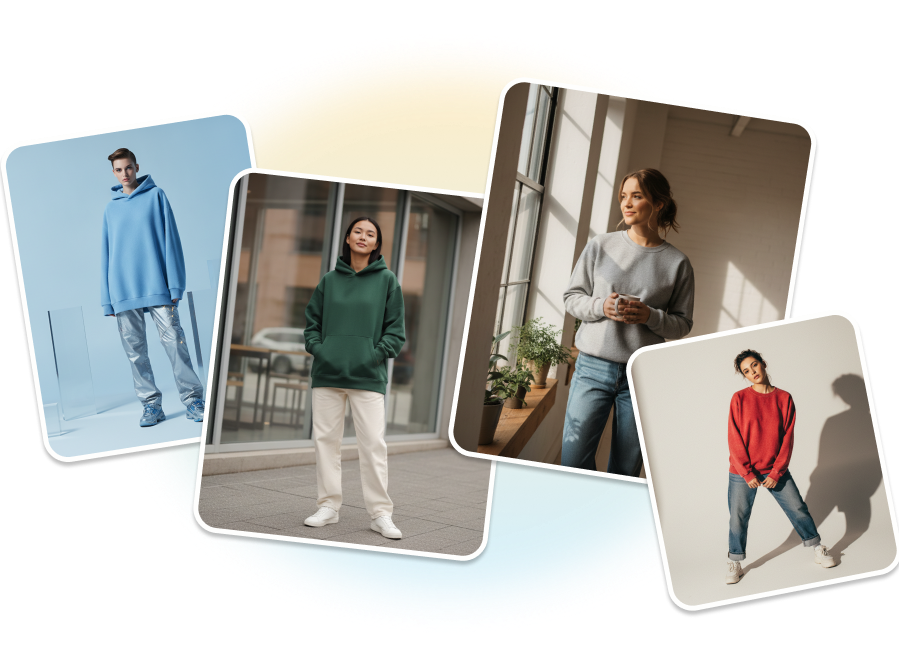
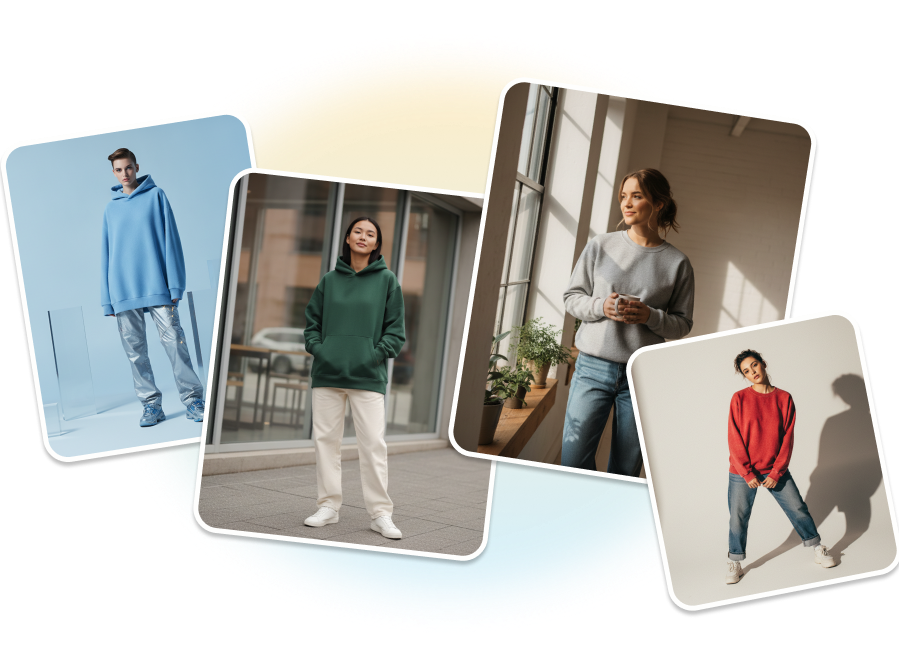
Turn Your Sweatshirt Photo Into a Mockup
Step 1: Upload Your Sweatshirt
Add one clear photo of your own sweatshirt. A front-facing flat-lay or hanger photo helps the AI capture its color, texture, shape, logo, and design details.
Step 2: Describe Your Vision
Describe the model, pose, hanger display, or specific environment you want. Add details about styling, lighting, camera angle, background, and campaign mood.
Step 3: Generate the New Scene
AI extracts the original sweatshirt and fits it naturally onto the described model, hanger, or setting. It preserves the garment details while matching folds, lighting, shadows, scale, and perspective.
A Sweatshirt Mockup Generator for Every Apparel Creator
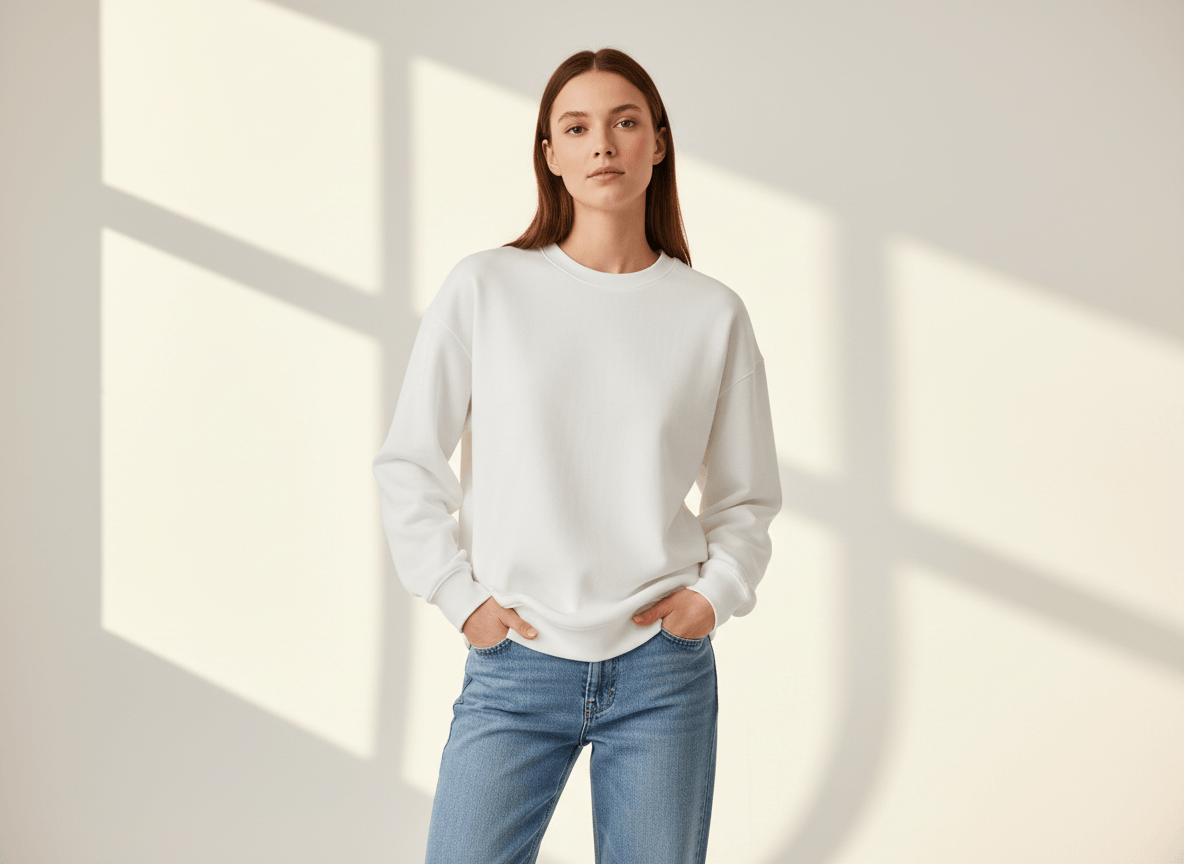
Independent Streetwear Labels
Turn one approved sweatshirt sample into model shots, lookbook images, and launch scenes. Build a complete drop around the real garment without booking a new shoot for every concept.
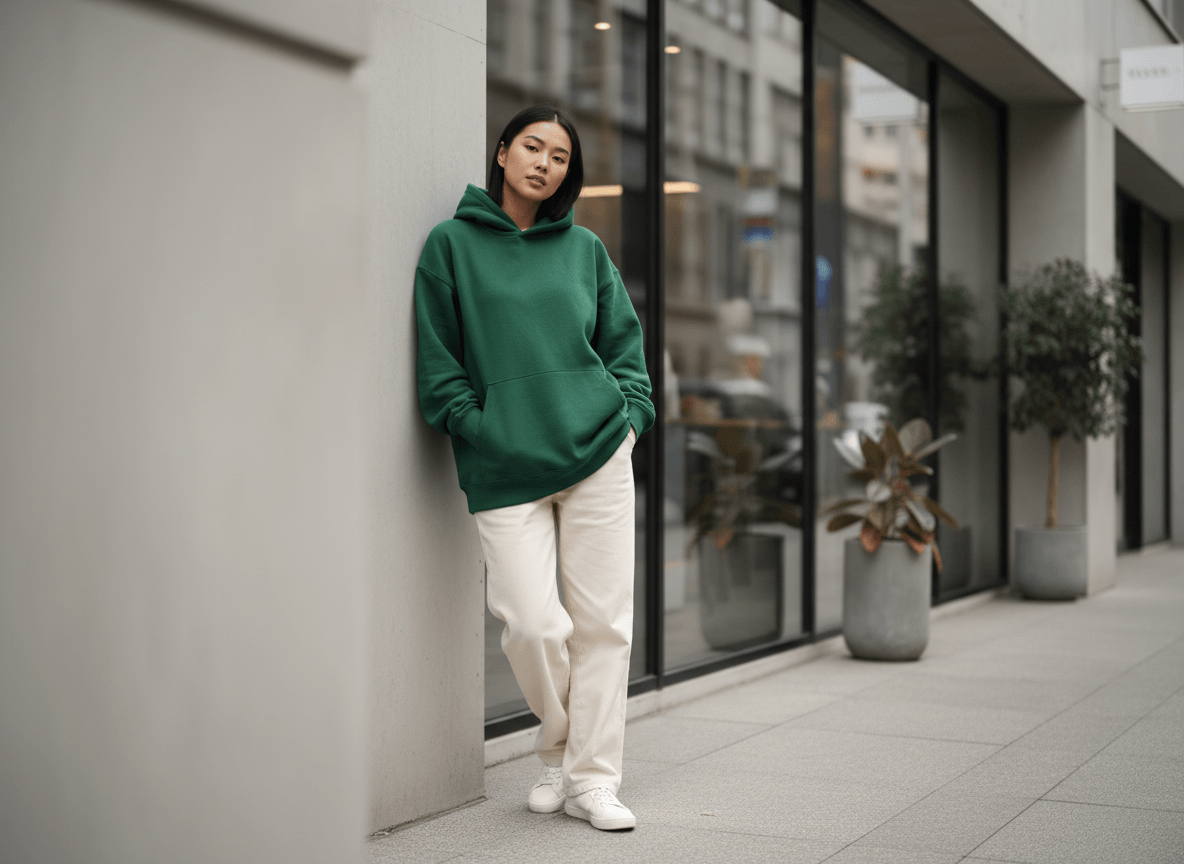
Merch and Community Teams
Present band, creator, campus, club, or event sweatshirts in settings that match the community. Generate relevant models and environments without coordinating people, locations, and photography for each campaign.
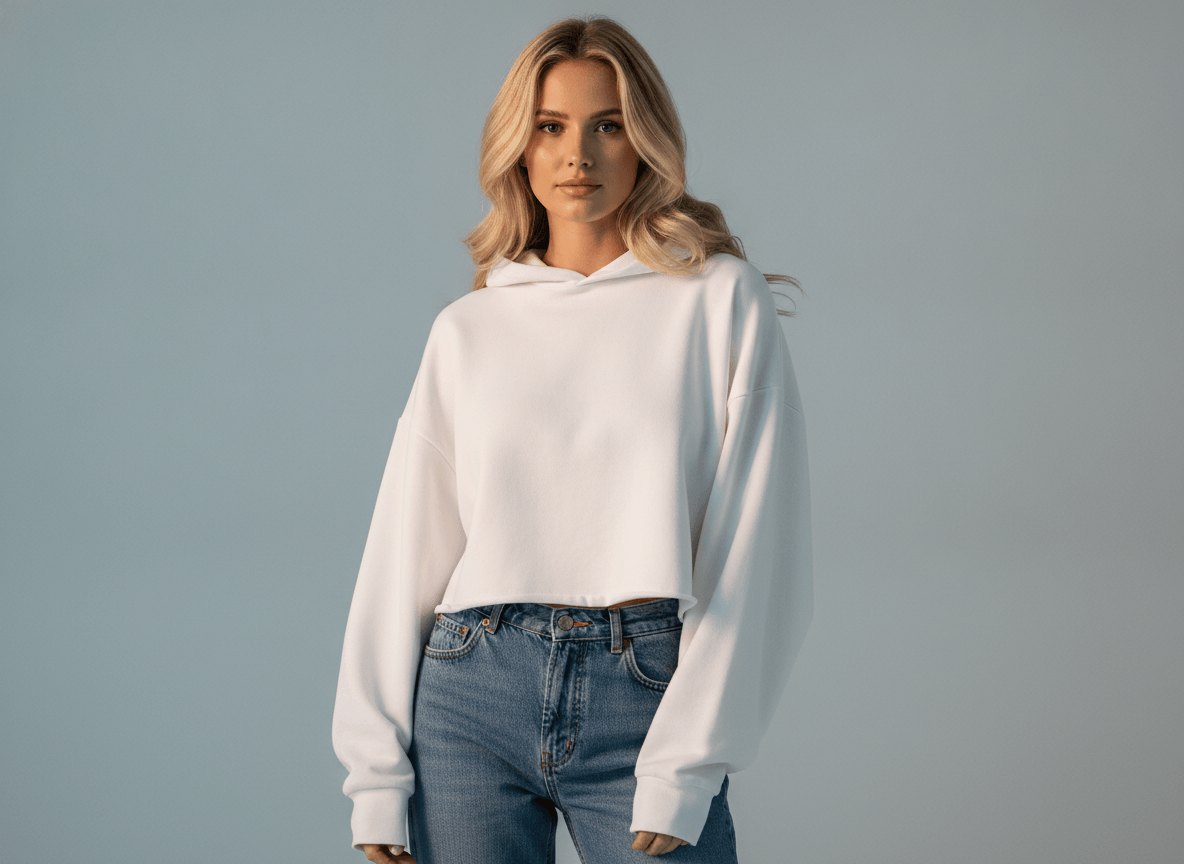
Ecommerce Content Teams
Transform an existing sweatshirt photo into clean hanger shots, studio images, and seasonal lifestyle scenes. Refresh product listings and promotions while preserving the garment customers will actually receive.
FAQs
What photo works best for a sweatshirt mockup generator?
Can an AI sweatshirt mockup start from a flat-lay photo?
Can I make a hanger sweatshirt mockup?
Will a realistic sweatshirt mockup preserve the original texture?
Will a custom sweatshirt mockup keep my logo unchanged?
Make Your Sweatshirt Mockup Launch-Ready
Upload one sweatshirt photo and describe the model or campaign setting. AI rebuilds the garment with matched folds, lighting, shadows, and perspective for your next product launch.
Start Your Sweatshirt Campaign