AI Drawing Generator
Transform your text prompts into beautiful drawings in seconds using this free online AI drawing generator. Create and refine detailed line art or pencil drawings without needing any manual illustration skills.
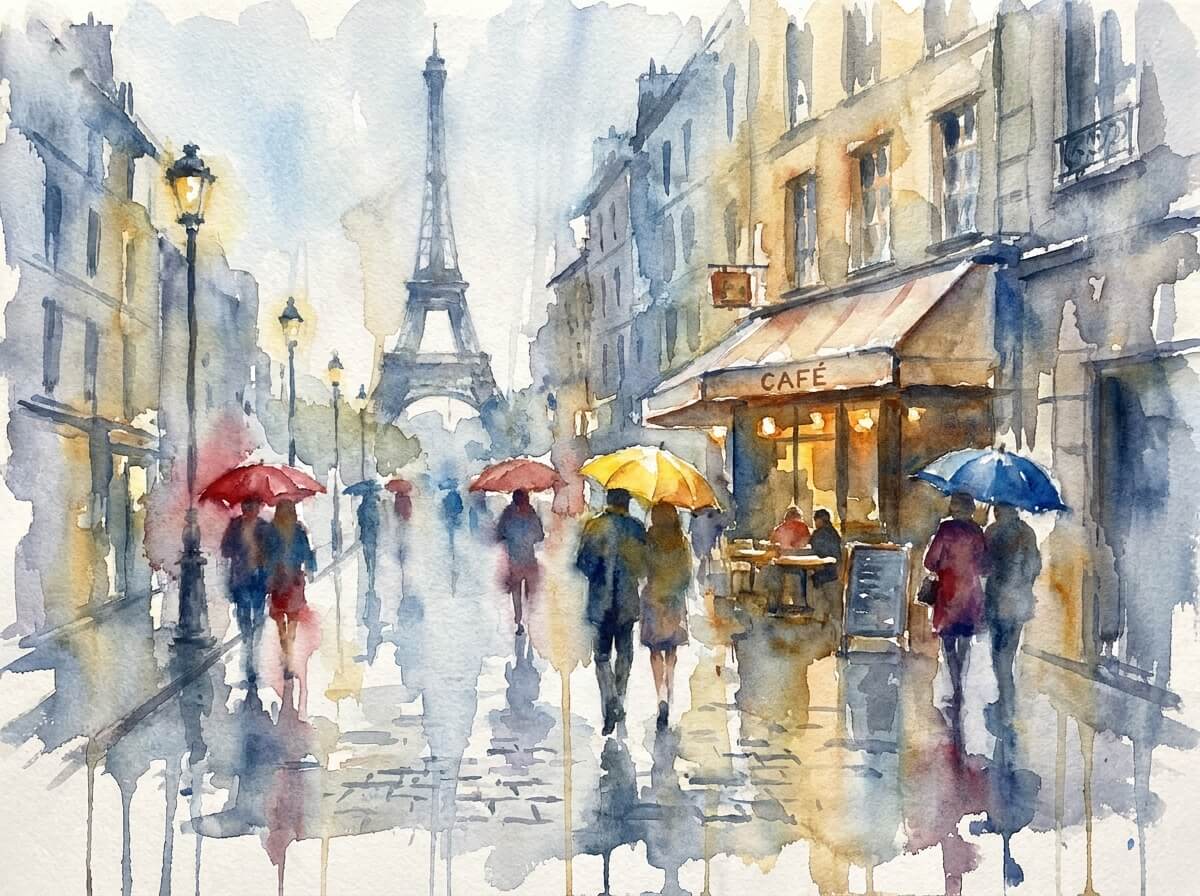
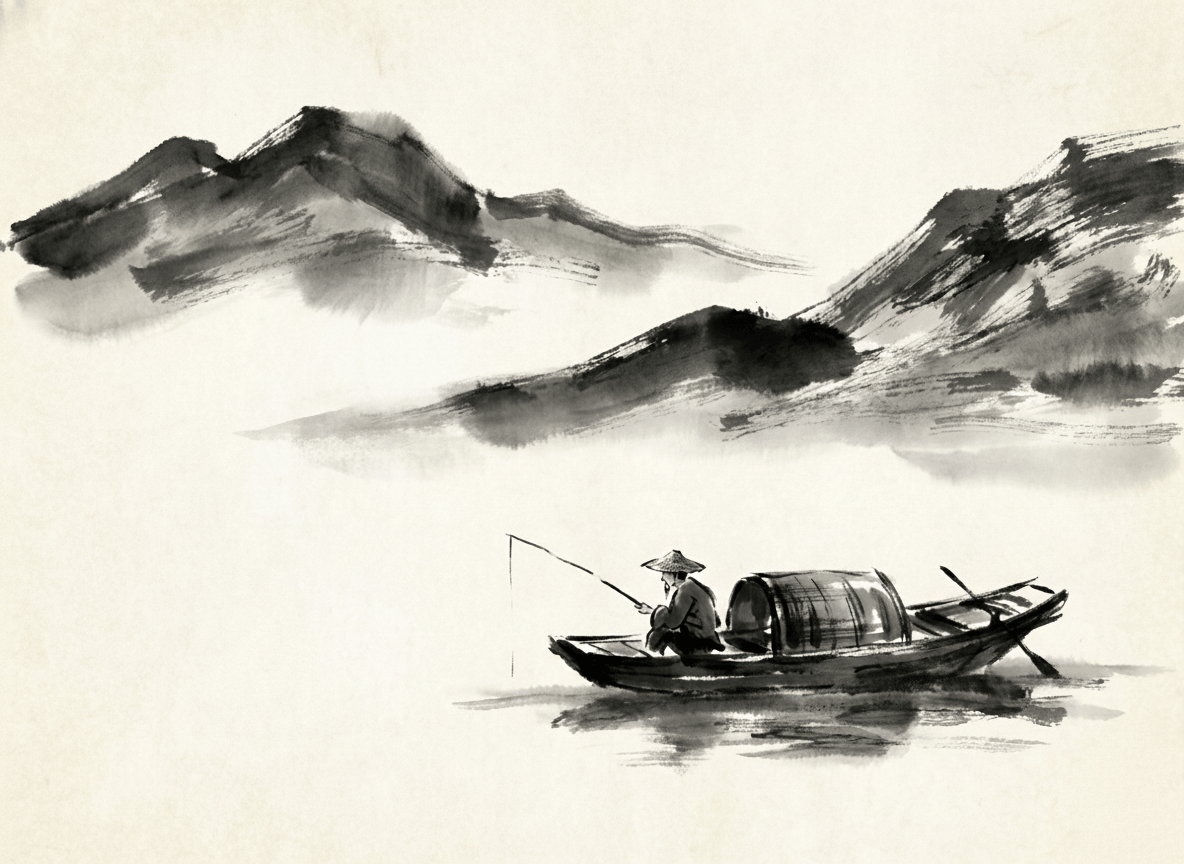
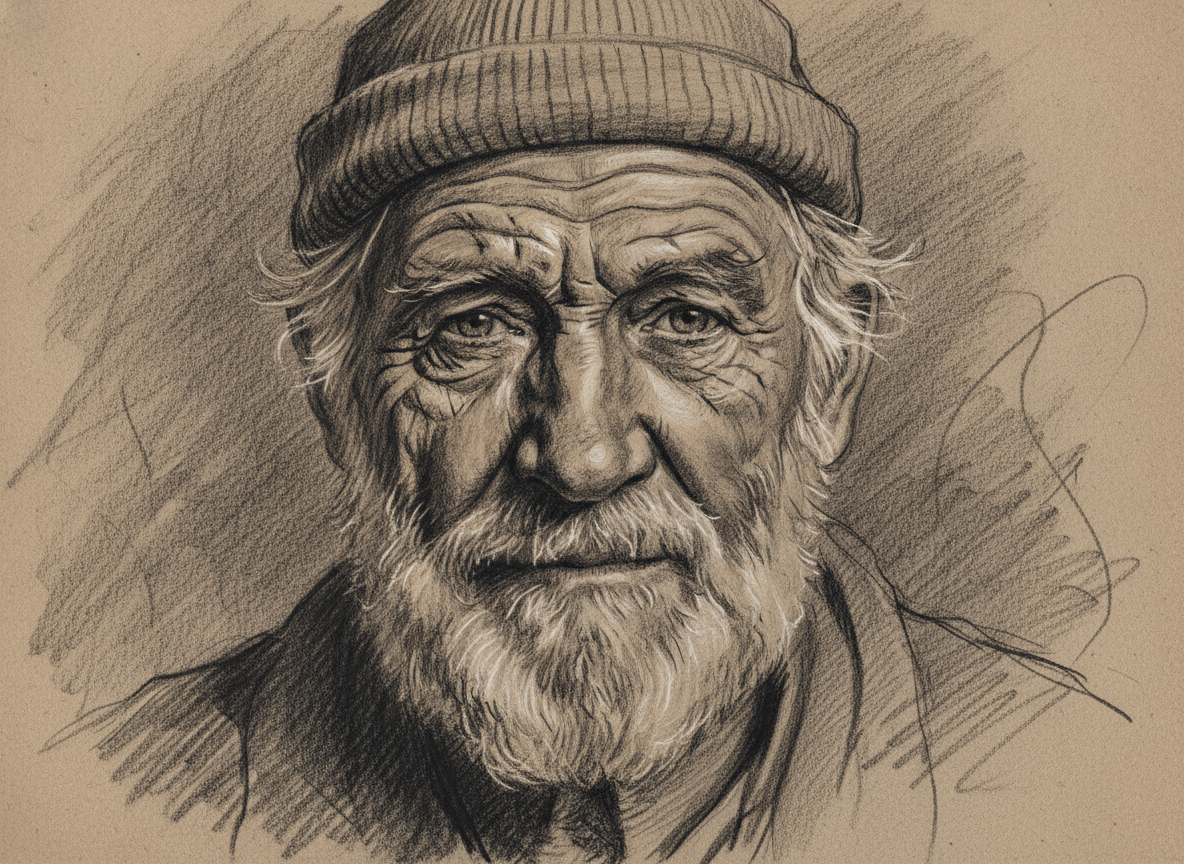
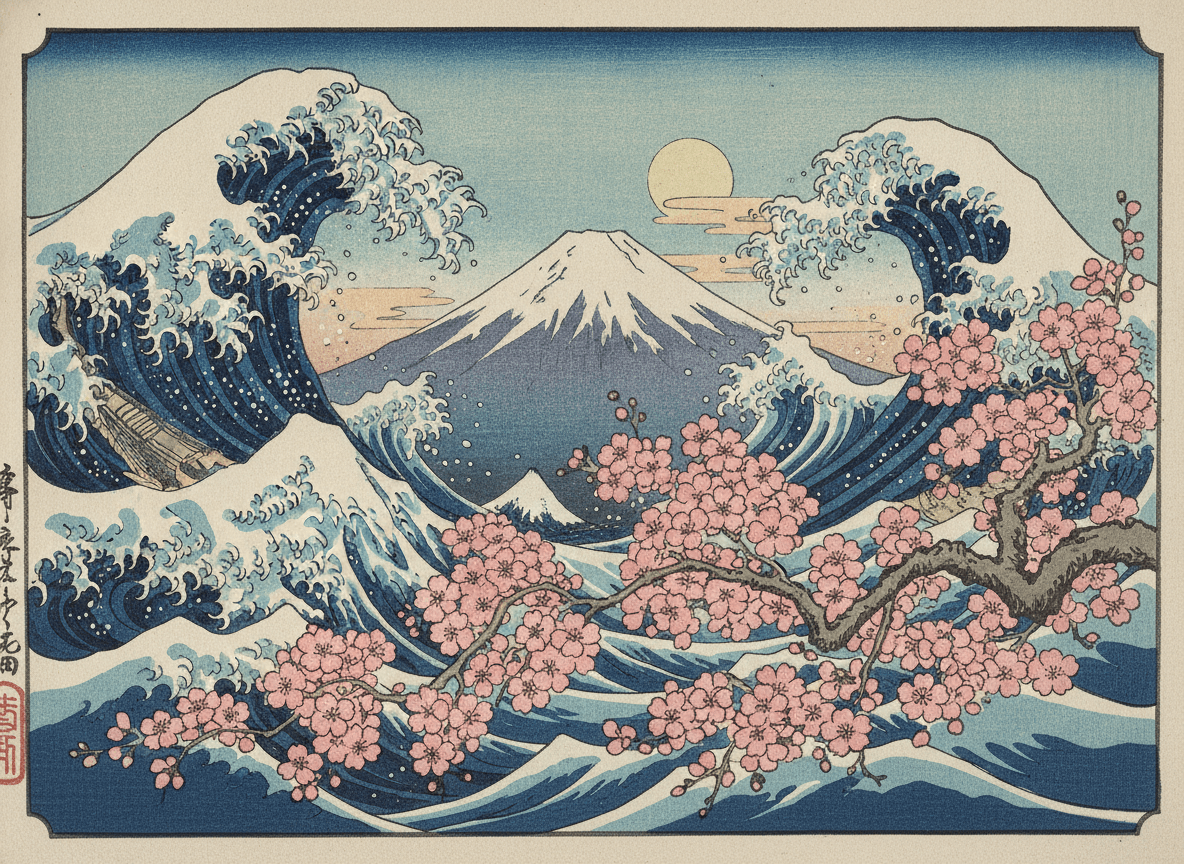
How to Use an AI Drawing Generator in 3 Simple Steps
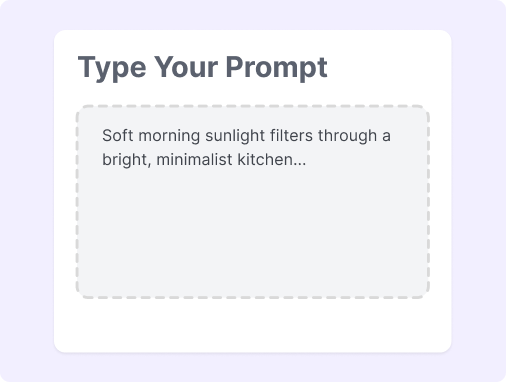
Step 1: Describe Your Concept
Describe your idea with descriptive adjectives and specify your preferred hand-drawn style. Our AI drawing generator turns your concepts into sketches instantly.
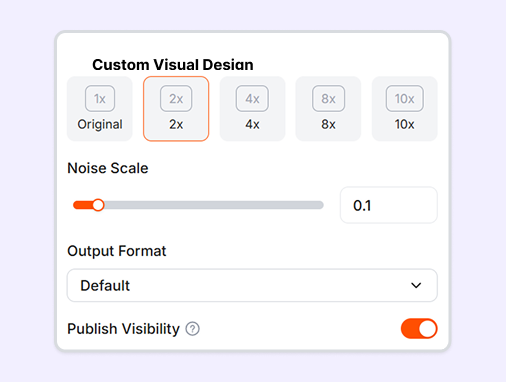
Step 2: Choose Output Format
Select your preferred aspect ratio and file format to fit your project requirements. Easily prepare your drawings for web displays, print layouts, or vector editing.
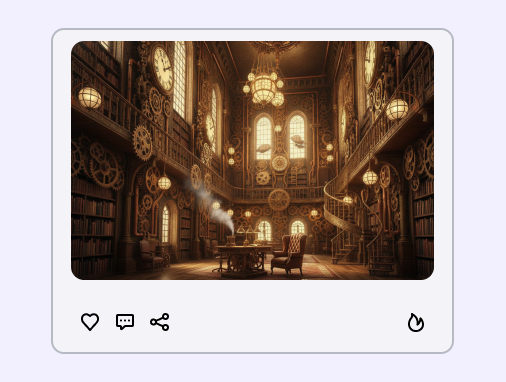
Step 3: Generate and Refine
Click generate and refine drawings by updating your prompts. Once satisfied, download your final artwork or share creations instantly.
How to Write a Good Drawing AI Prompt?
Writing effective prompts helps our AI drawing tool understand your creative vision clearly. Please follow these simple steps to improve your output:
Define Core Elements: Include the main subject, background environment, hand-drawn style, and lighting in your prompt to help the AI sketch generator accurately recreate your scene.
Use Specific Terms: Mention concrete hand-drawn mediums like "pencil sketch style" or line details like "heavy stroke", and avoid using vague or generic words.
Iterate and Adjust: Tweak nouns or adjectives based on your initial image results, and use unexpected variations to discover unique hand-drawn inspiration.
Great Prompts for Drawing
Here are some simple prompt examples to help you draw anything by using our AI tool.
Minimalist Rose Drawing: A minimalist rose drawing in clean black lines on a white background, focusing on simple elegance.
Architectural Sketch Drawing: A detailed ink sketch drawing of a modern cabin in a pine forest, featuring strong light and deep shadows.
Pencil Portrait Drawing: A realistic pencil sketch drawing of an elderly man with detailed wrinkles, capturing soft studio lighting.
Cute Cartoon Drawing: A cute kitten drawing in a playful cartoon style, created with light colored pencil strokes.
Why Use an AI Drawing Generator?
No Skills Needed
Create complex sketches instantly from simple text, with no drawing skills required.
Diverse Styles
Instantly switch between pencil sketch, ink wash, colored pencil, and minimalist line art.
Precise Control
Change the lines and shadows easily to make your drawing look just right.
Multiple Variations
Generate multiple layouts and styles from a single prompt to easily spark fresh ideas.
Design-Ready Output
Export drawings in high-res PNG or vector SVG formats for direct use in professional designs.
Flexible Refining
Refine specific areas or adjust reference image strength to polish drawings without starting over.
FAQs
What is an AI drawing generator?
What creative projects can I use the AI draw generator for?
What specific art styles can this AI sketch generator produce?
How can I write better prompts for this AI drawing generator from text?
What are the primary advantages of using an online AI drawing tool?
Can I adjust the aspect ratio of my artwork using the AI drawing generator?
Bring Your Ideas to Life
No complex prompts needed. Choose a style, input your vision, and let our AI handle the rest. Your creative journey starts with a click.