AI Tattoo Generator
Design unique body art instantly using our AI-powered tattoo generator. Turn your personal ideas into clean, stencil-ready sketches in seconds.
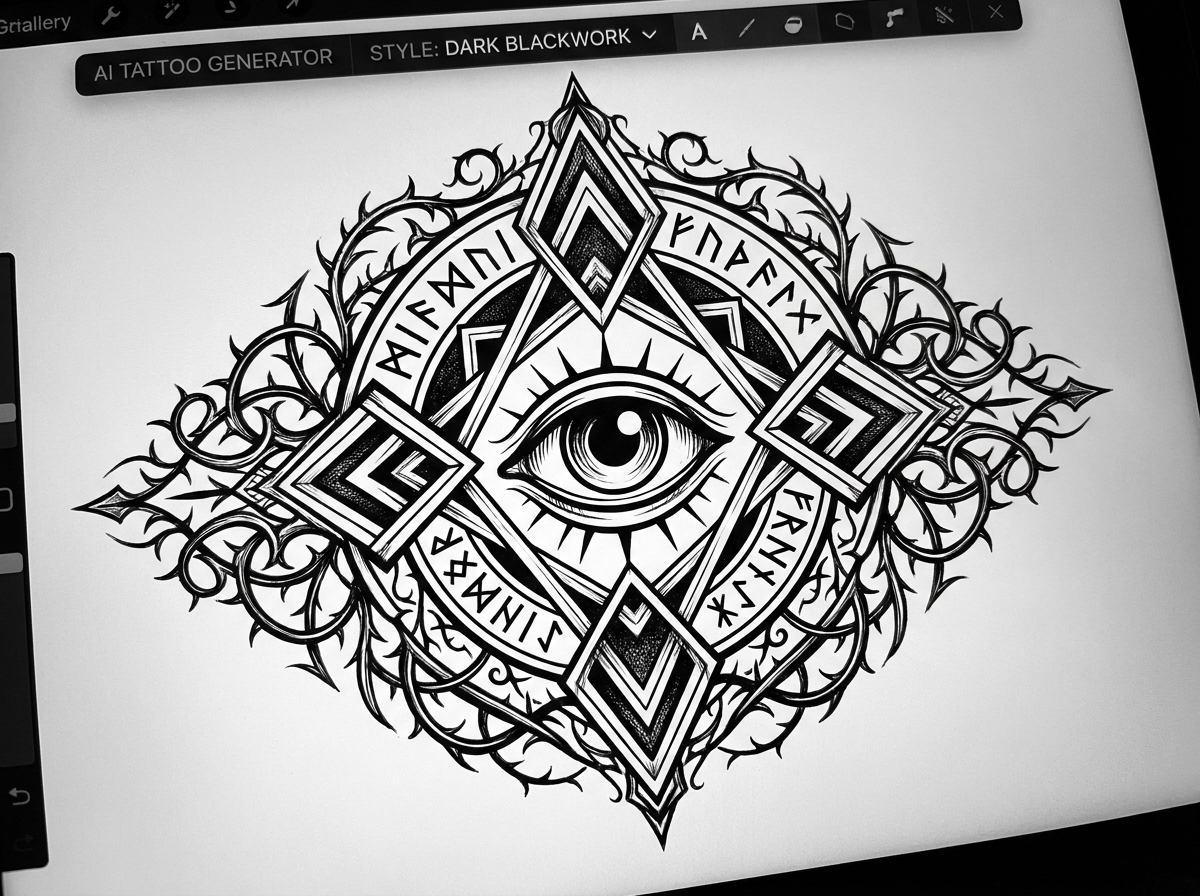
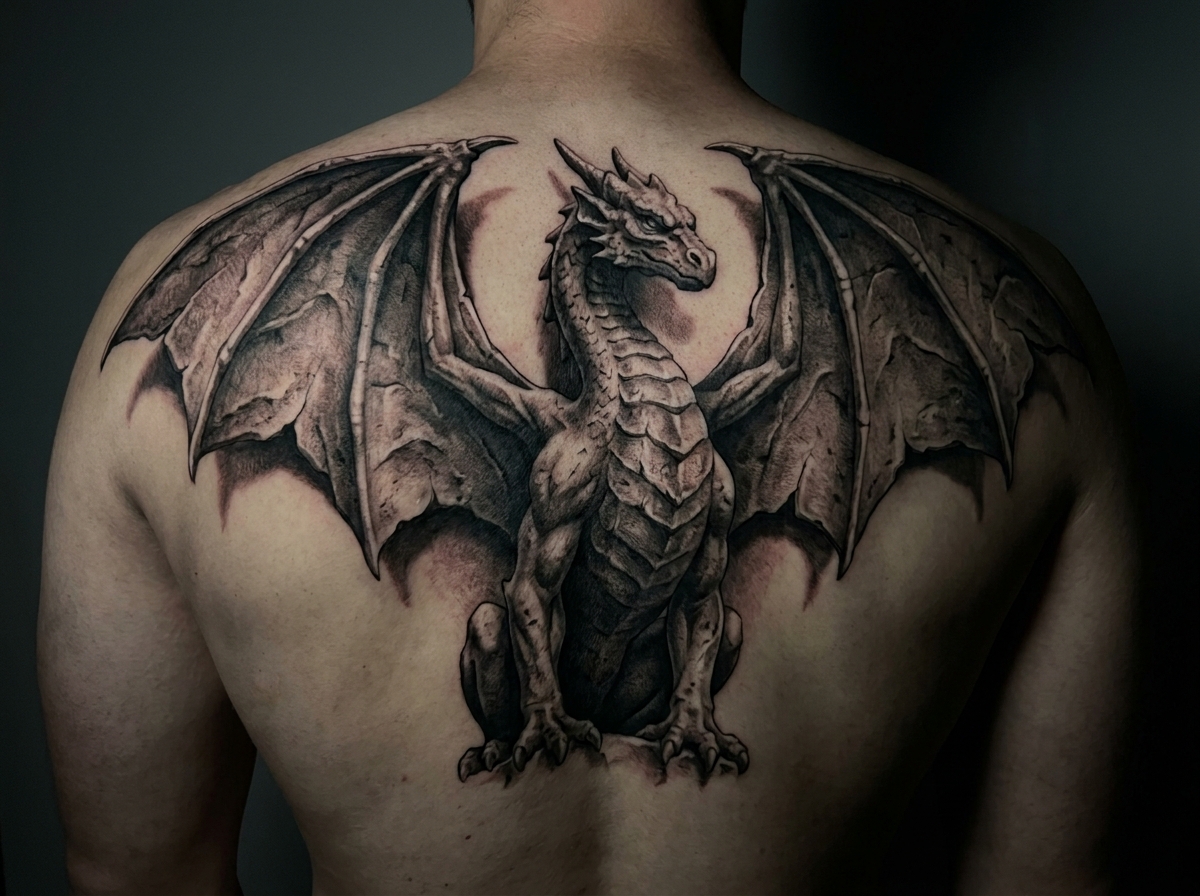
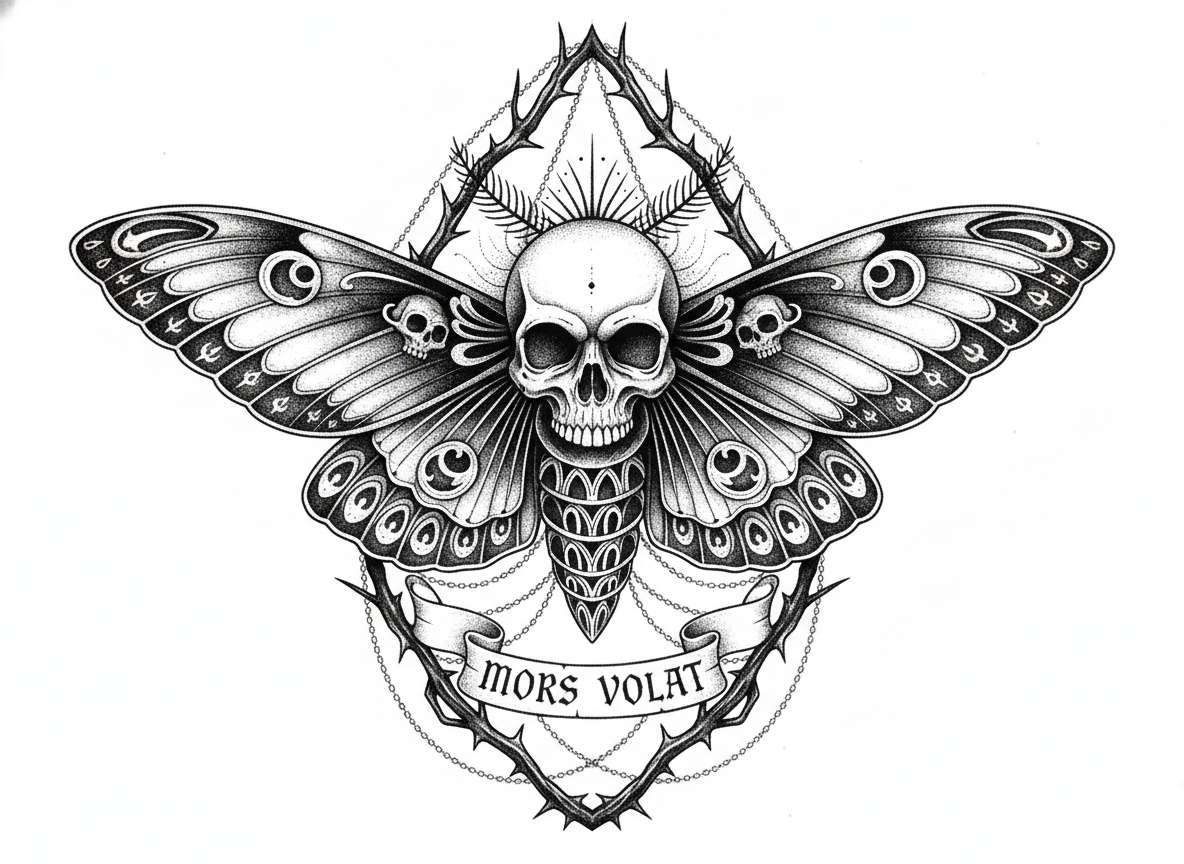
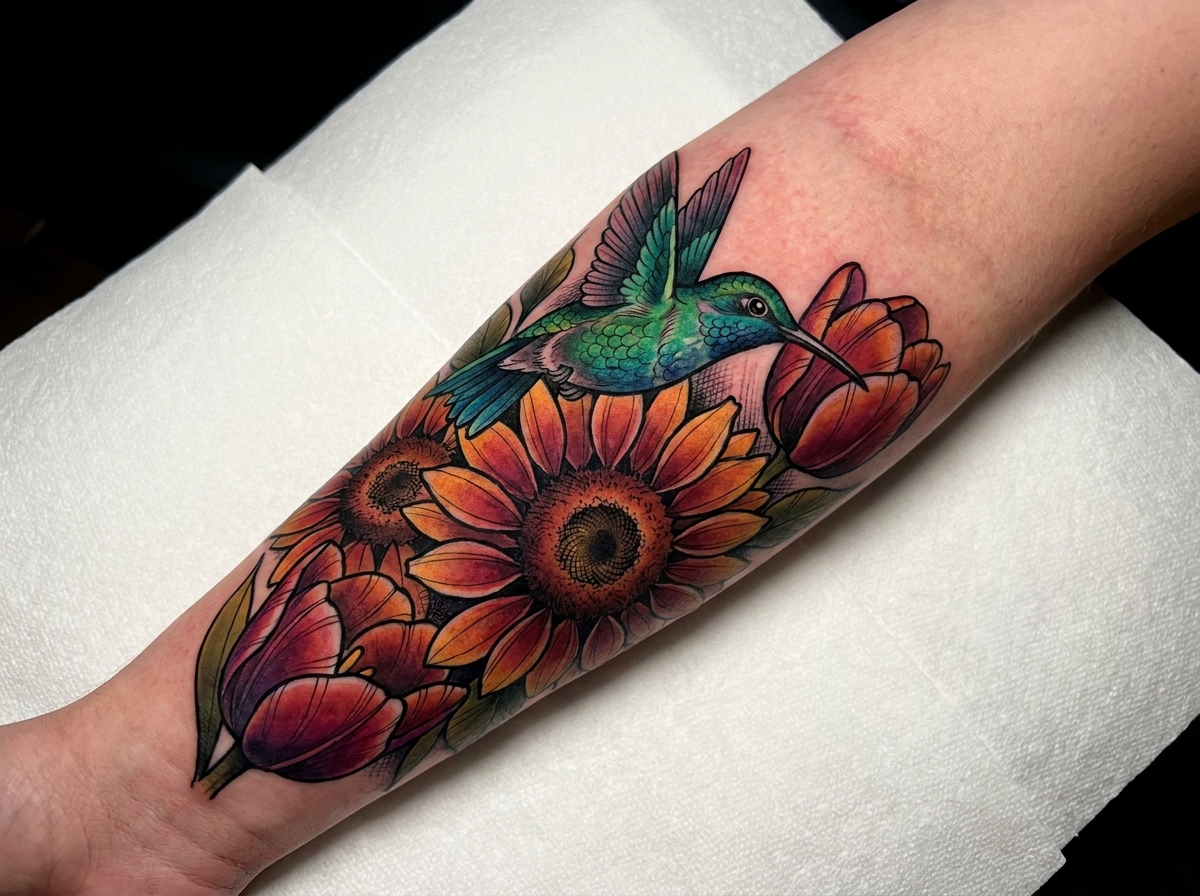
How to Use an AI Tattoo Generator in 3 Simple Steps
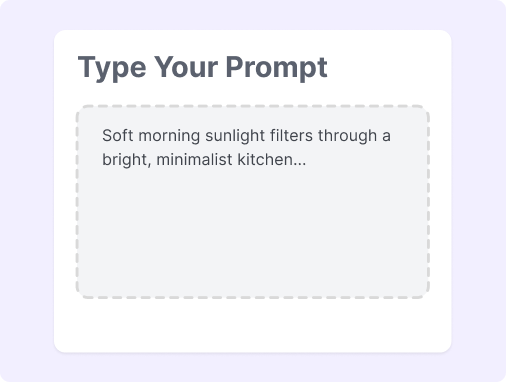
Step 1: Describe Your Vision
Type your concept and style (like realism or fine-line) into our tattoo creator to visualize your ideas instantly.
Step 2: Generate Unique Designs
Our best AI tattoo generator instantly drafts custom options. Watch your ideas turn into detailed sketches in real-time.
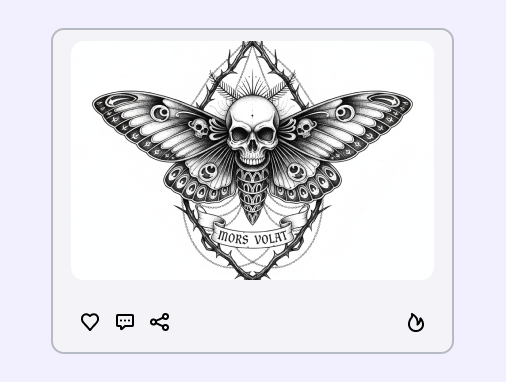
Step 3: Refine and Share
Adjust your AI-generated tattoo designs until you're satisfied. Save your high-resolution stencil or share it with your local artist.
How to Write a Good Tattoo AI Prompt?
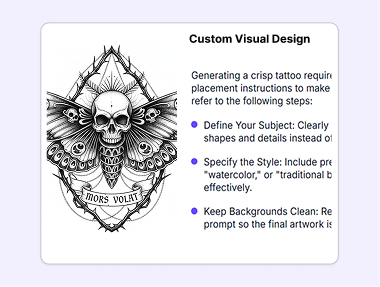
Generating a crisp tattoo requires specific styles, clean lines, and clear placement instructions to make sure the stencil is ready for your skin. Please refer to the following steps:
Define Your Subject: Clearly state your core subject. Describe tangible shapes and details instead of relying on abstract feelings.
Specify the Style: Include precise style terms—such as "fine-line," "watercolor," or "traditional blackwork"—to guide the AI tattoo designer effectively.
Keep Backgrounds Clean: Request a plain white background in your text prompt so the final artwork is easy for your artist to trace and transfer.
Great Prompts for AI Tattoos
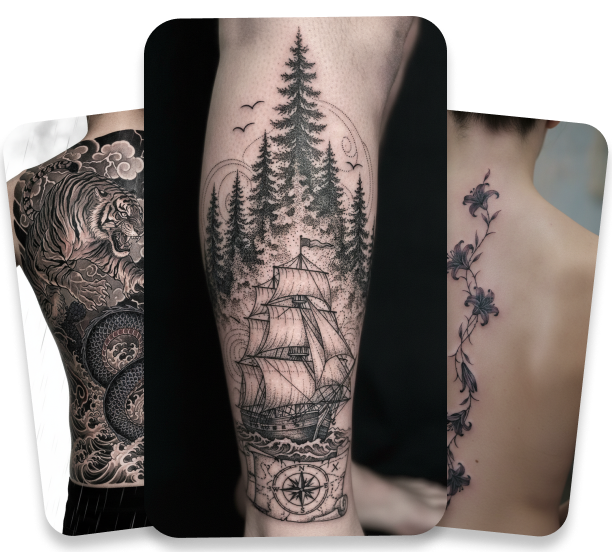
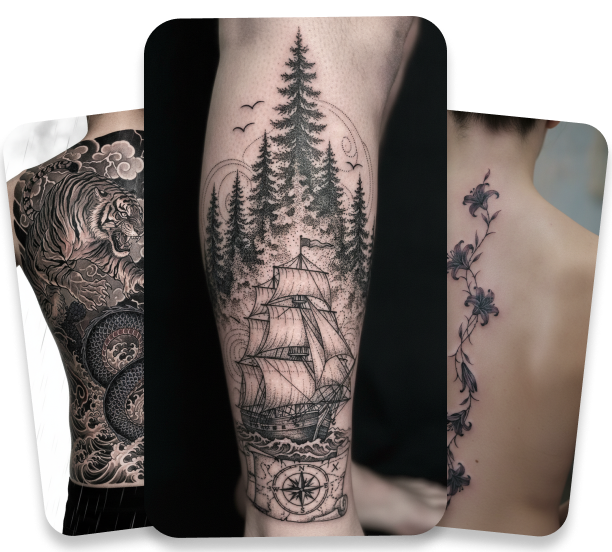
Use these copy-and-paste prompt examples to see how our AI image generator tattoo tool brings different artistic styles to life.
Minimalist Fine-Line: Minimalist fine-line tattoo of a single blooming rose with thin geometric circles on a solid white background.
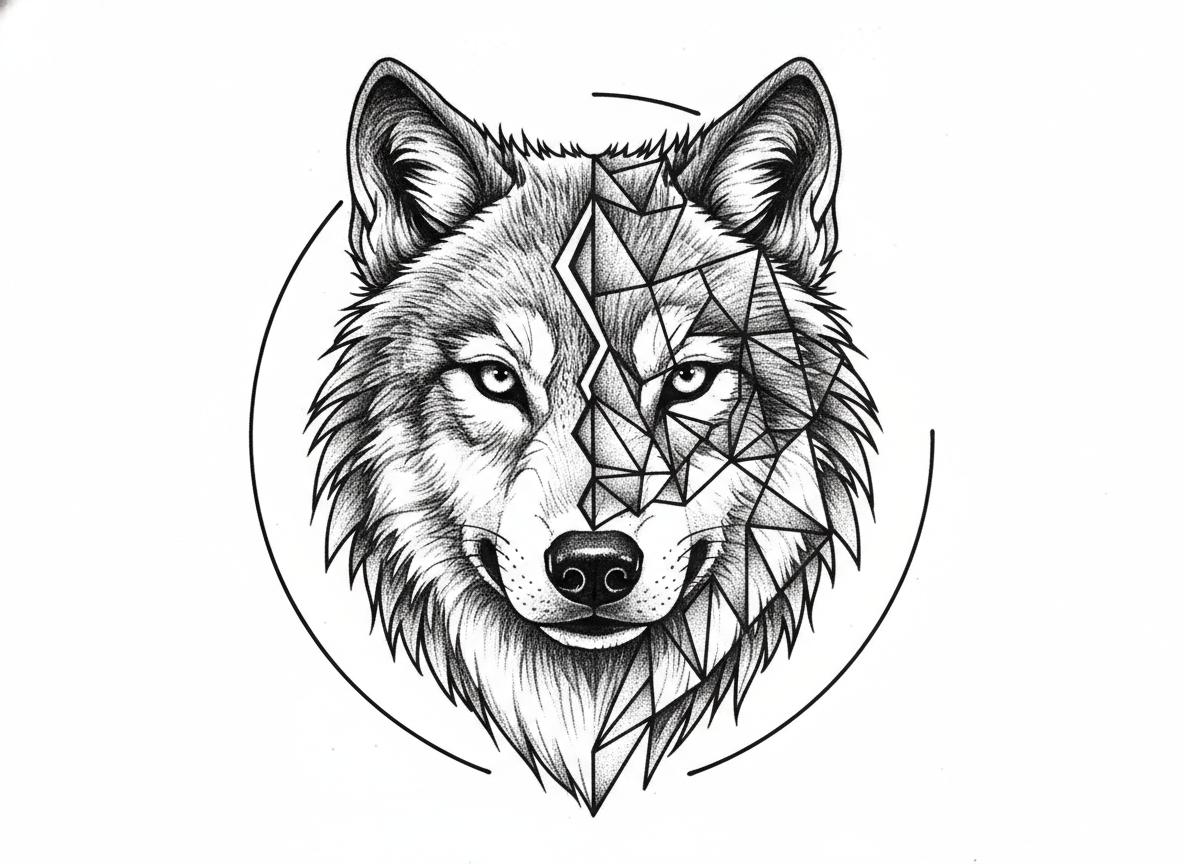
Traditional Wolf: Traditional black and grey tattoo featuring a fierce wolf head surrounded by subtle forest silhouettes.
Watercolor Hummingbird: Vibrant watercolor tattoo of a small hummingbird in flight with pastel paint splashes and no dark borders.
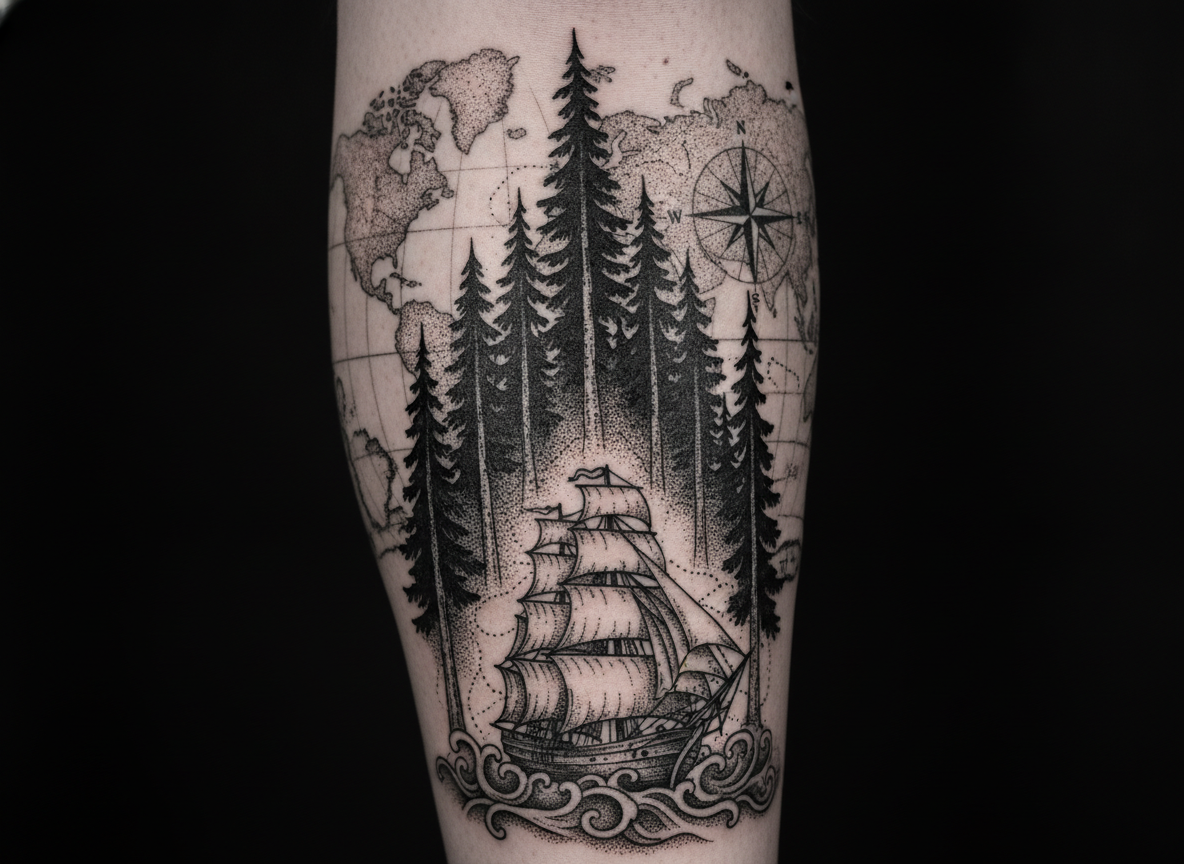
Neo-Traditional Sleeve: Neo-traditional style sleeve tattoo with a detailed clock, falling autumn leaves, and clean bold outlines.
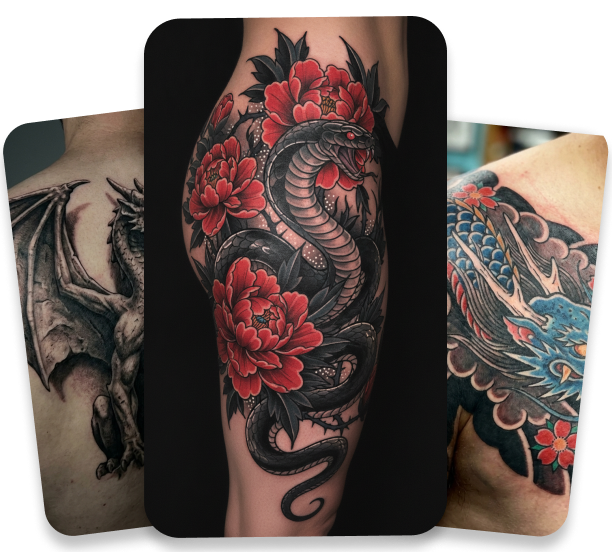
Why Use an AI Tattoo Generator?
Seconds to Sketch
Get custom sketches in seconds instead of waiting weeks for a studio appointment.
No Art Skills Needed
Turn simple words into stunning art without needing any drawing skills or technical background.
Endless Art Styles
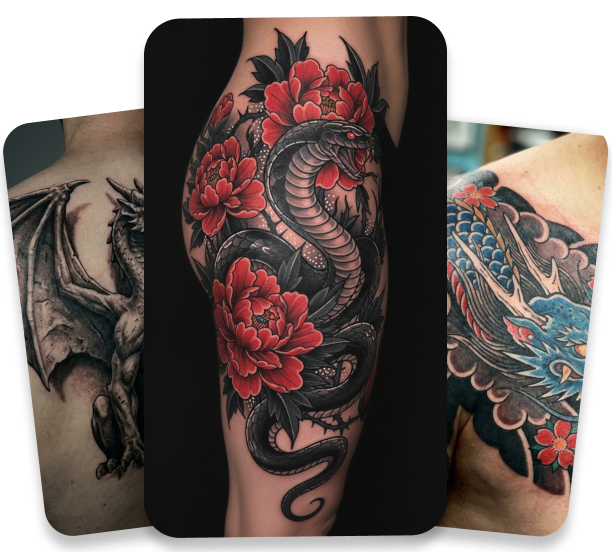
Explore dozens of art styles, from delicate fine-line and dotwork to traditional black and grey.
Photo to Line Art
Upload photos of your pets or loved ones to convert memorable images into unique line art.
Save Design Fees
Save money on custom consultation fees by arriving at your tattoo shop with a pre-made stencil.
Artist-Ready Quality
Download high-resolution, transparent PNG stencils that your artist can print and use immediately.
FAQs
What is an AI tattoo generator?
Can I design a tattoo starting from my own sketch?
Are AI-generated tattoo designs unique to me?
Can I choose specific tattoo styles?
Is the Short AI caption generator AI free?
Can I edit the design after it is generated?
Will my tattoo artist accept an AI-generated tattoo?
Bring Your Ideas to Life
No complex prompts needed. Choose a style, input your vision, and let our AI handle the rest. Your creative journey starts with a click.