AI Hairstyle Generator
Upload a photo and write a simple description to try on different hairstyles instantly. Preview realistic haircuts and experimental hair colors on your face to make informed decisions before your next salon visit.
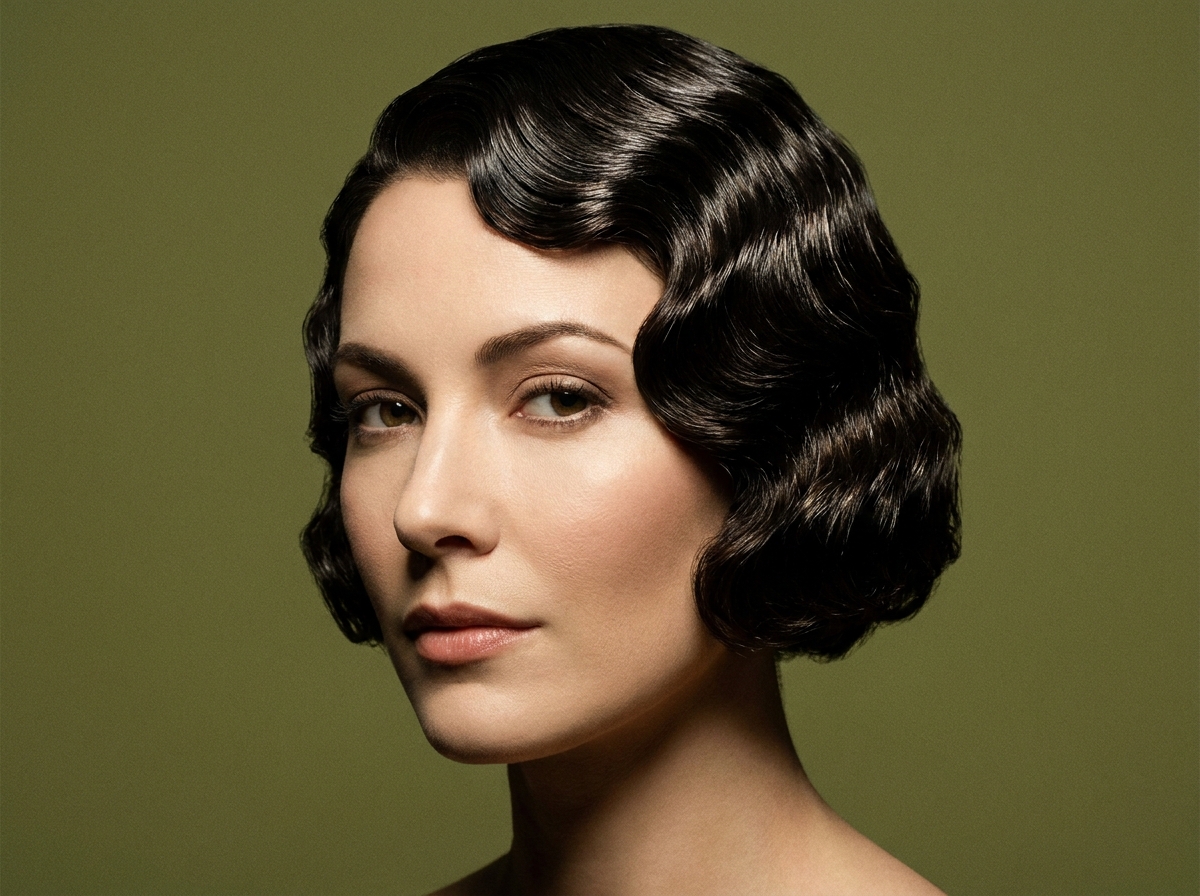
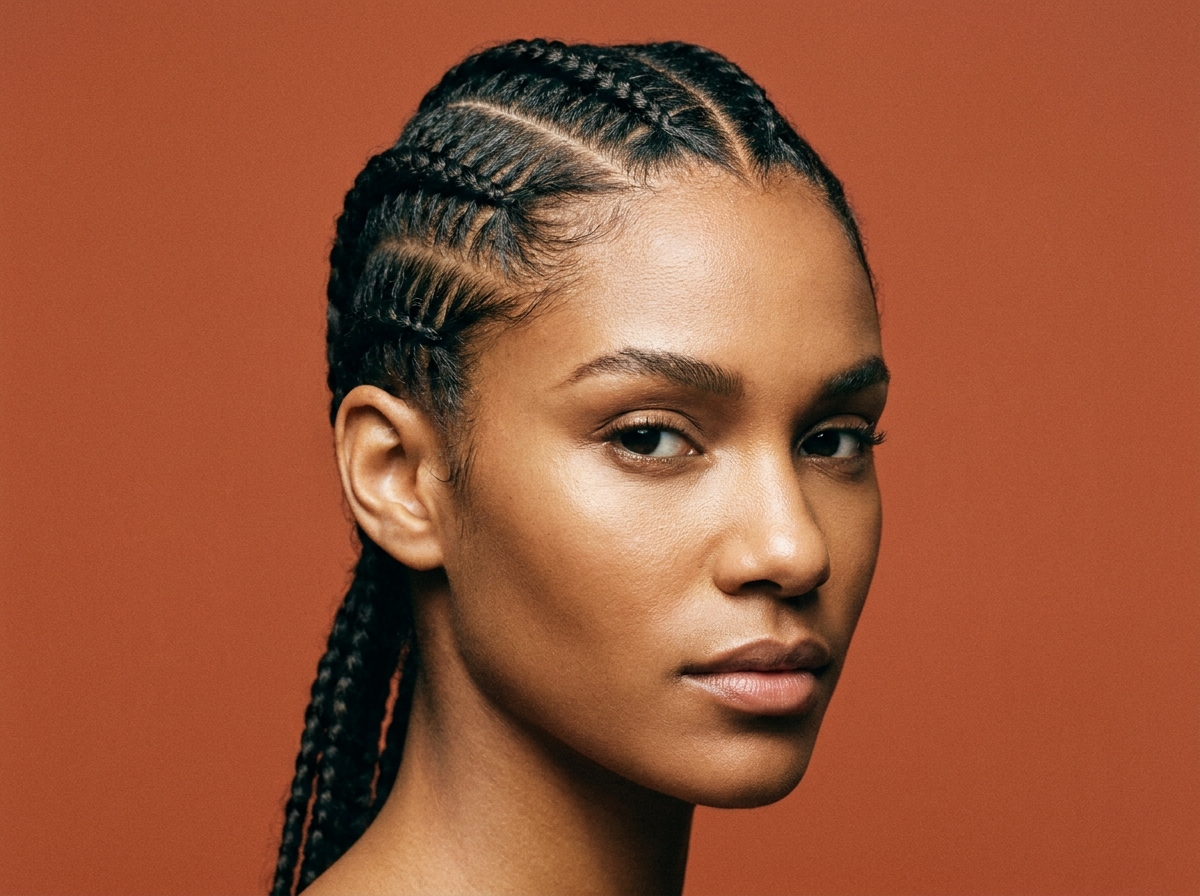
How to Use an AI Hairstyle Generator
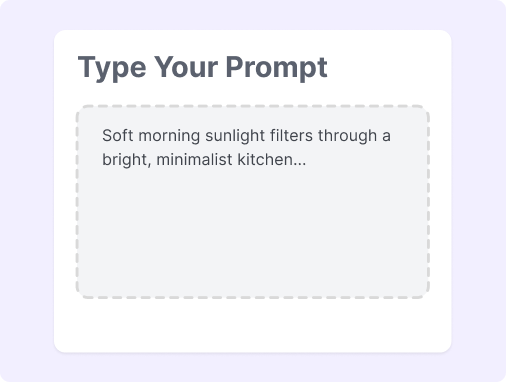
Step 1: Upload Your Photo
Choose a clear, front-facing portrait with good lighting. Ensure your forehead and hairline are visible.
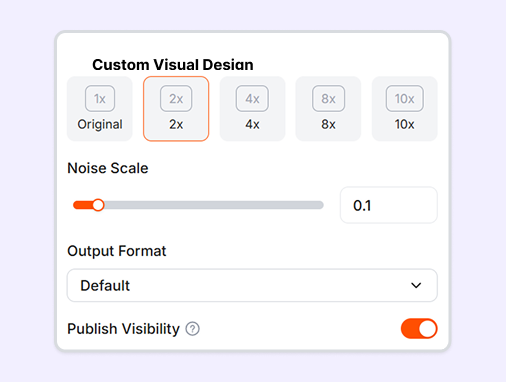
Step 2: Describe Your Style
Type a simple prompt describing your desired hair length, texture, and volume. You can specify cuts like a Bob Cut or Wolf Cut to guide the system.
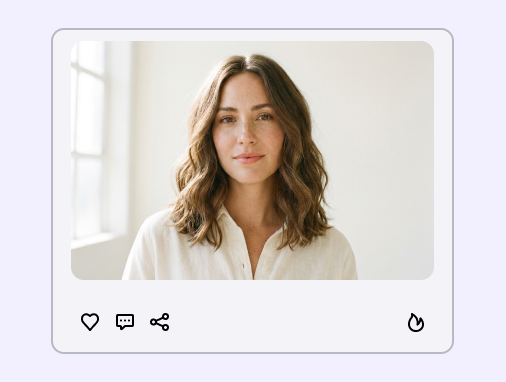
Step 3: Generate and Preview
Click generate to view the results on your face. Preview results with different shades like Platinum Blonde or Highlights to find your new look.
How to Write a Good Hairstyle AI Prompt?
To get the most realistic results from our generative AI hairstyle engine, it helps to be specific about your desired haircut. Please refer to the following steps:
Upload a clear photo: Use a well-lit, front-facing portrait with an unobstructed hairline to help the AI analyze your facial proportions.
Define the core style: State the exact length and shape of the cut using specific terms like "chin-length bob" or "pixie cut".
Describe texture and volume: Specify the hair's natural texture and movement, such as "sleek and straight" or "soft loose waves," to give the style a realistic body.
Keep prompt descriptions simple: Avoid contradictory terms in a single prompt and use precise phrases like "polished finish" or "textured and messy" to get clean results.
Great Prompts for Hairstyle
Use these text templates to guide the hairstyles AI generator and try out different haircuts online.
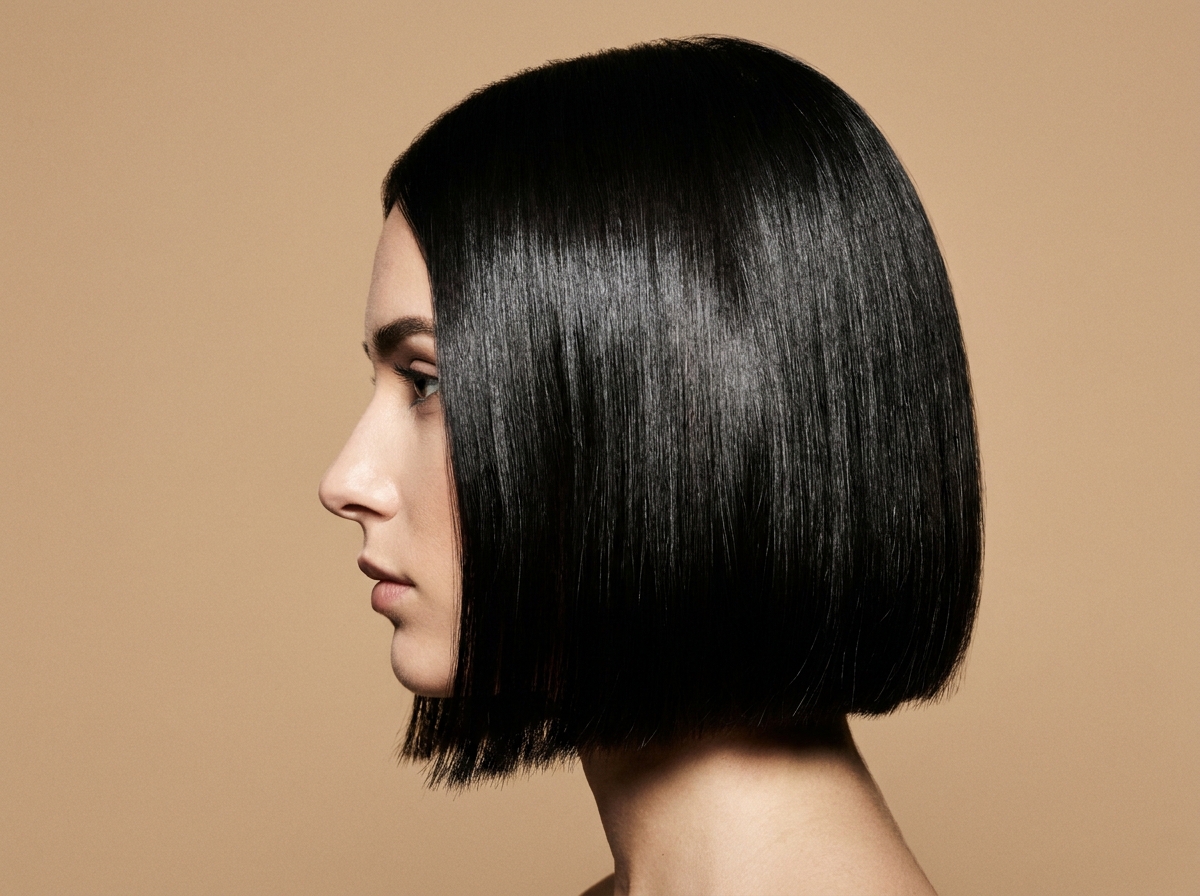
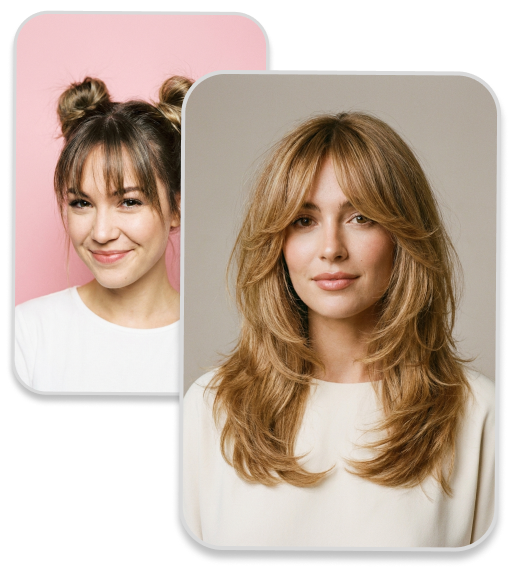
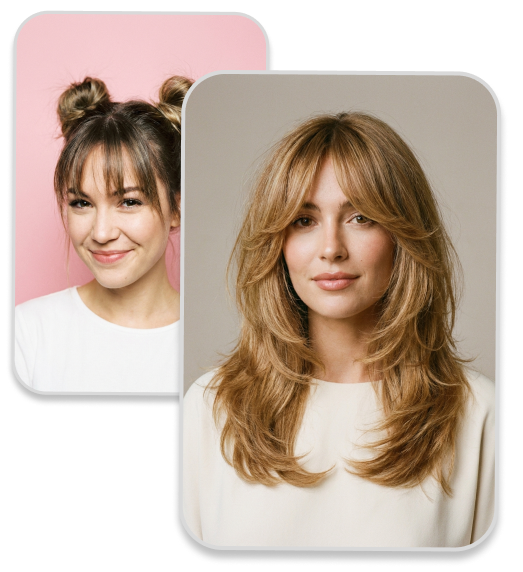
Classic Bob: A chic chin-length bob hairstyle with sleek, straight dark brown hair and wispy bangs.
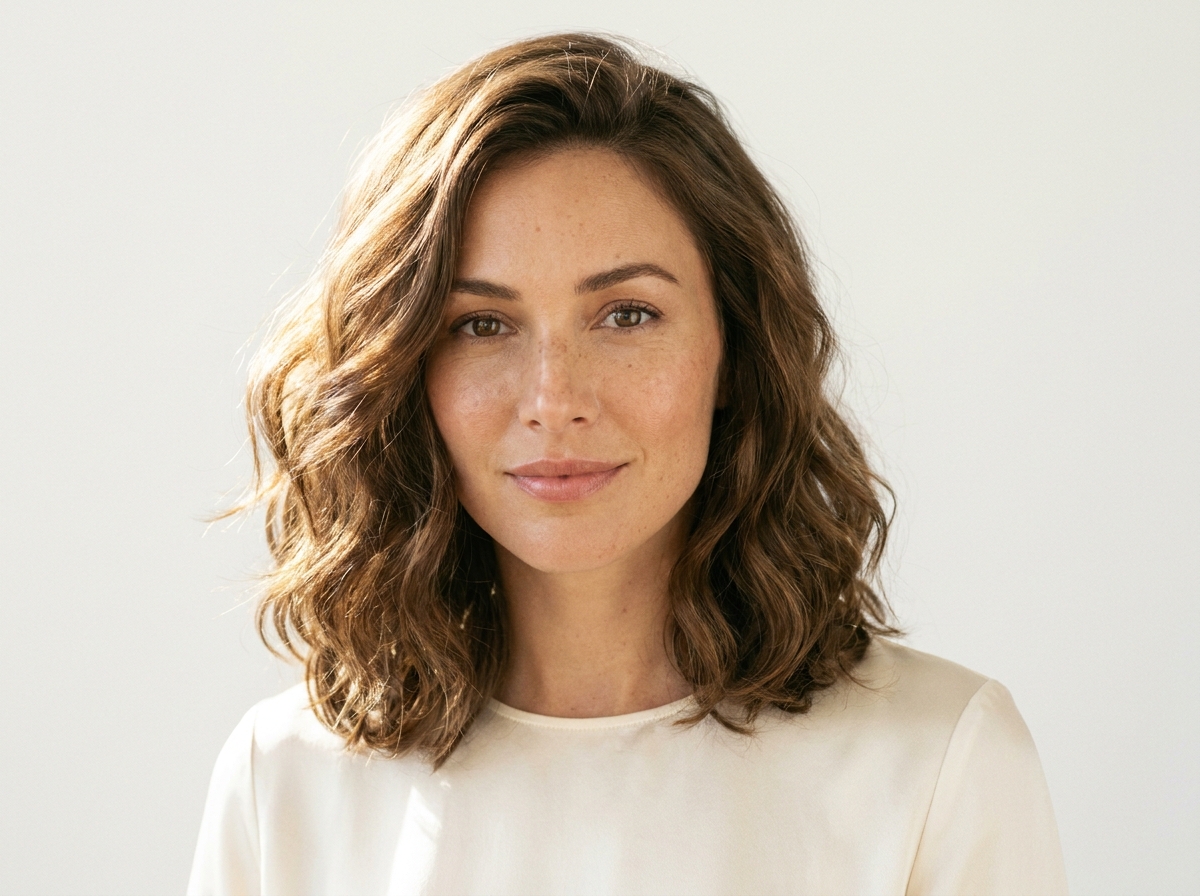
Layered Curls: A voluminous curly hairstyle with medium length, featuring natural layers and subtle blonde highlights.
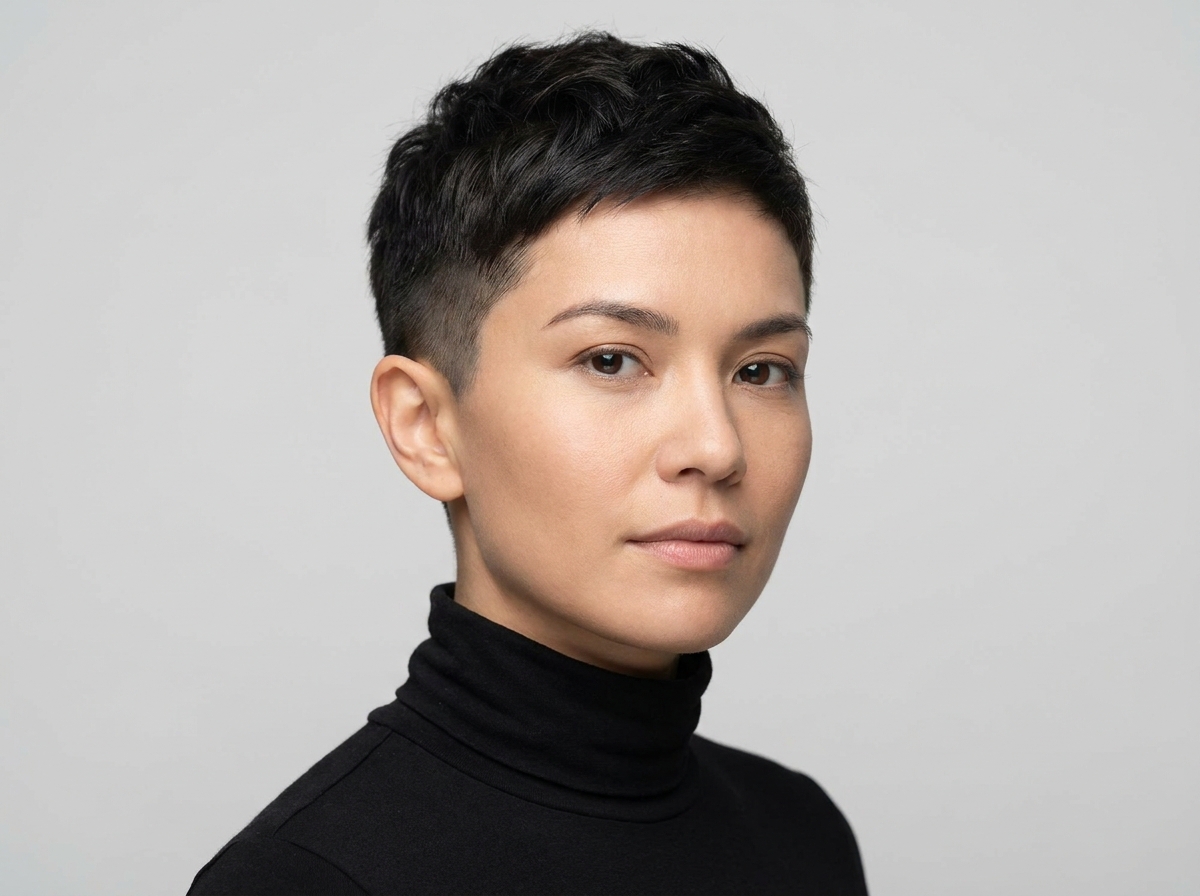
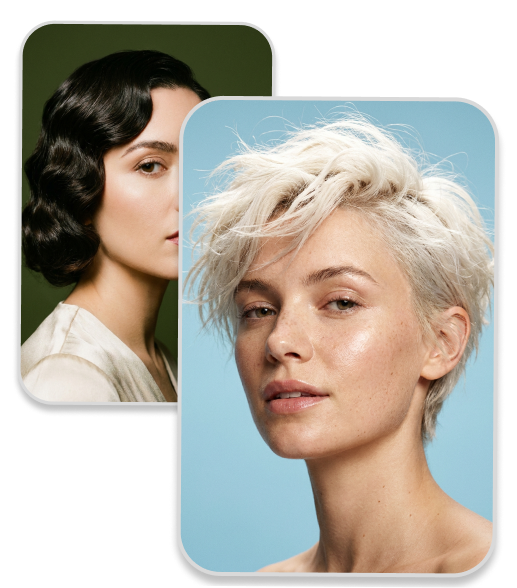
Pixie Cut: A short pixie cut hairstyle with platinum blonde color, clean undercut sides, and a polished finish.
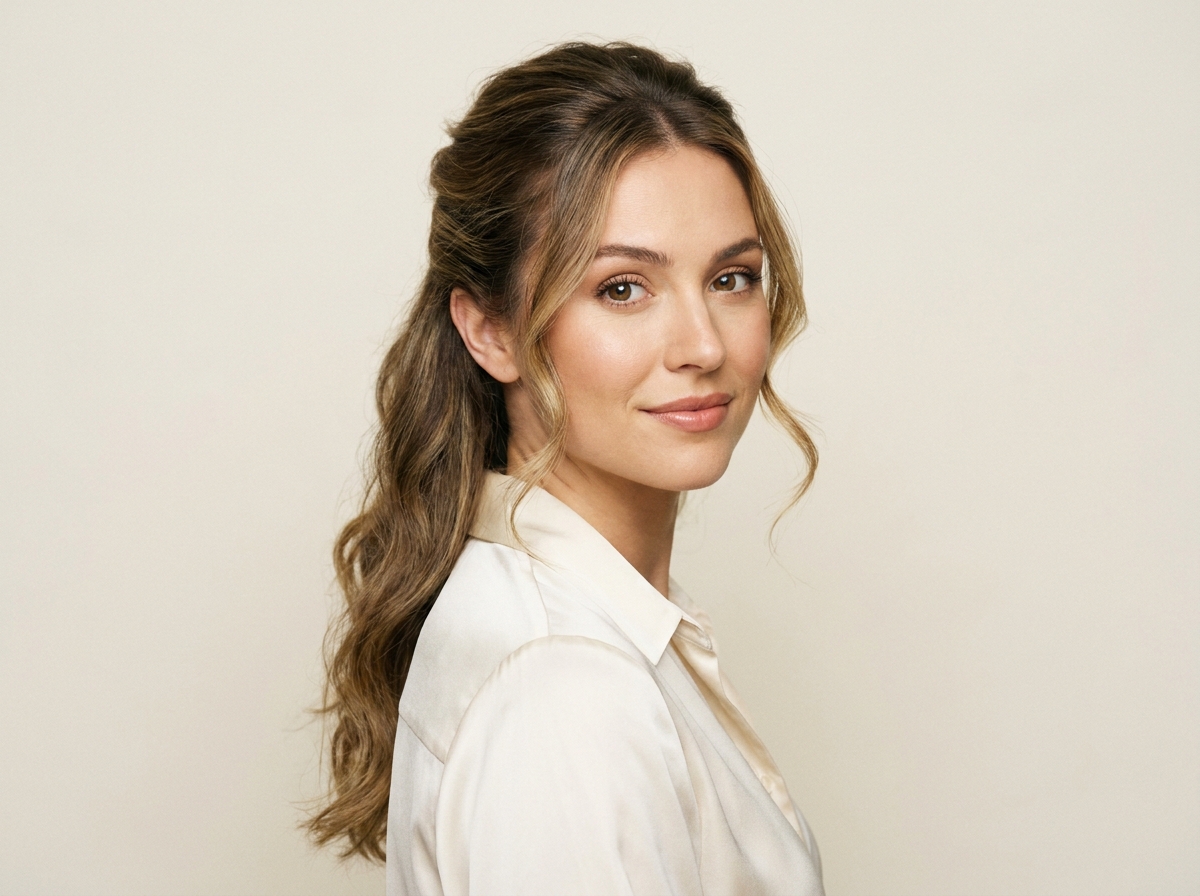
Textured Waves: A textured cut hairstyle with loose beachy waves, shoulder-length, and an ash brown ombre color.
Masculine Sharp Fade: High-contrast skin fade with a textured quiff, clean-cut aesthetic, professional studio lighting for an ai hairstyle men preview.
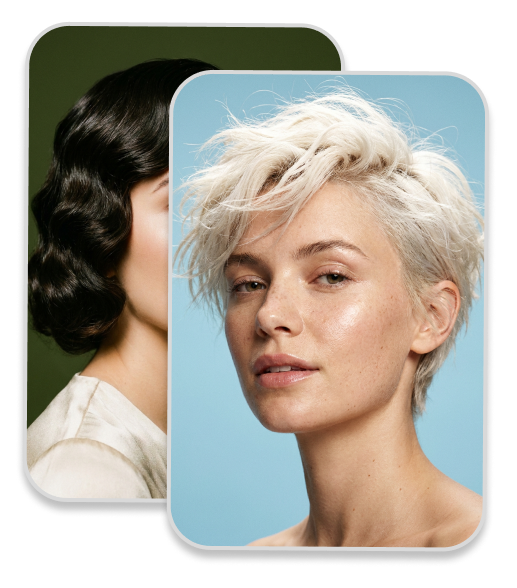
Why Use an AI Hairstyle Generator?
Risk-Free Try-On
Preview dozens of styles without cutting or coloring, helping you avoid costly styling mistakes.
Precision Styling for Everyone
Discover the best ai hairstyle men and women options available.
Fast Image Generation
A realistic hairstyle rendering effect can be achieved within just a few seconds.
Realistic Hair Textures
Render natural strand details and light reflections for a lifelike virtual preview.
Easy Color Exploration
Try natural shades, pastel tones, or highlights to find the color that complements your skin.
Smart Face Matching
Adapt hairstyles naturally to your unique facial contours, head shape, and overall proportions.
FAQs
What kind of photo should I upload for the AI hairstyle generator?
Can I try multiple hairstyles with one photo?
Do I need to download an app to use the hairstyle simulator?
How can I check if my hairstyle matches my face?
How realistic is the AI Hairstyle Generator?
Does the tool offer specific AI hairstyle men options?
What if I want to change hairstyle AI on an existing ad model?
Bring Your Ideas to Life
No complex prompts needed. Choose a style, input your vision, and let our AI handle the rest. Your creative journey starts with a click.