AI Model Generator
Create a 3d model online instantly by describing your vision in plain text. Build complex designs without manual drafting using this AI model generator.
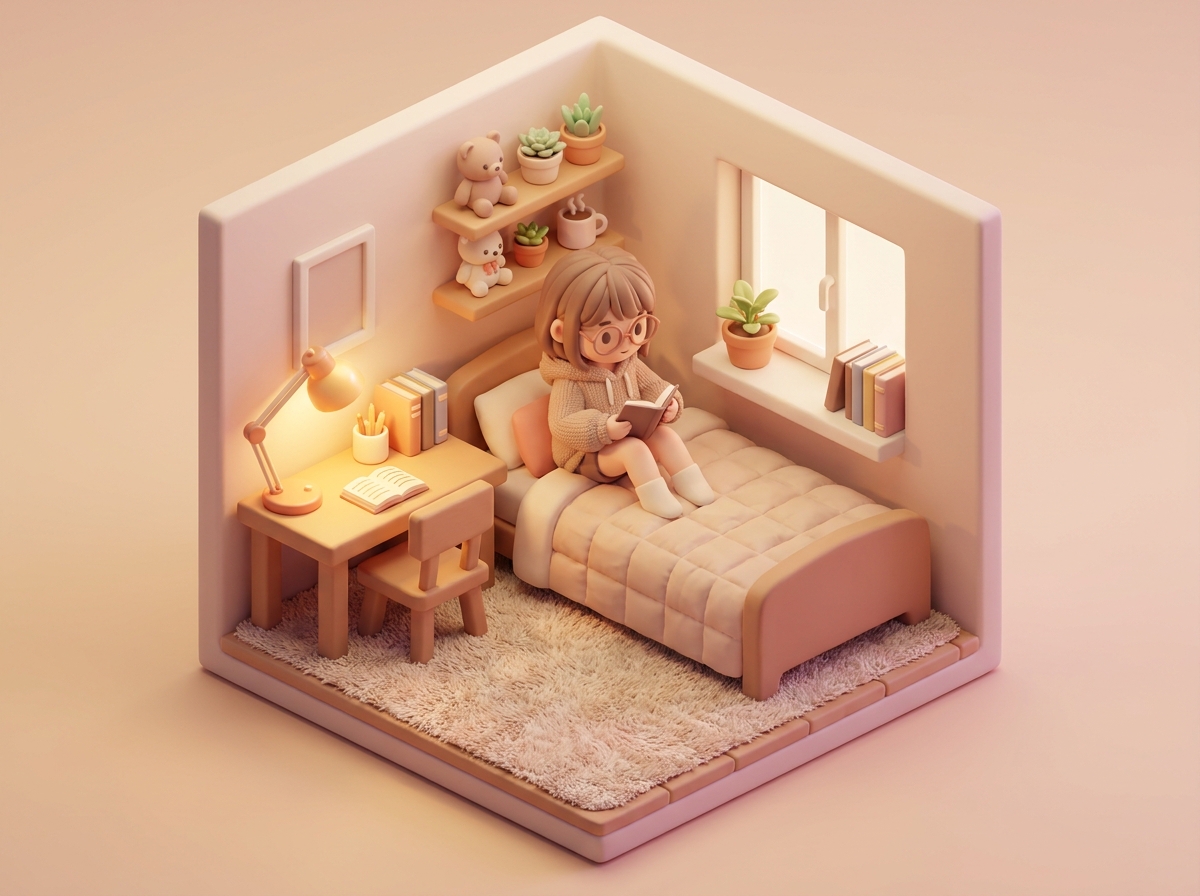
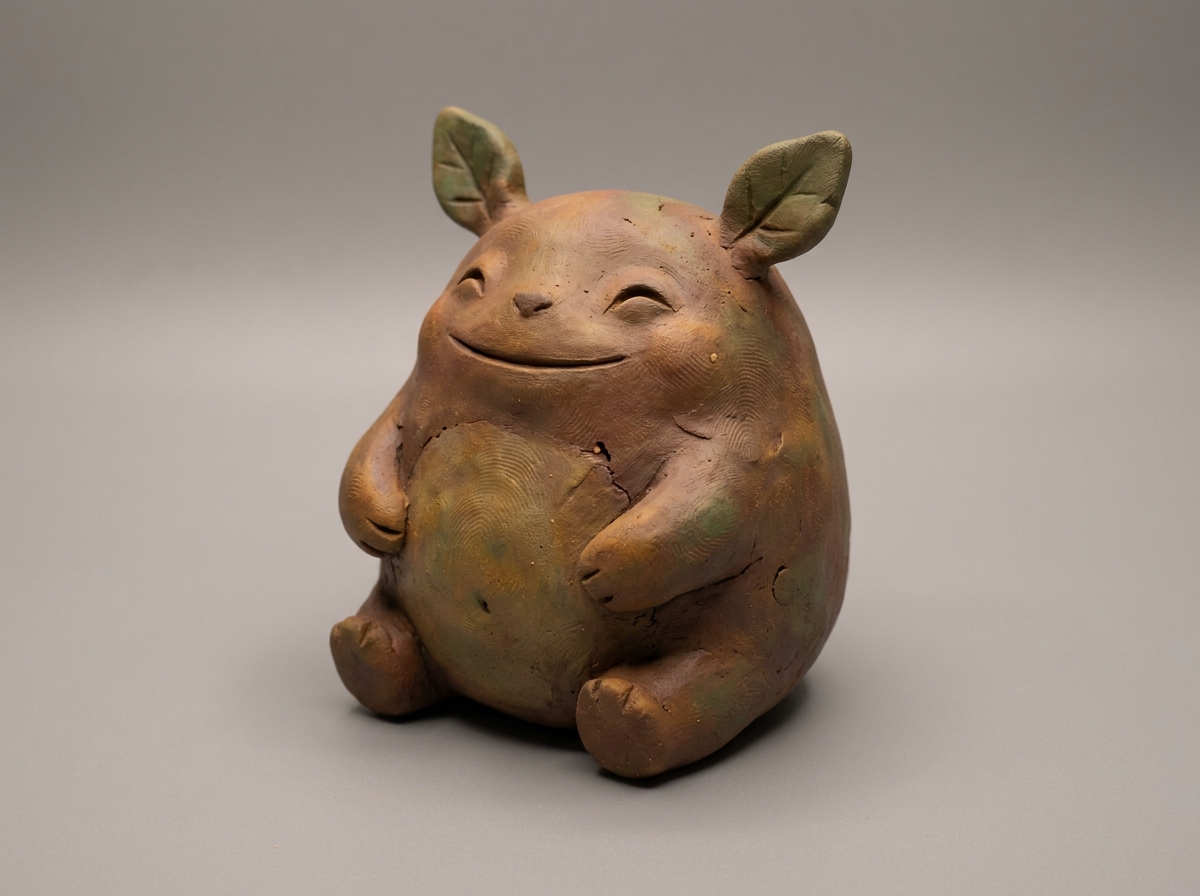
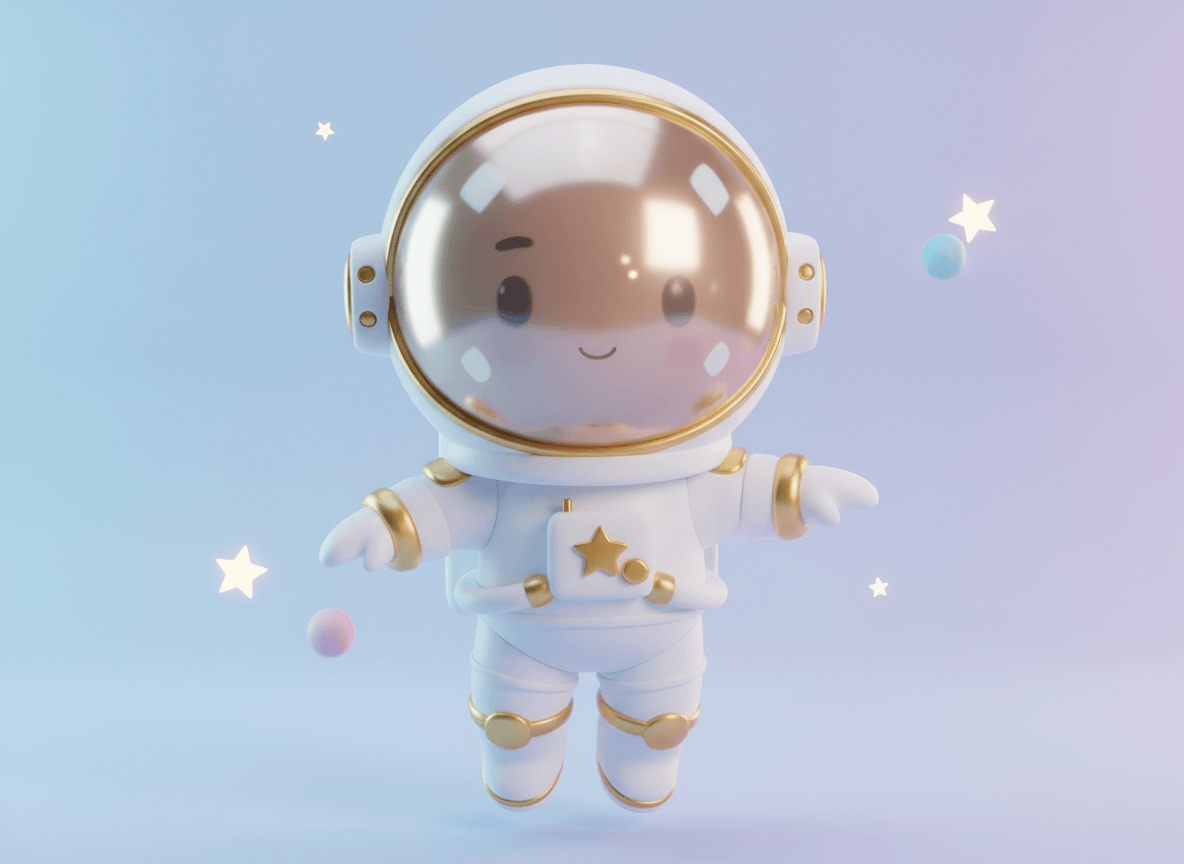
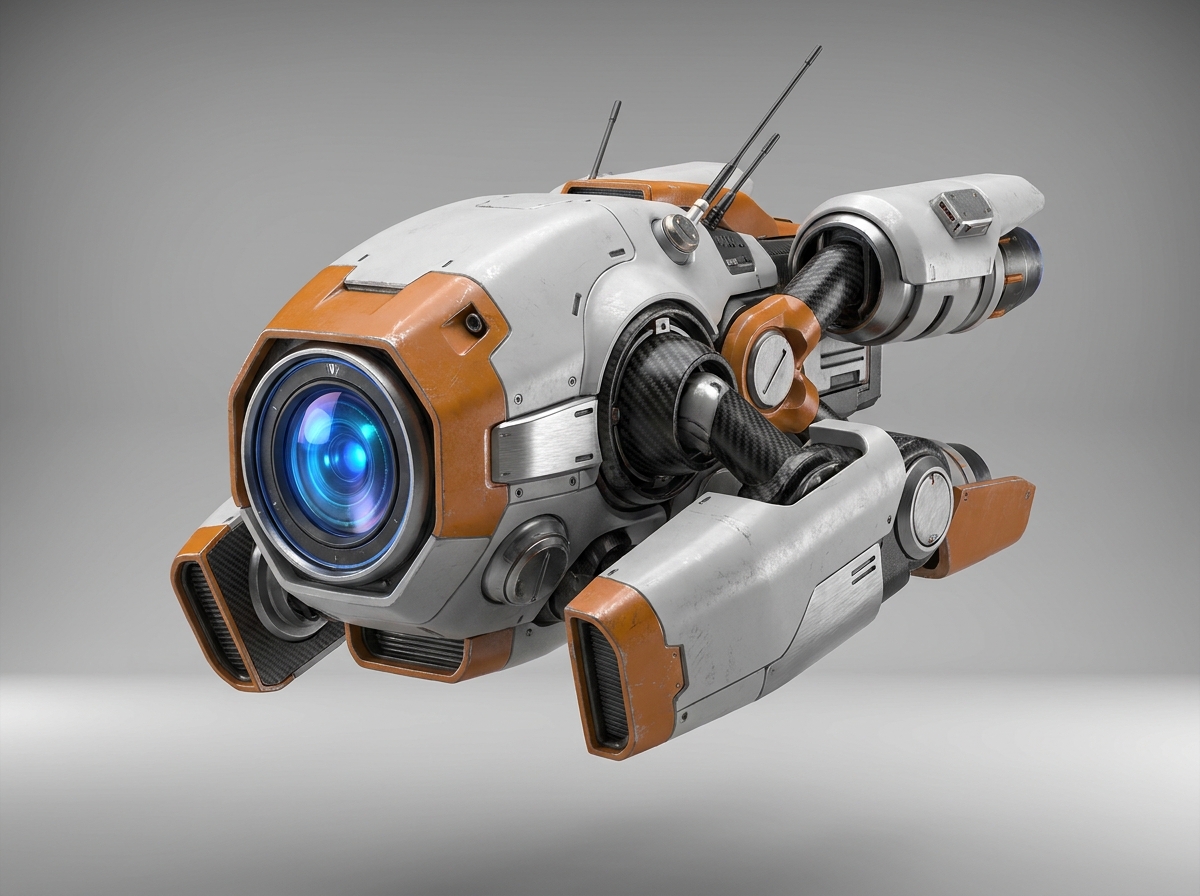

How to Use an AI Model Generator
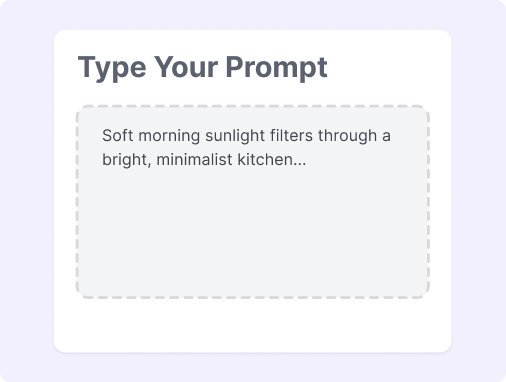
Step 1: Input Your Prompt
Enter a detailed text description of your desired model, specifying its style, material, and shape to guide the generator.
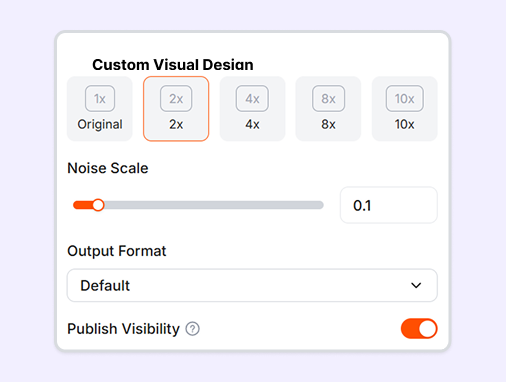
Step 2: Generate the Visuals
Start the AI model generating process with a single click to watch your text prompt transform into a detailed image.
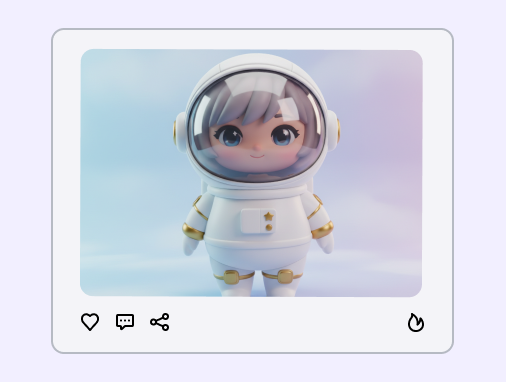
Step 3: Download and Export
Save your AI-generated models to your device in your preferred format for immediate use in your design projects.
How to Write an AI Model Prompt?
Learn how to write simple and clear prompts to generate beautiful 3D-style images in seconds.
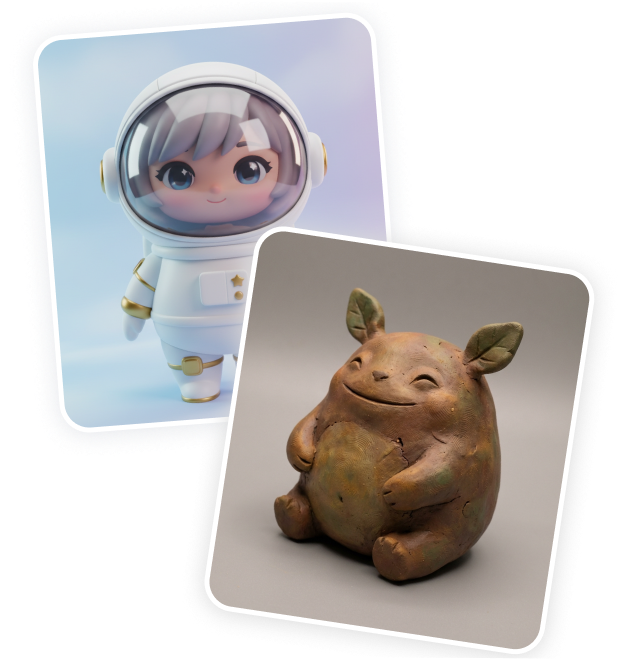
Define Style: State what you want to create and its visual look. Use keywords like "Pixar-style cartoon character" or "modern minimalist house" to shape your core model.
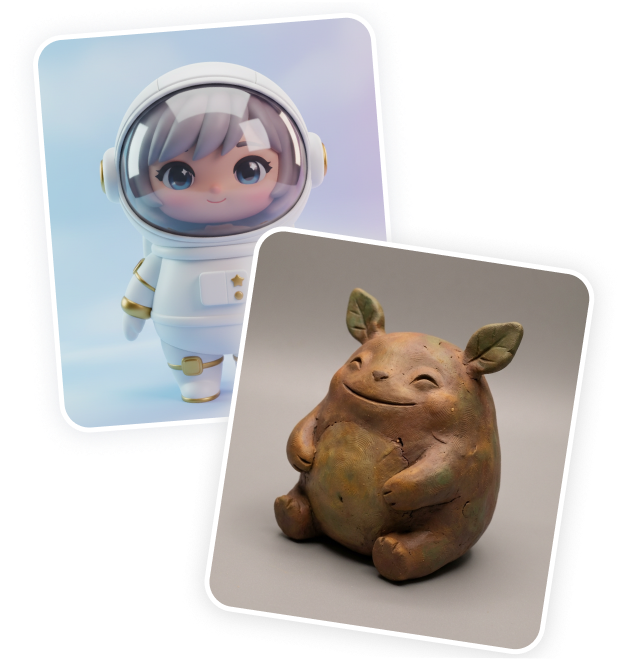
Describe Materials: Detail what the object is made of to add realism. Use keywords like "glossy plastic" or "matte wooden texture" to coat your 3D model.
Choose Angles: Select how you want to view your object. Use keywords like "isometric view" or "front close-up shot" to frame the generated model.
Set Lighting: Keep the background clean and the lights simple. Combine keywords such as "solid white background" and "soft studio lighting" to showcase your final model.
Great Prompts for AI Model
Explore these high-performing text prompts to inspire your next creation:
Low-Poly Game Asset: Low-poly 3D model of a medieval fantasy tavern, hand-painted textures, solid dark background.
Vinyl Figurine: 3D vinyl art toy of a cute panda astronaut, glossy plastic, studio softbox lighting, clean background.
Interior Architectural Render: 3D Scandinavian living room, light oak wood furniture, natural sunlight, Unreal Engine 5 render style.
Fantasy Weapon Asset: Game-ready 3D model of an elven longsword, glowing blue runes, Substance Painter textures, dark background.
Why Use an AI Model Generator?
Type to Create
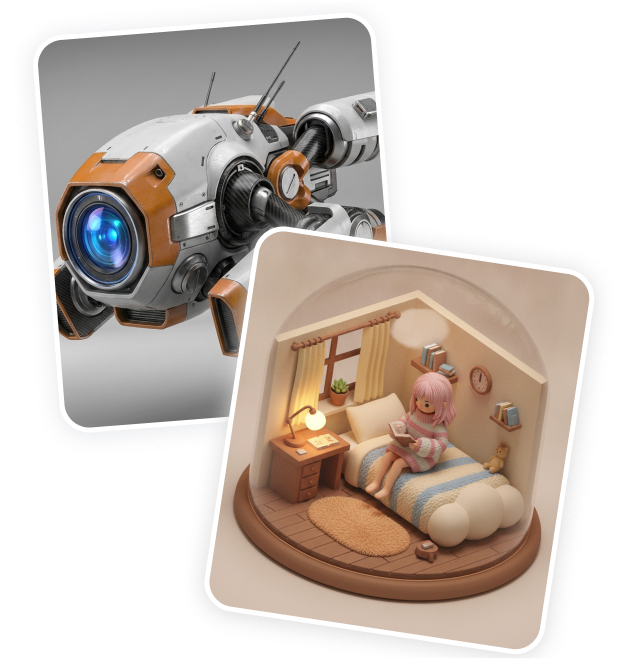
Generate stunning 3D model images instantly by typing your creative ideas.
Elevate Your Brand
Create customized 3D visuals that align with your brand identity and marketing needs.
Studio-Quality Renders
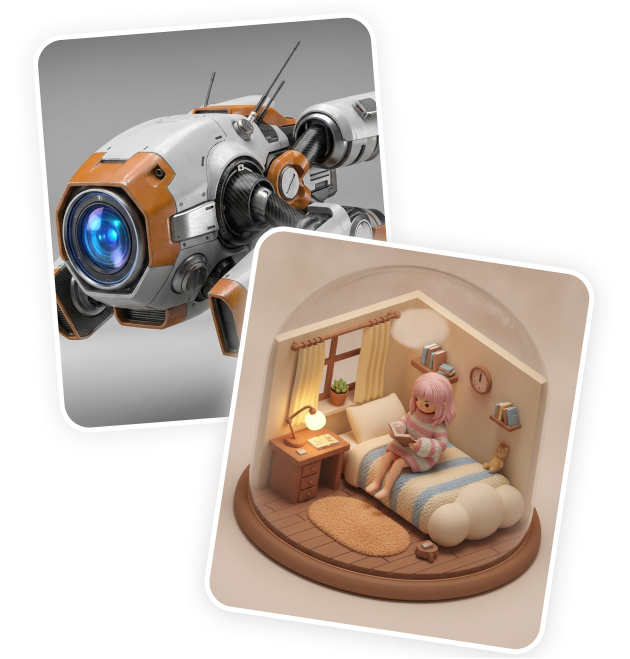
Produce crisp, realistic 3D graphics ready for presentations or social media campaigns.
No Complex Software
Skip the steep learning curves and build assets without needing design experience.
Boost Productivity
Download and export your generated designs easily to accelerate your prototyping.
Reduce Costs
Minimize expensive fees by creating high-quality draft renders in the web browser.
FAQs
What is an AI model generator, and how does it assist designers?
Do I need professional 3D design skills to use this platform?
How long does it take to produce an image asset?
Do I need to install heavy desktop software to use this?
Is there a version I can try without paying?
Bring Your Ideas to Life
No complex prompts needed. Choose a style, input your vision, and let our AI handle the rest. Your creative journey starts with a click.