AI VFX Generator
Accelerate your post-production with our AI video effects generator, swap video backgrounds without a green screen online, and add cinematic-grade elements directly to your clips. Save your budget and deliver high-quality visuals faster.
Hollywood-Grade AI VFX Without the Roto or Render Times
Skip complex post-production software. Seamlessly composite CGI elements, replace environments, and relight live-action footage with a depth-aware AI VFX engine. Achieve blockbuster results on an indie budget.
Add CGI Elements with Perfect Camera Tracking
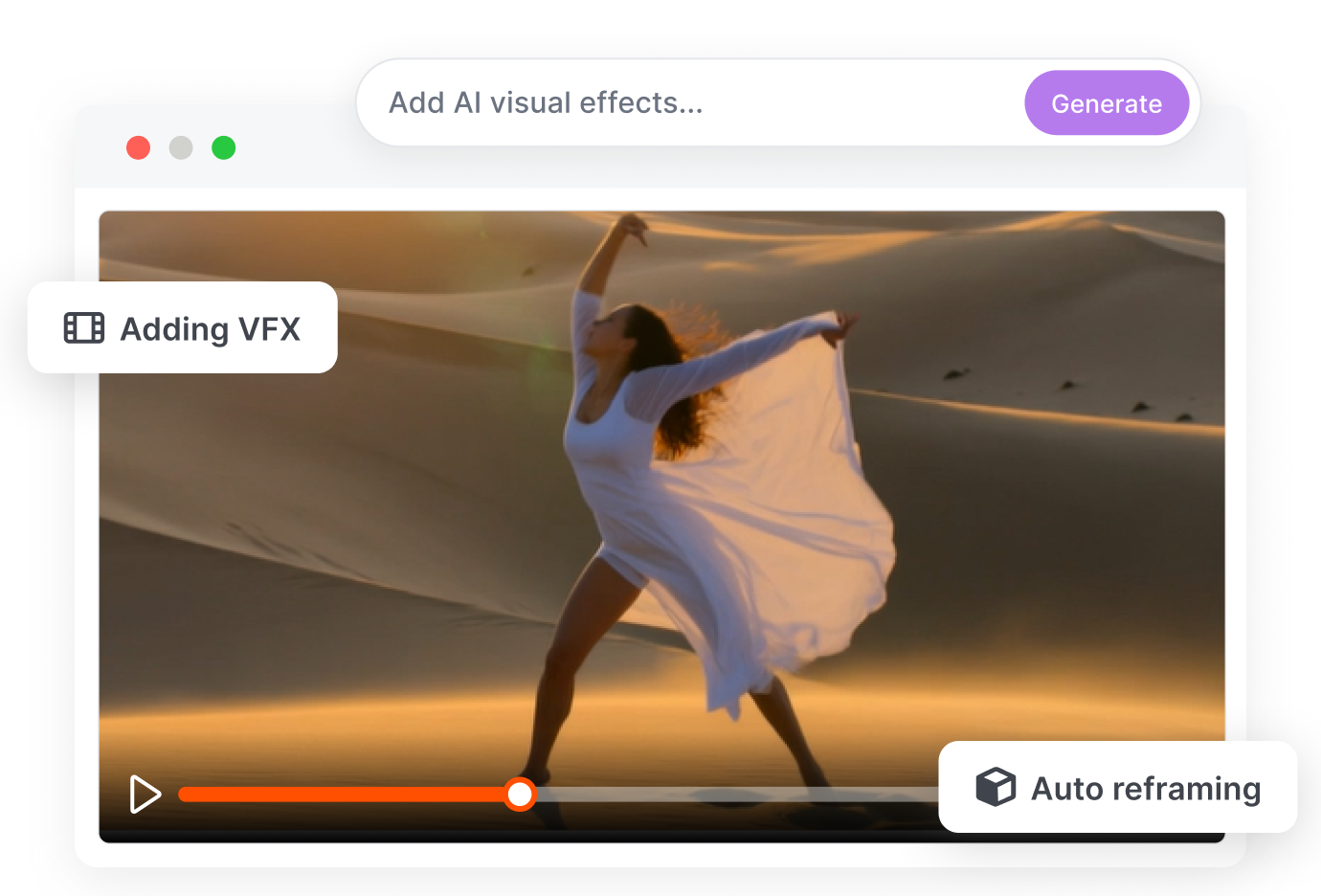
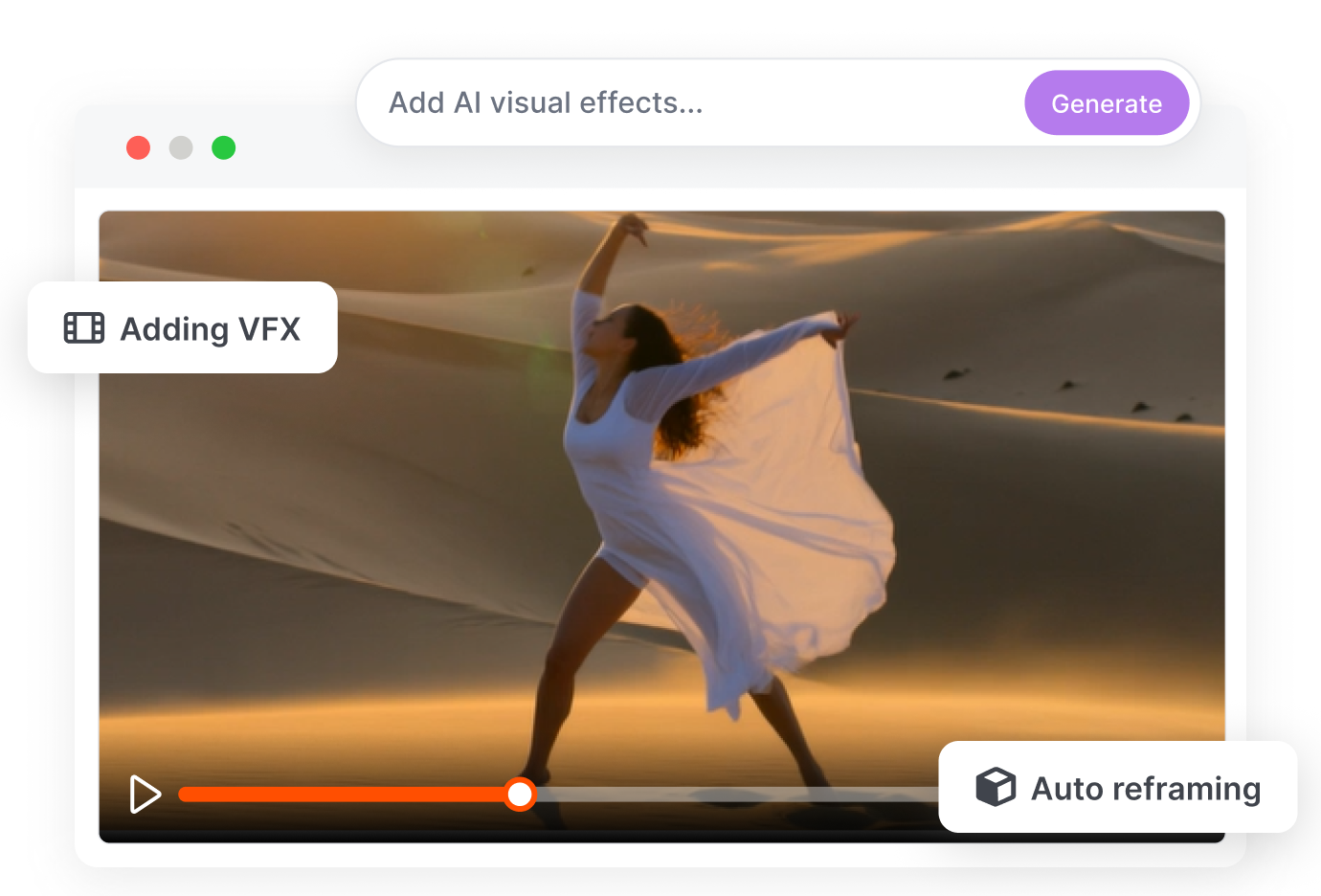
Use text prompts to generate and composite explosions, cybernetic armor, or sci-fi portals directly into your live-action plates. Our AI VFX generator ensures flawless match-moving and 3D spatial occlusion—so your AI assets actually interact with real-world objects.
Zero-Click Rotoscoping Without Green Screens
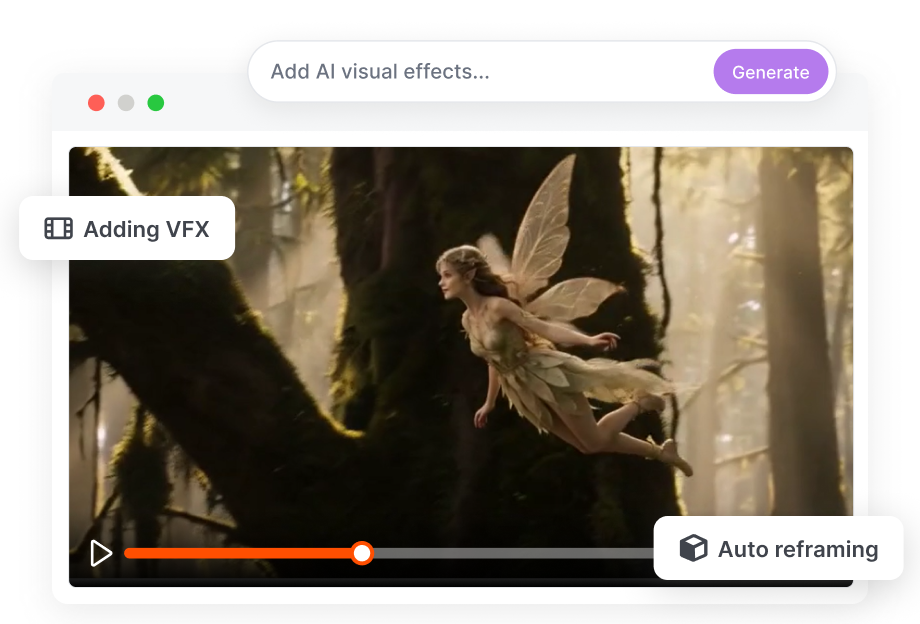
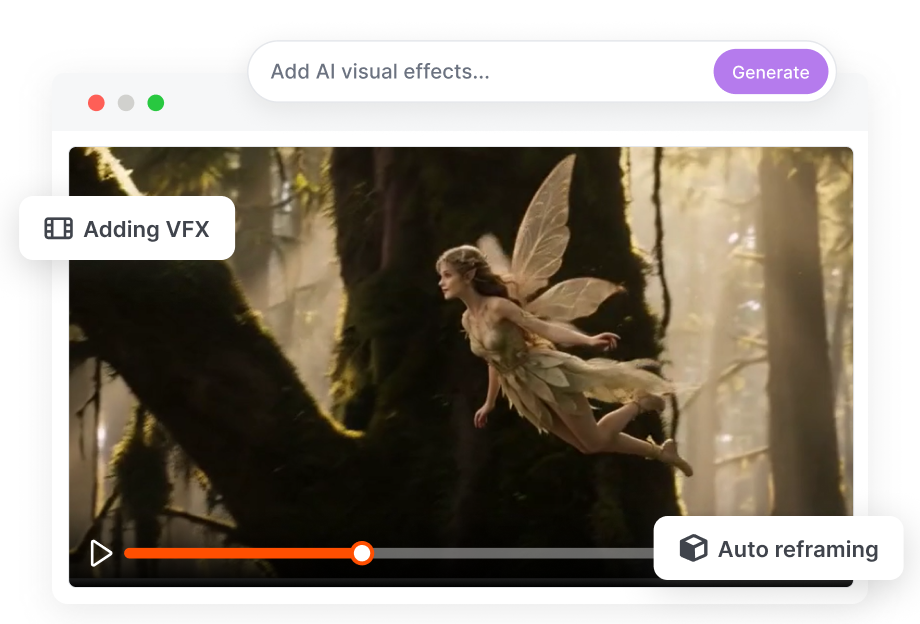
Say goodbye to expensive green screen studios and tedious manual masking. Our AI instantly isolates your subjects, perfectly preserving impossible details like flyaway hairs, transparent glass, and heavy motion blur. Teleport your actors into dystopian cities or magical forests with pixel-perfect edges.
Cinematic AI Relighting & Shadow Casting
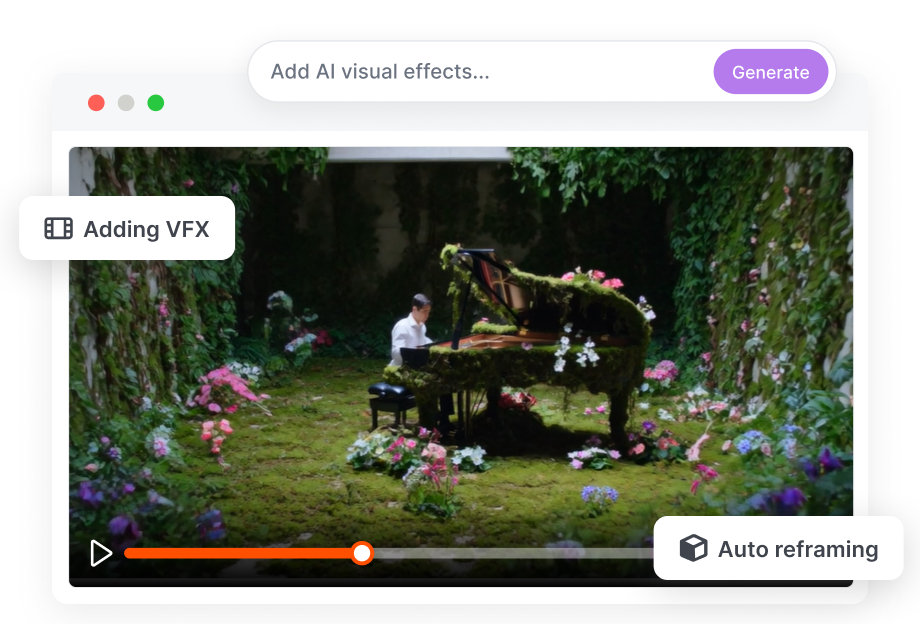
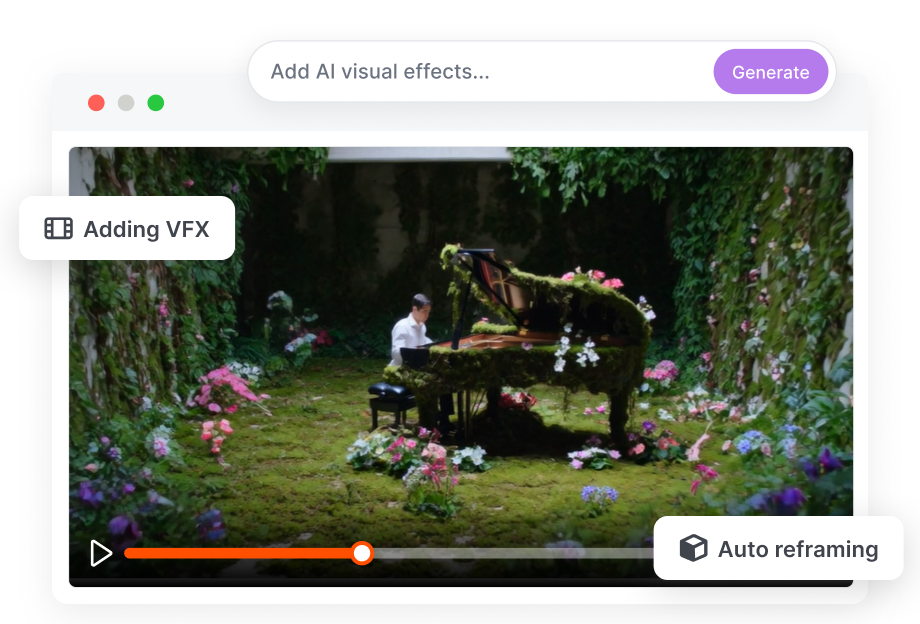
Fix ruined shoot days without reshoots. Automatically match the lighting of your AI-generated VFX to your original footage to avoid the "fake CGI" look. Instantly add dynamic rim lights, volumetric fog, and precise shadow casting to fuse digital assets into reality perfectly.
How to Create Stunning AI VFX in Three Simple Steps
Use our automated video VFX tools to skip the steep learning curve of traditional software. Get fast results with a simple markerless workflow.
1. Upload and Select
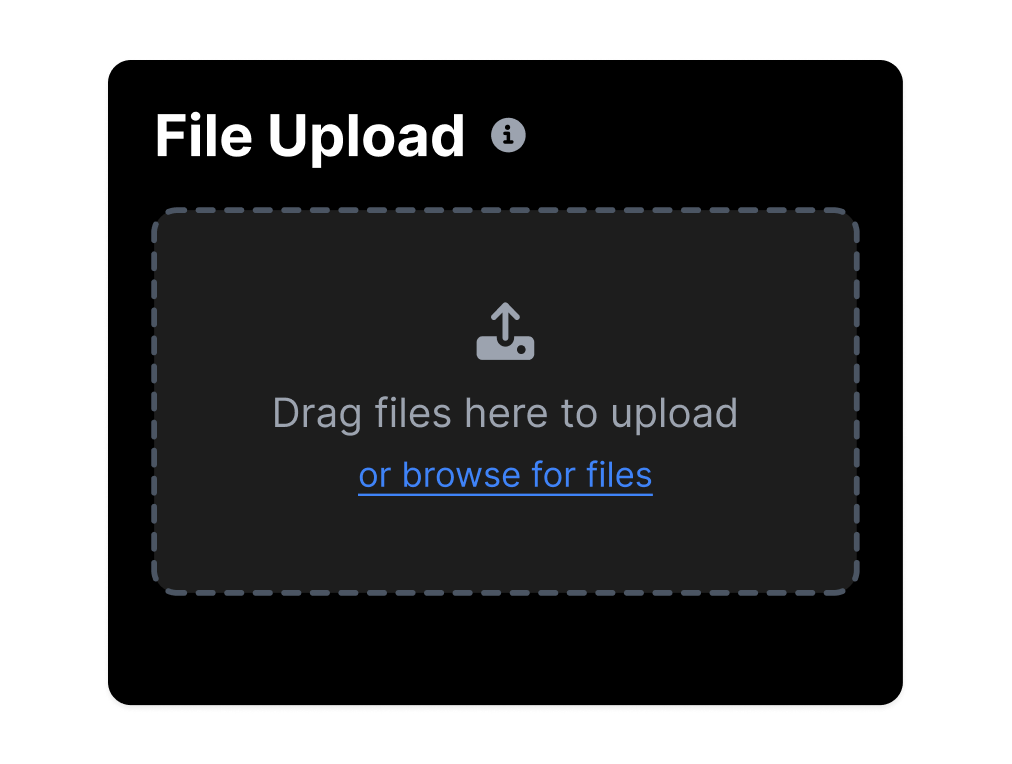
Import your MP4 or MOV video clips into our platform. Choose your action to swap backgrounds, relight the scene, or apply masked inpainting.
2. Mask and Prompt
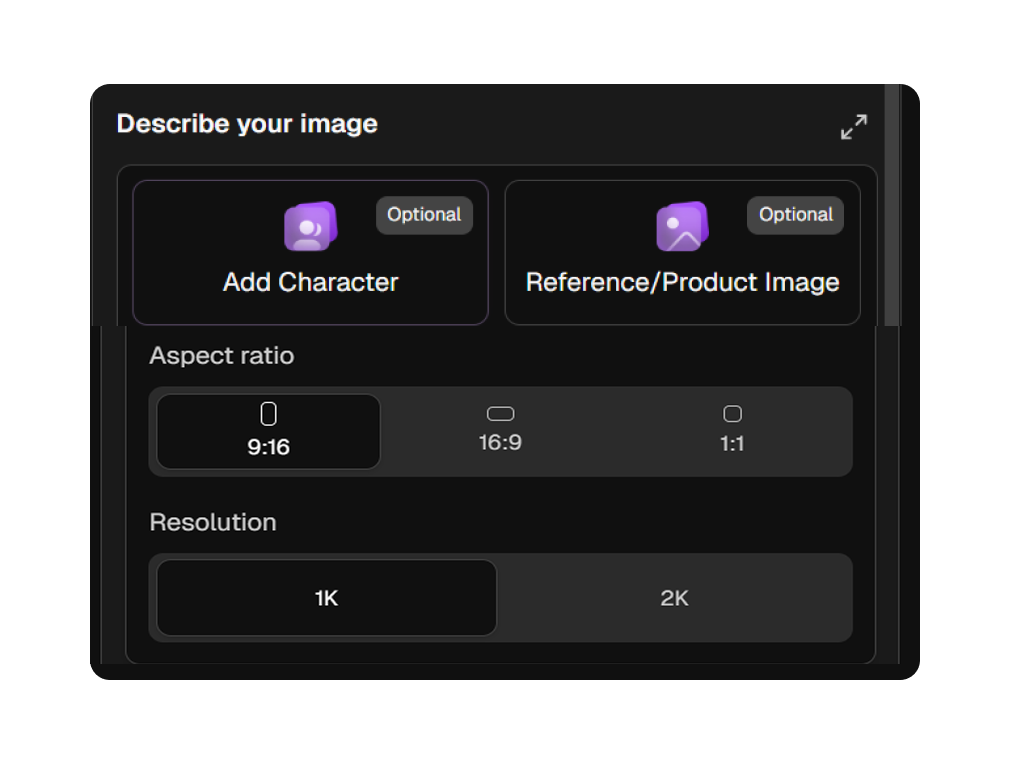
Mark the areas of the video you want to keep. Upload a reference image for style control and type a text description of the new visual effects you need.
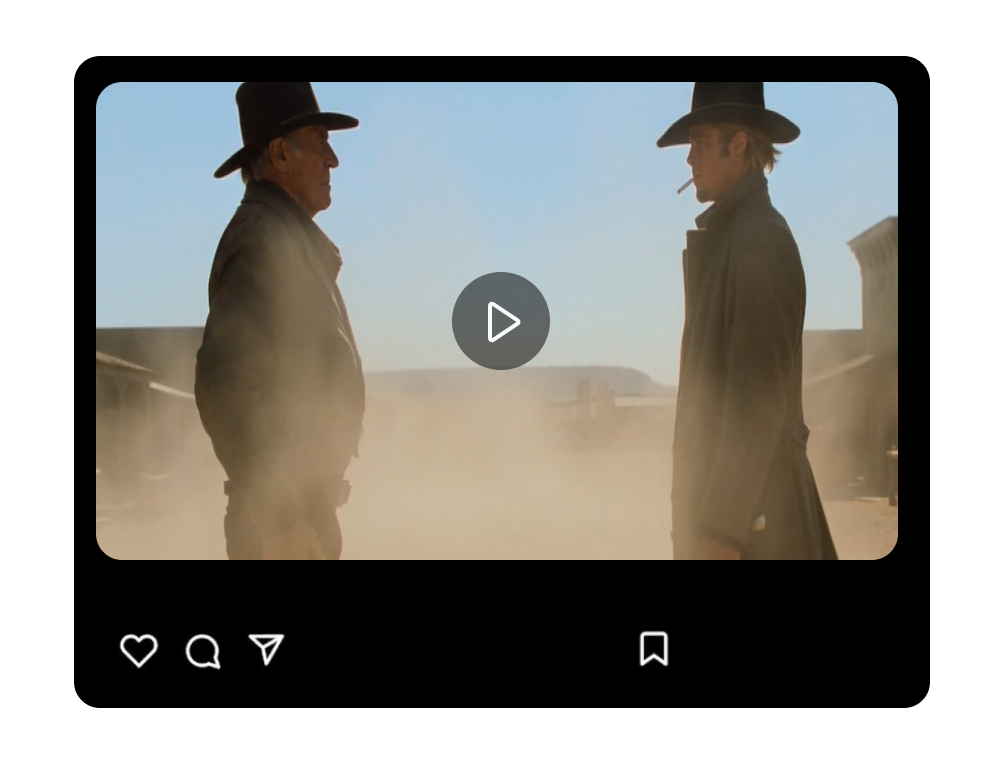
3. Generate and Export
Select your desired resolution and the number of output options. Click generate to produce high-quality, seamless AI-generated VFX ready for your project.
Smarter AI VFX Workflows for Every Creator
We built this platform to bring machine learning for post-production to everyone. Reduce technical barriers and hardware costs across all creative industries.
Independent Creators
Access an AI visual effects generator for cinematic videos on a tight budget. Create AI previs and concept VFX for indie filmmakers to pitch ideas without hiring a large post-production team.
TikTok and YouTube Creators
Use the best AI VFX tool for YouTube creators to boost audience engagement. Apply professional video relighting for TikTok and Instagram creators to make your fast-paced content stand out.
Post Production Professionals
Reduce repetitive tasks like manual rotoscoping and tracking. Let our automated rotoscoping and background swap AI handle the heavy lifting so you can focus on creative compositing.
Digital and Marketing Teams
Rapidly prototype VFX game AI assets and environments for new campaigns. Produce customizable AI video templates for social media ads to meet tight project deadlines efficiently.
FAQs
1. What is AI VFX and how does it help creators?
2. Can I control the intensity and style of the VFX?
3. Is AI VFX generator suitable for beginners?
4. Can I use it for YouTube or social media content?
5. Does this require an expensive computer to run?
6 How does AI VFX compare to traditional CGI VFX?
7. Does the platform support 3D VFX?
Upgrade Your Post Production with AI VFX Today
Get cinematic results without heavy rendering or tedious manual masking. Simply upload your clips to build new environments, adjust lighting, and finish your projects faster.