Add Beard to Photo
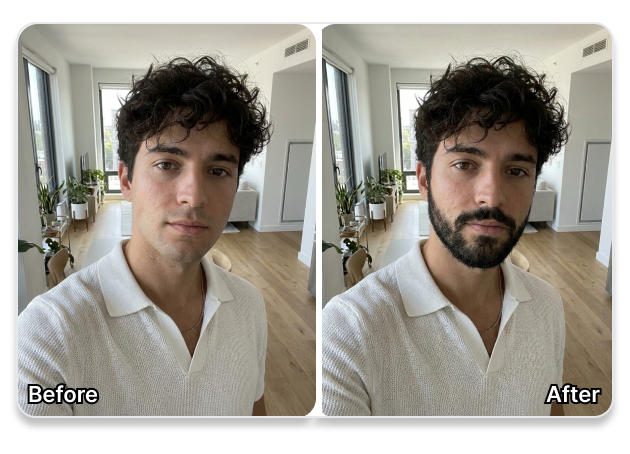
Visualize different facial hair styles on your face before making a change. Our smart beard simulator blends realistic stubble, classic goatees, or full rugged beards directly onto your portrait using natural lighting and shadows.
Upload Photo to Add Beard
Support PNG, JPG, BMP, WEBP
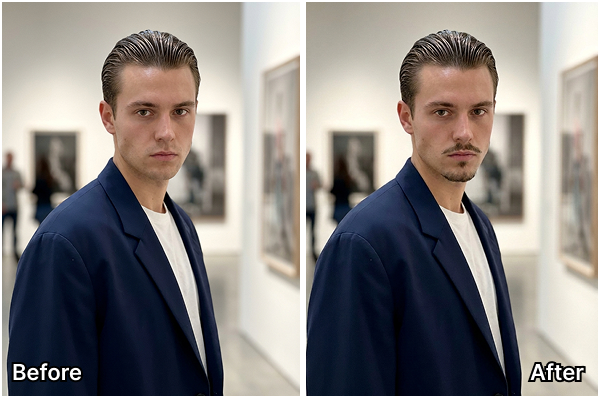
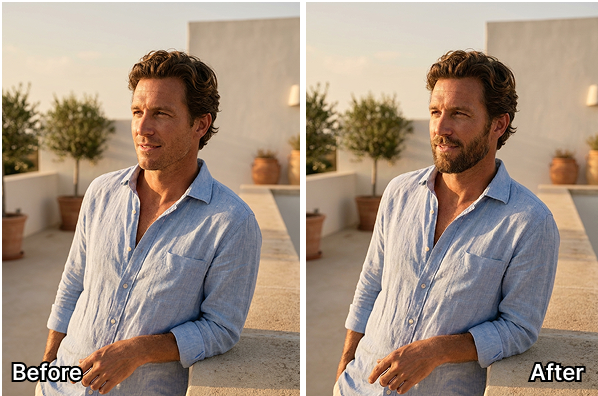
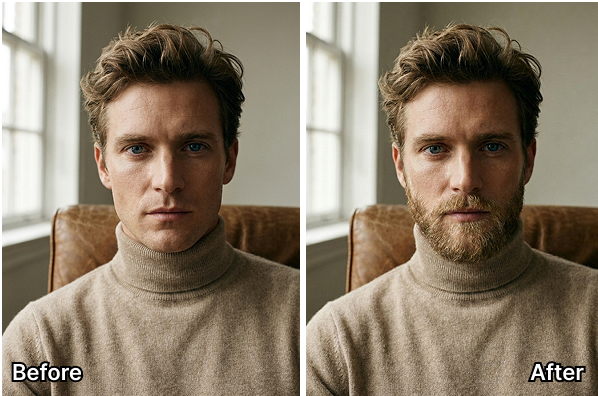
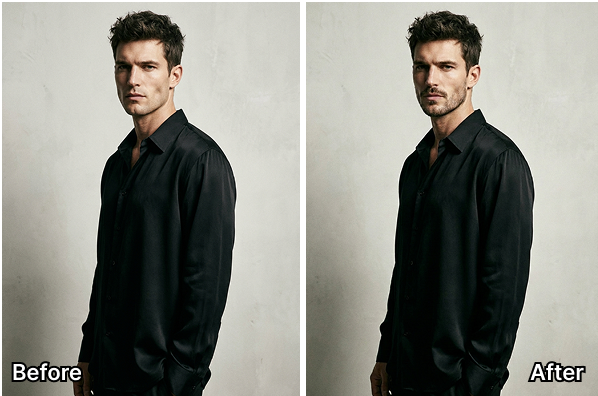
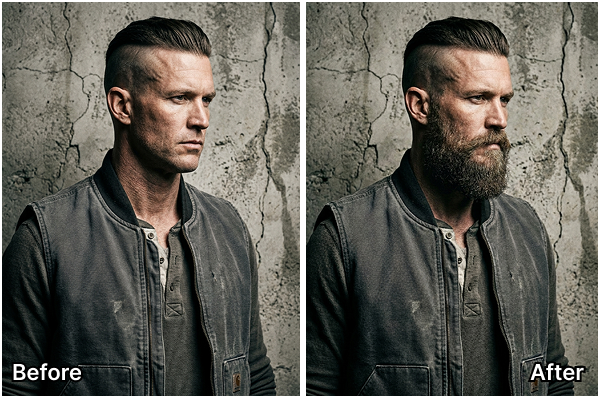
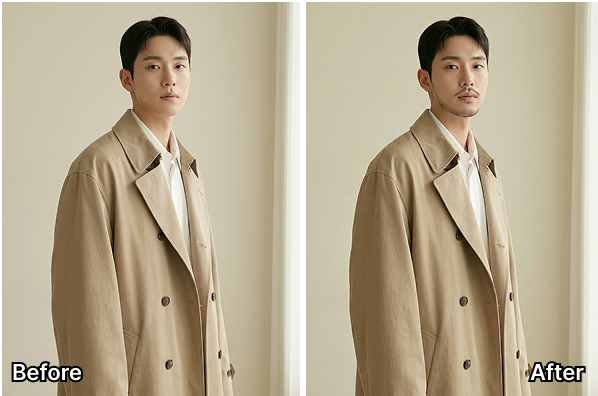
Add Beard to Photo: Test Your Look Before You Grow It
Instantly add hyper-realistic stubble, goatees, or full beards to your selfies. Our AI flawlessly matches your jawline, skin tone, and hair texture for a 100% natural result.
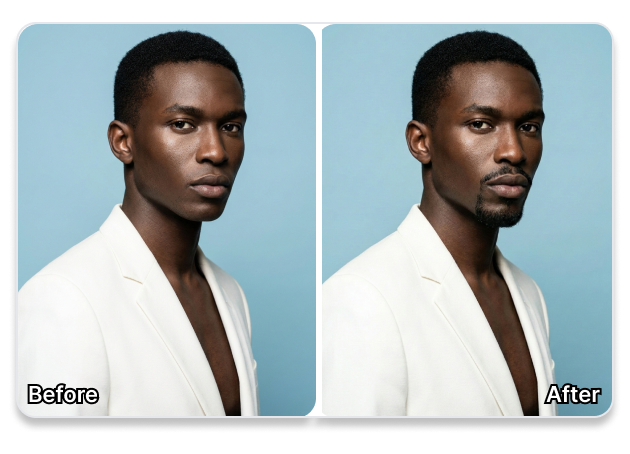
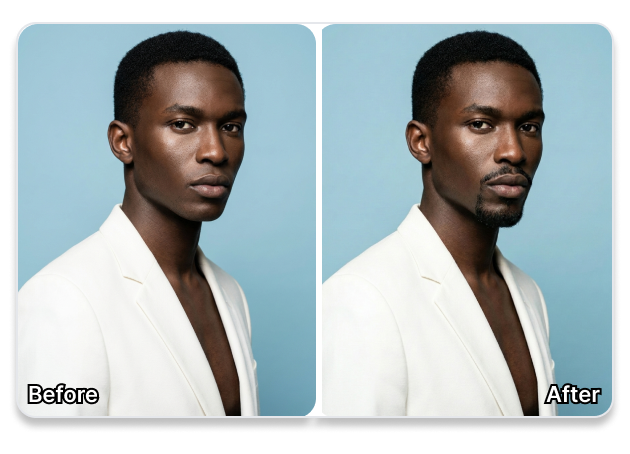
Flawless Jawline & Lighting Integration
Ditch those fake, floating sticker beards. Our AI perfectly maps the generated facial hair to your unique jawline and cheekbones. It seamlessly blends individual hair strands and natural shadows to match your photo's original lighting perfectly.
Try 30+ Trending Beard Styles Instantly
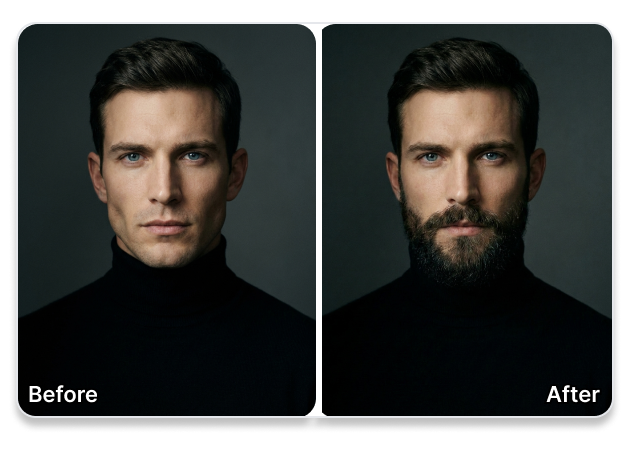
Find your signature look without the awkward growing phase. Easily switch between a rugged lumberjack beard, a sharp Van Dyke goatee, or subtle 5 o'clock stubble. Upgrade your Tinder profile or professional headshots with a more mature, confident look in seconds.
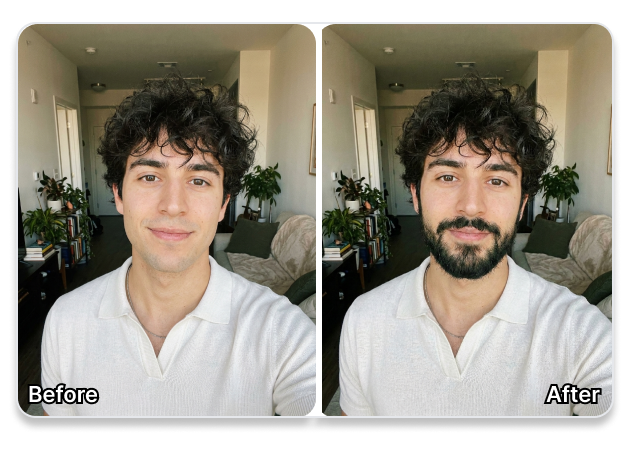
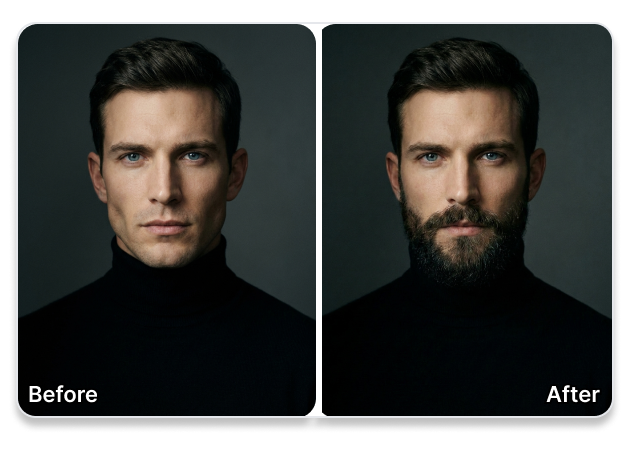
Fix Patchy Beards & Custom Colors
Get exact control over your facial hair. Use simple prompts to fill in a patchy beard, increase overall thickness, or add a distinguished salt-and-pepper color to your chin. Create realistic mockups to plan your "No Shave November" goals without looking messy.
Add Beard to Photo with Three Simple Steps
Check your new look right from your browser without any complex photo editing experience. Our tool handles the placement and styling for you.
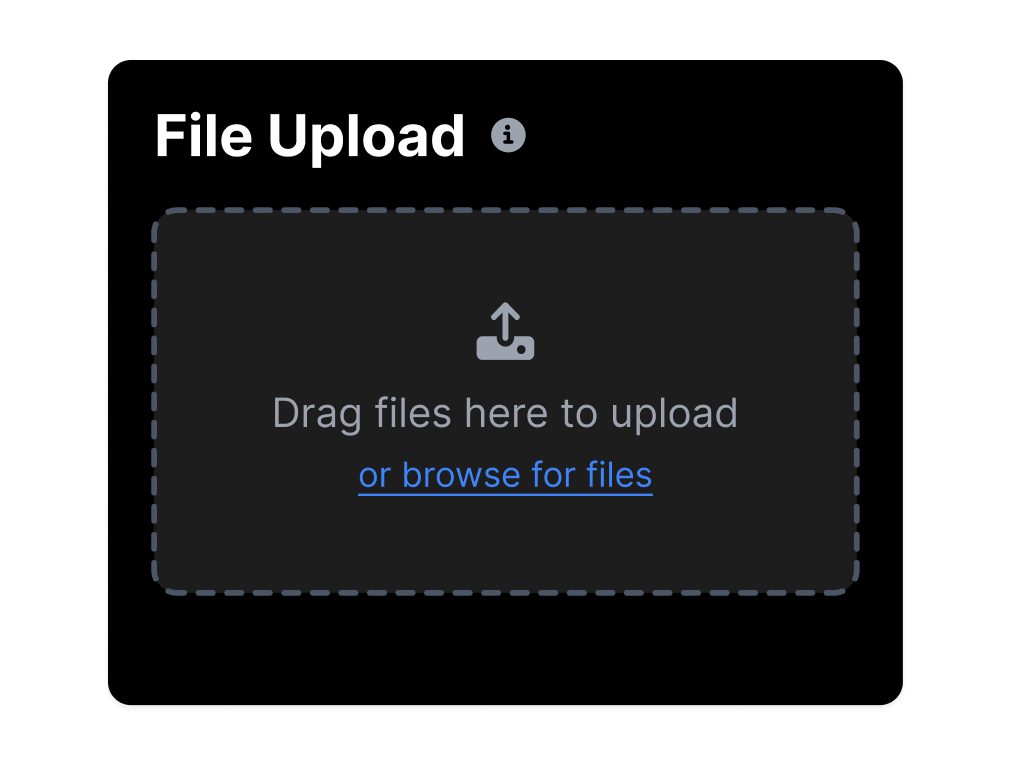
1. Upload Your Front Portrait
Select and upload a clear, front-facing selfie or headshot to our online photo beard editor.
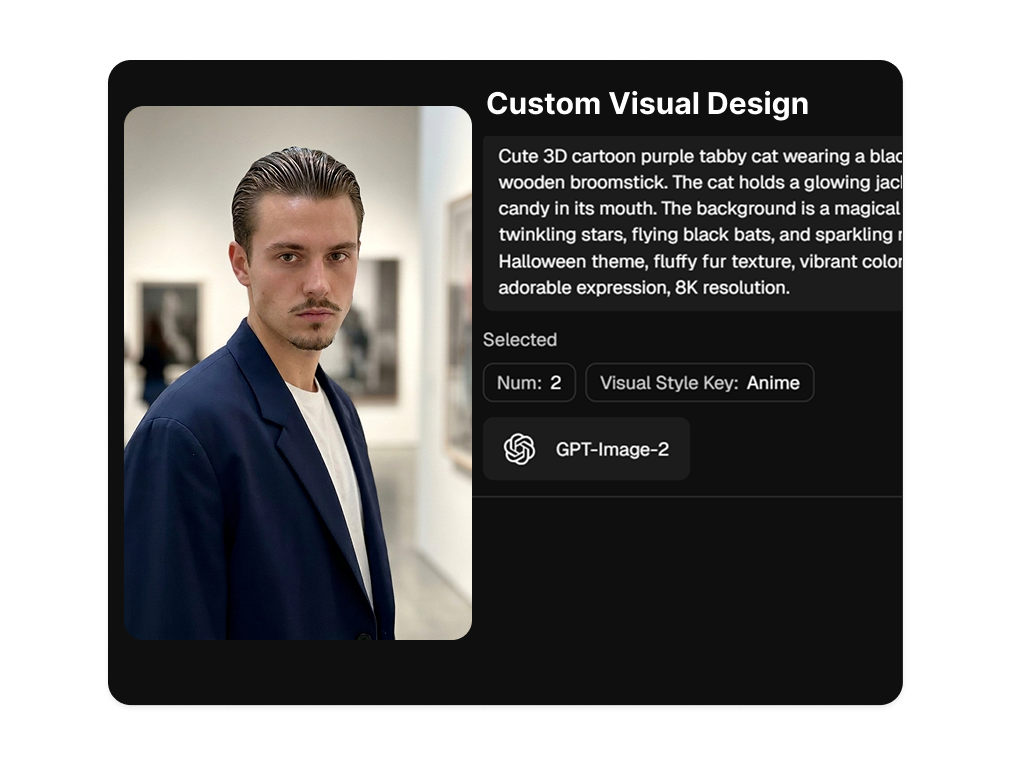
2. Frame Your Lower Face
Move the selection box to frame your chin and lower face, then enter a prompt describing your desired beard style and density.
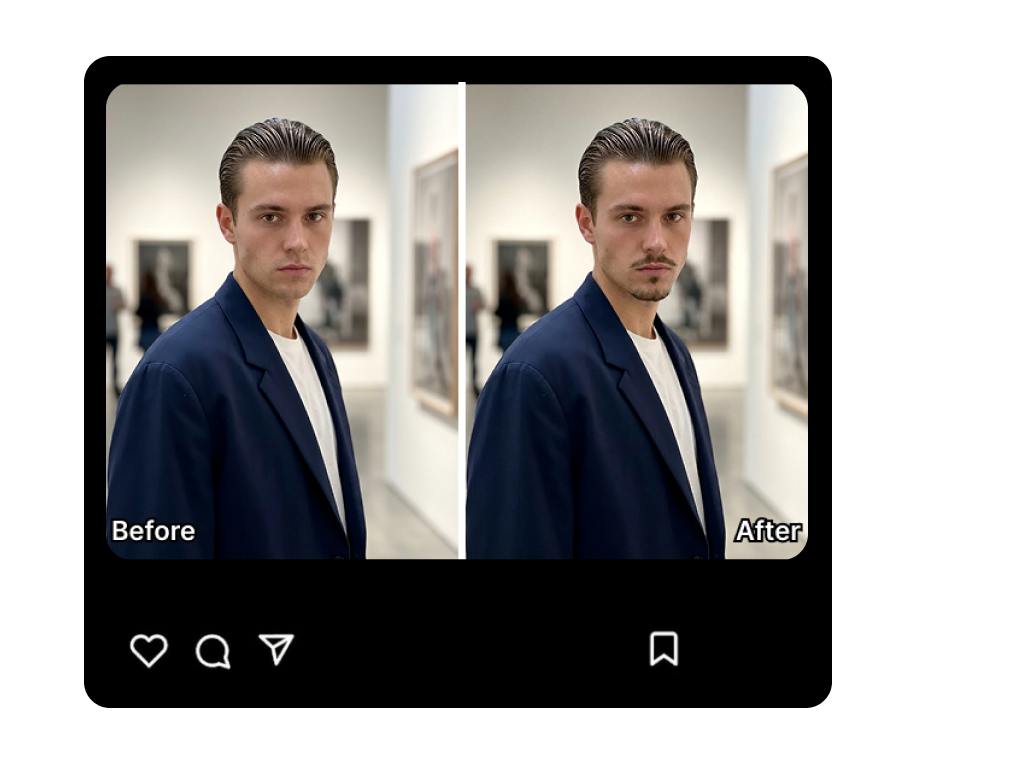
3. Preview and Adjust
Run the generator to check the blend. You can easily tweak your description to try on different styles until it feels right.
Add Beard to Photo for Every Style and Goal
Whether you want to test a new look before shaving, update your online profiles, or design characters, our AI tool delivers clean results.
Grooming Explorers
See what you would look like with a beard before growing one. Avoid the awkward patchy phase by trying different beard styles online to find your fit.
Social Profile Creators
Update your dating profiles or create an attention-grabbing PFP. You can also prank your friends by adding a realistic beard to a photo of someone else.
Cosplayers and Creators
Utilize the beard generator for cosplay photos to preview specific historical, pirate, or fantasy looks. Save time and budget on physical makeup and prosthetics.
Online Privacy Protectors
Alter your appearance to protect your digital identity. Create a realistic online safety profile picture while keeping a professional look.
FAQs
1. How can I add a realistic beard to a photo?
2. Can I add a beard to my photo online free?
3. Is it possible to add a moustache to a photo as well?
4. How do I put a beard on a picture without Photoshop?
5. Will the beard match my facial features?
Add Beard to Photo to Preview Your Next Style
Skip the uncertainty of growing or shaving facial hair. Upload your picture now to test realistic beard designs and discover your best look.