AI Ecommerce Fashion Photography Generator
Turn a flat lay, ghost mannequin, or accessory photo into ecommerce fashion images. AI creates on-model and lifestyle shots while preserving the original product details. Expand your store gallery without reshooting every item.
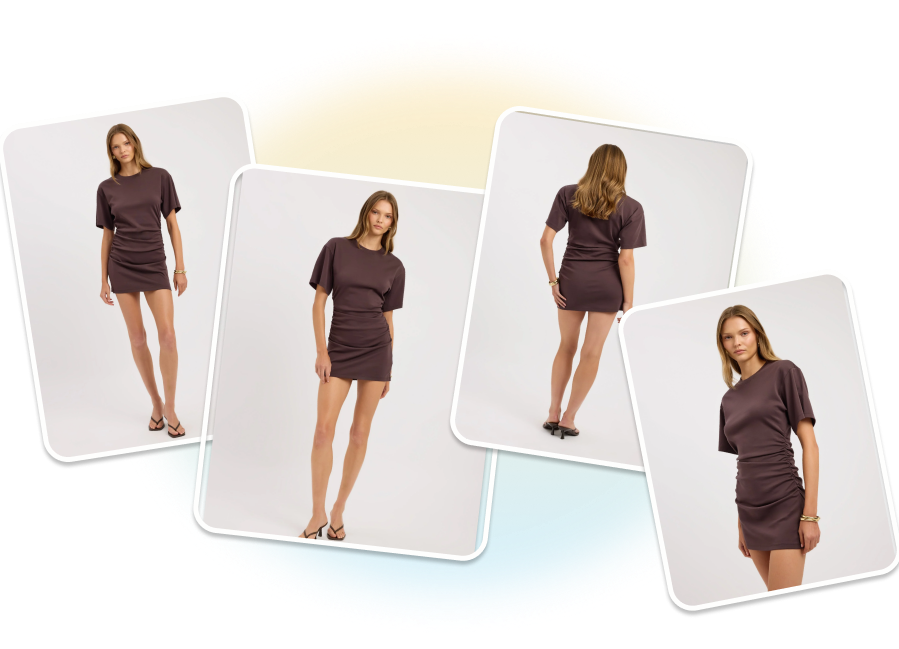
Create Ecommerce Fashion Images That Stay True to the Product
Generate on-model, studio, and lifestyle images while keeping the original product at the center of every result.
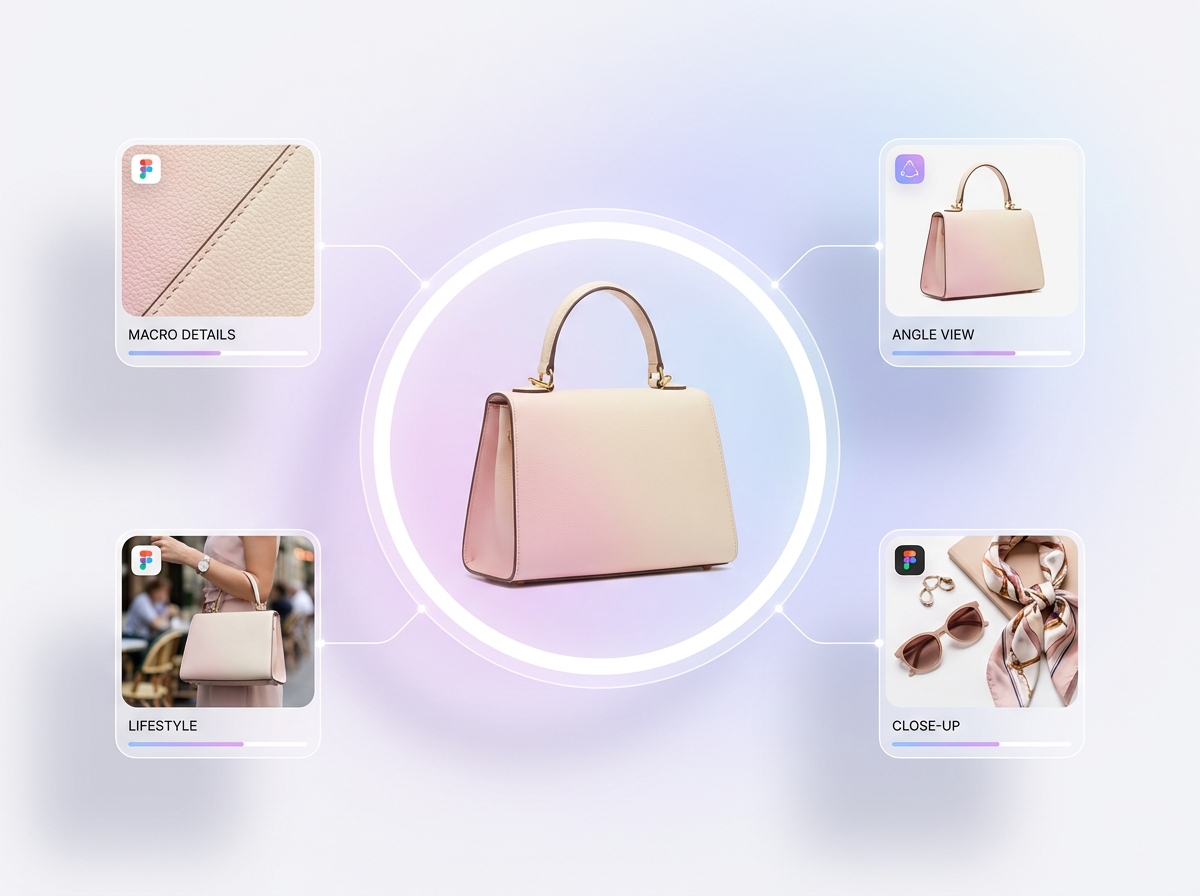
Turn Basic Supplier Photos Into Store Assets
Clean up flat lays, mannequin shots, and inconsistent supplier images. AI applies background removal, balanced lighting, cleaner edges, and ecommerce-ready framing to the original product. Prepare stronger storefront images without recreating the source photography.
Build a Full Product Page From One Image
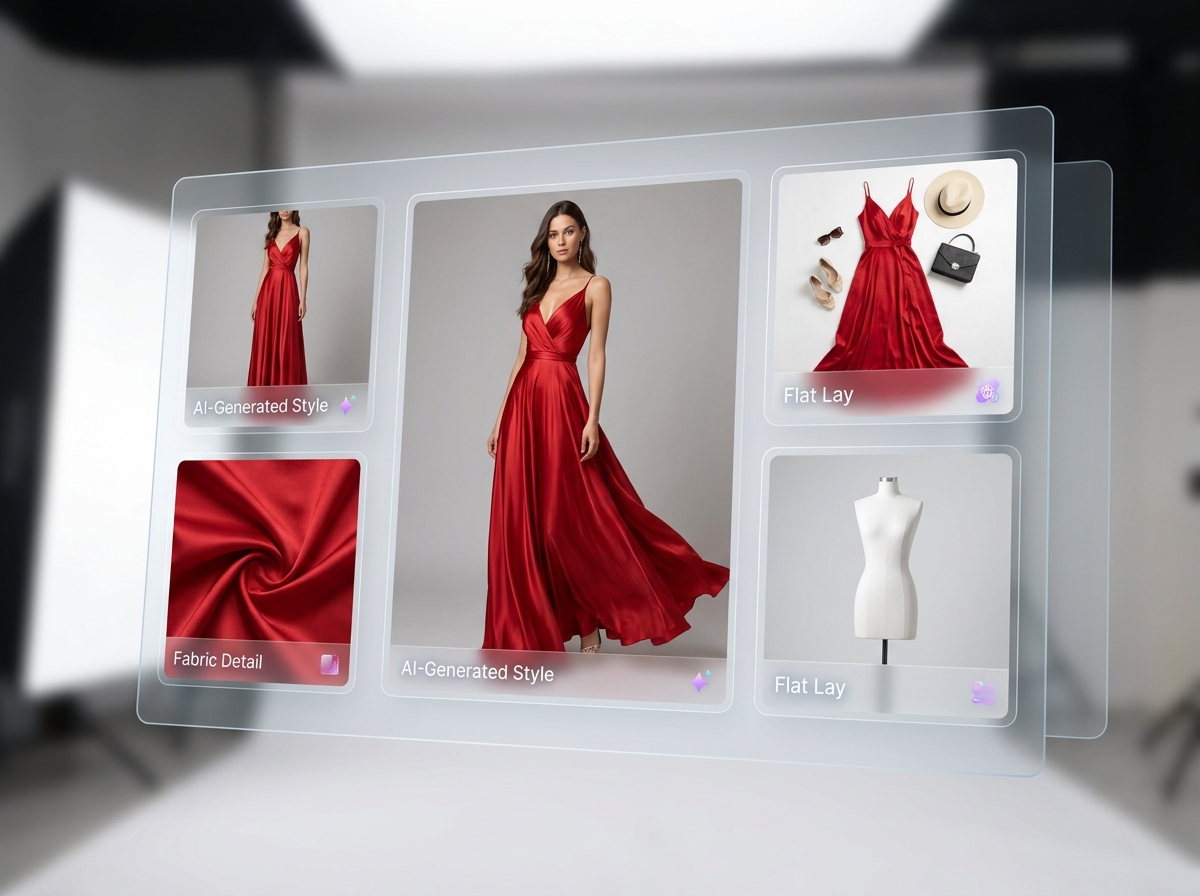
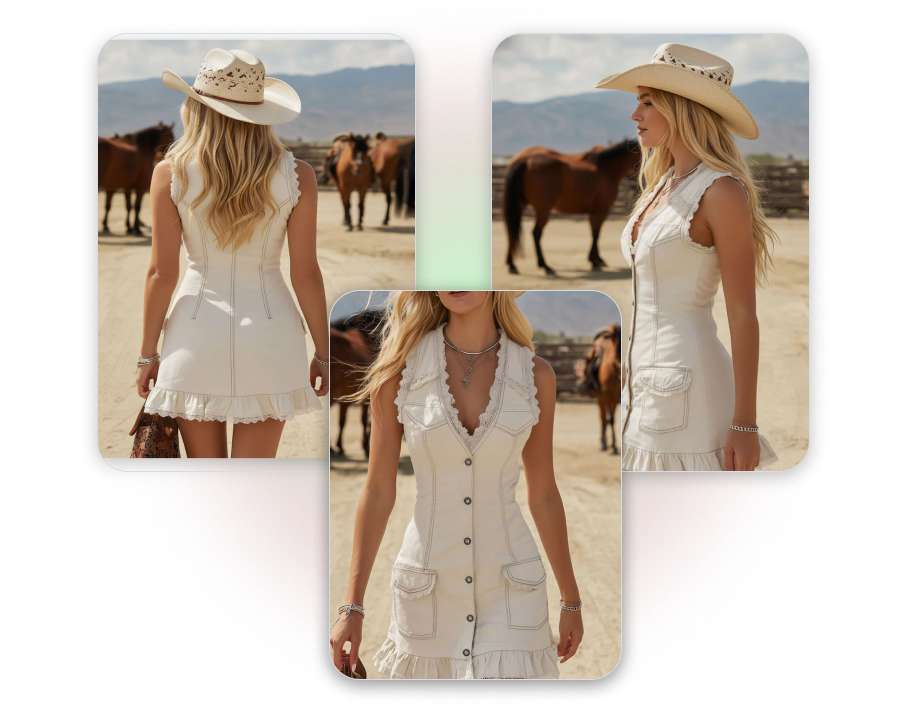
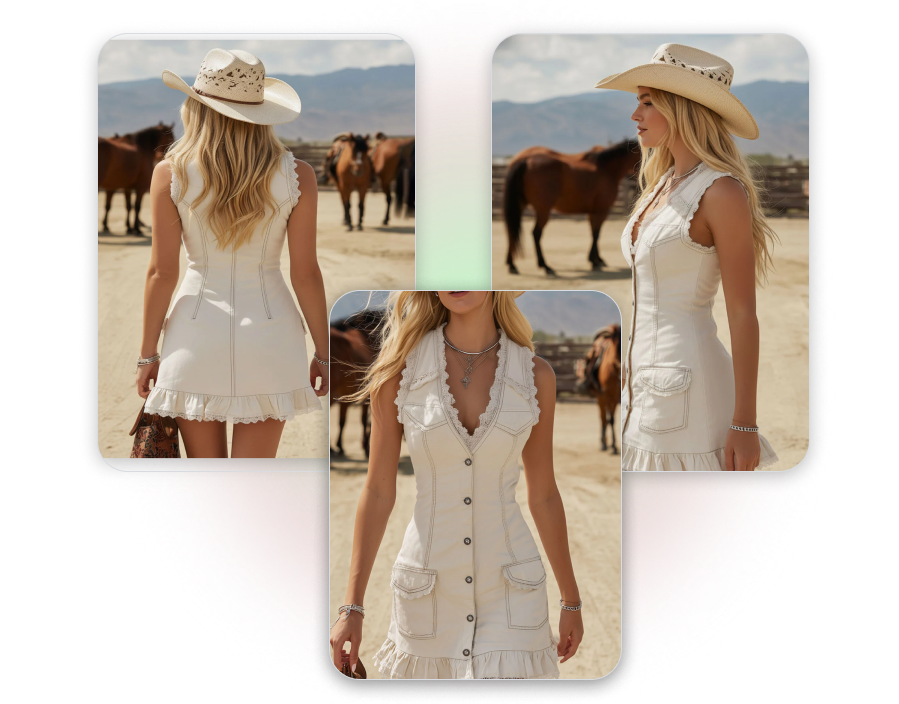
Turn one product photo into a coordinated set of ecommerce visuals. Generate hero images, on-model views, detail shots, and lifestyle placements around the same item. Give shoppers more visual context without photographing every view separately.
Show Accessories in Their Wearing Context
Place bags, jewelry, shoes, and other accessories on generated models or in relevant settings. AI adjusts product placement, model pose, perspective, and scene lighting for the selected item. Help shoppers understand how the accessory looks when worn or carried.
Prepare Product Images for Closer Viewing
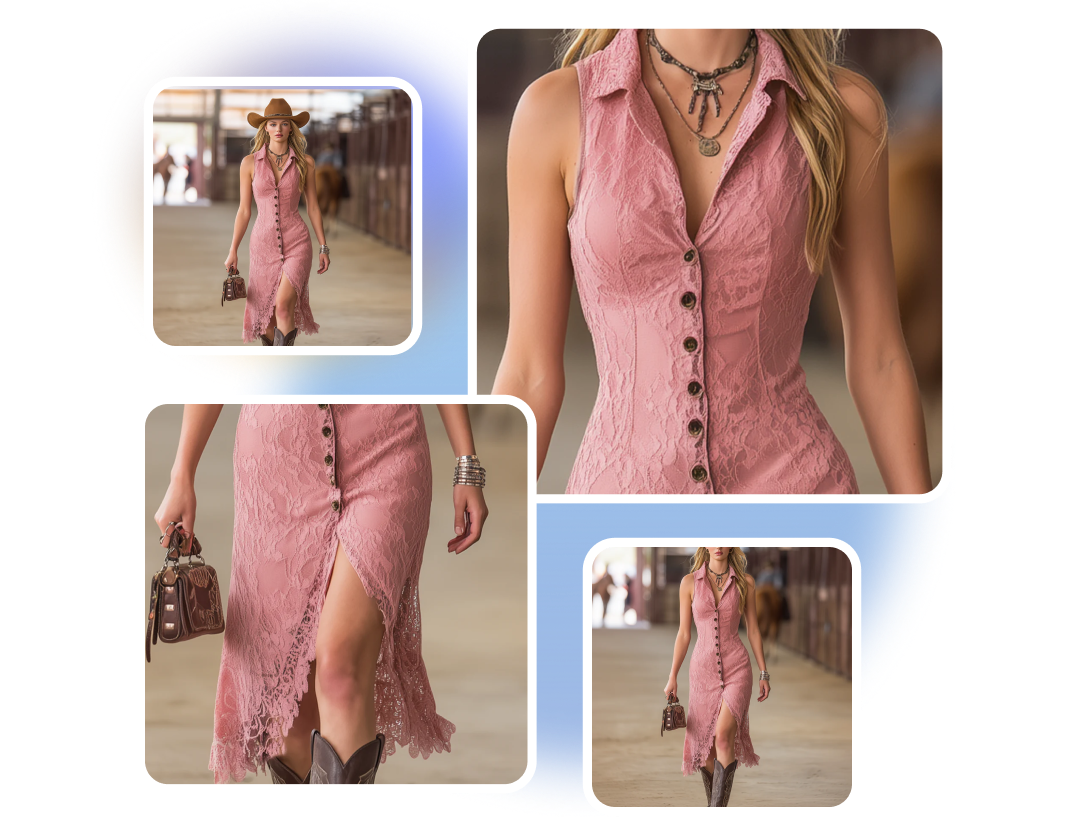
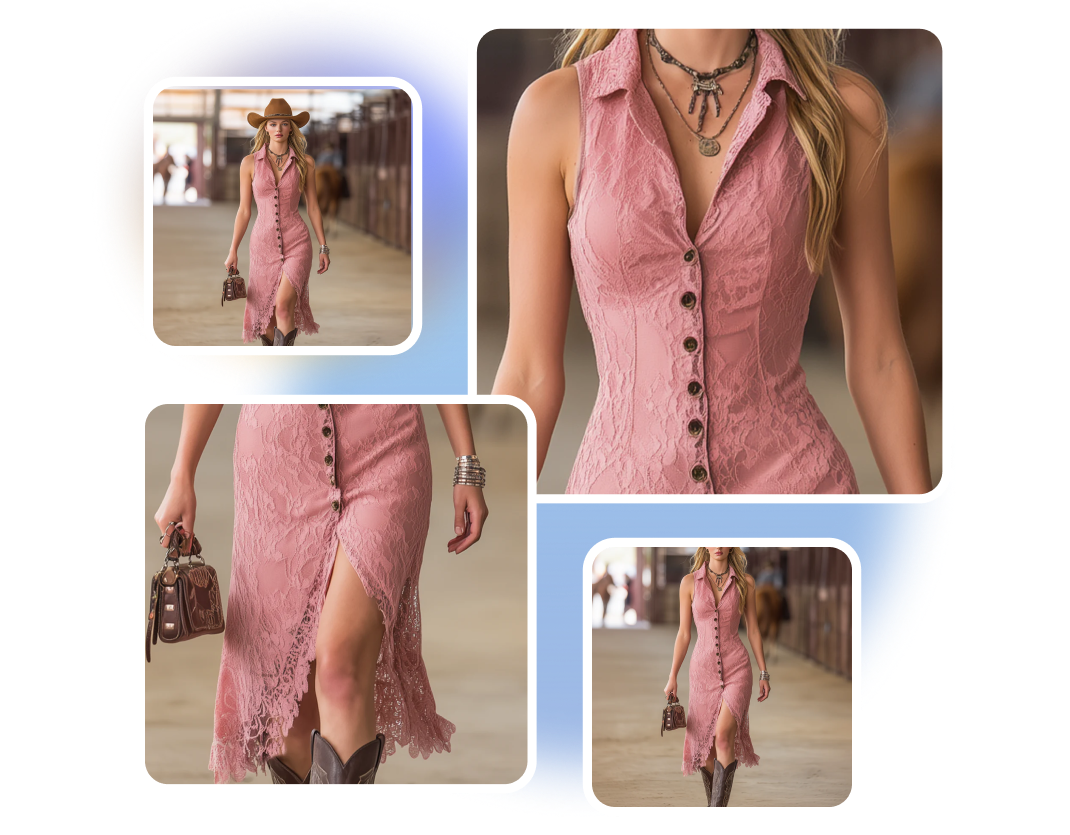
Upscale selected images for zoom views, high-density screens, marketplaces, and print materials. AI increases resolution while keeping visible edges, textile texture, hardware, and stitching clear. Give customers a better view of the details they use to evaluate the product.
From Product Photo to Ecommerce Image in 3 Steps
1. Upload Your Product
Upload a clear flat lay, ghost mannequin, model, or accessory photo. Make sure the full product and its important design details are visible.
2. Direct the Image
Choose the model, pose, background, lighting, and framing. Create an on-model photo, a clean studio shot, or a branded lifestyle image.
3. Review and Export
Check the color, pattern, logo, seams, proportions, and accessories. Select the strongest images, upscale them, and export them for your store.
Ecommerce Fashion Photography for Every Retail Workflow
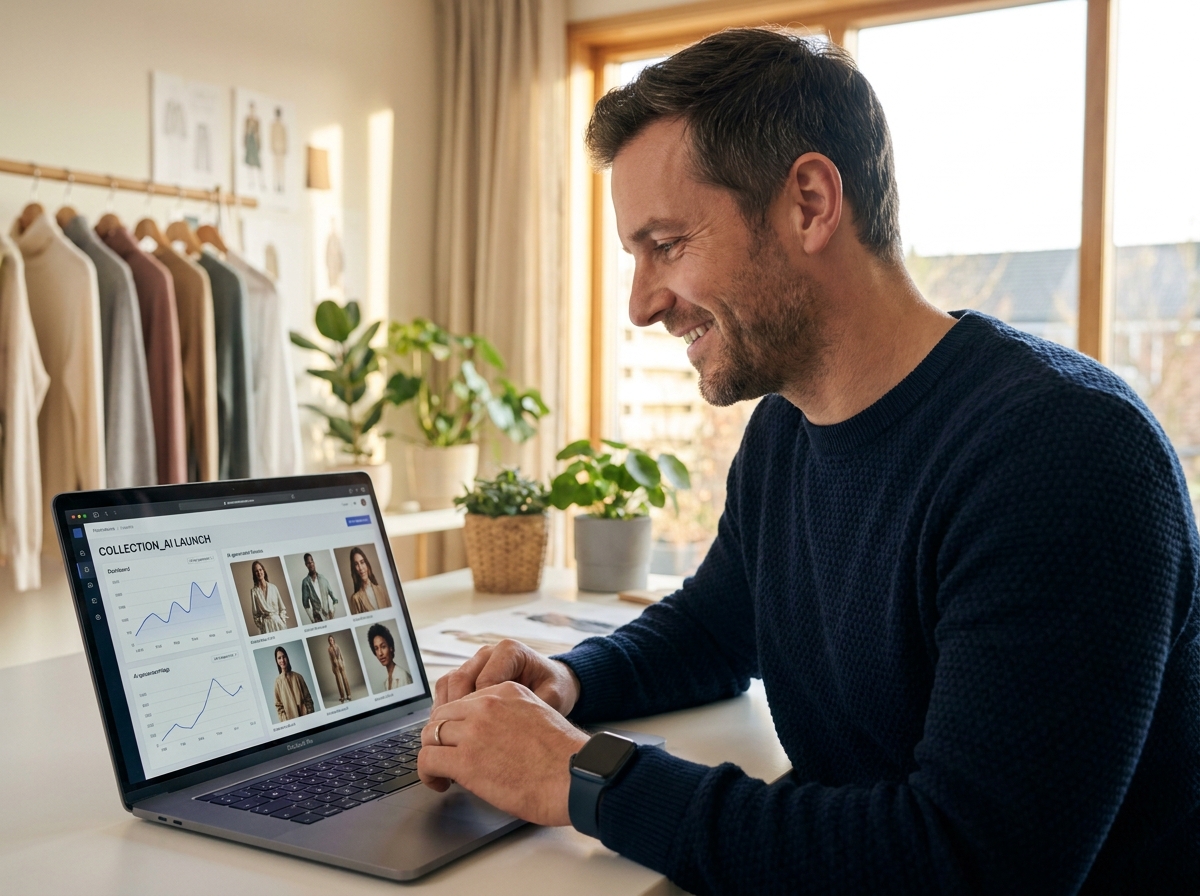
Independent Fashion Brands
Turn samples, flat lays, and ghost mannequin photos into product imagery for new releases. Present more items before committing budget to additional models, locations, and studio sessions.
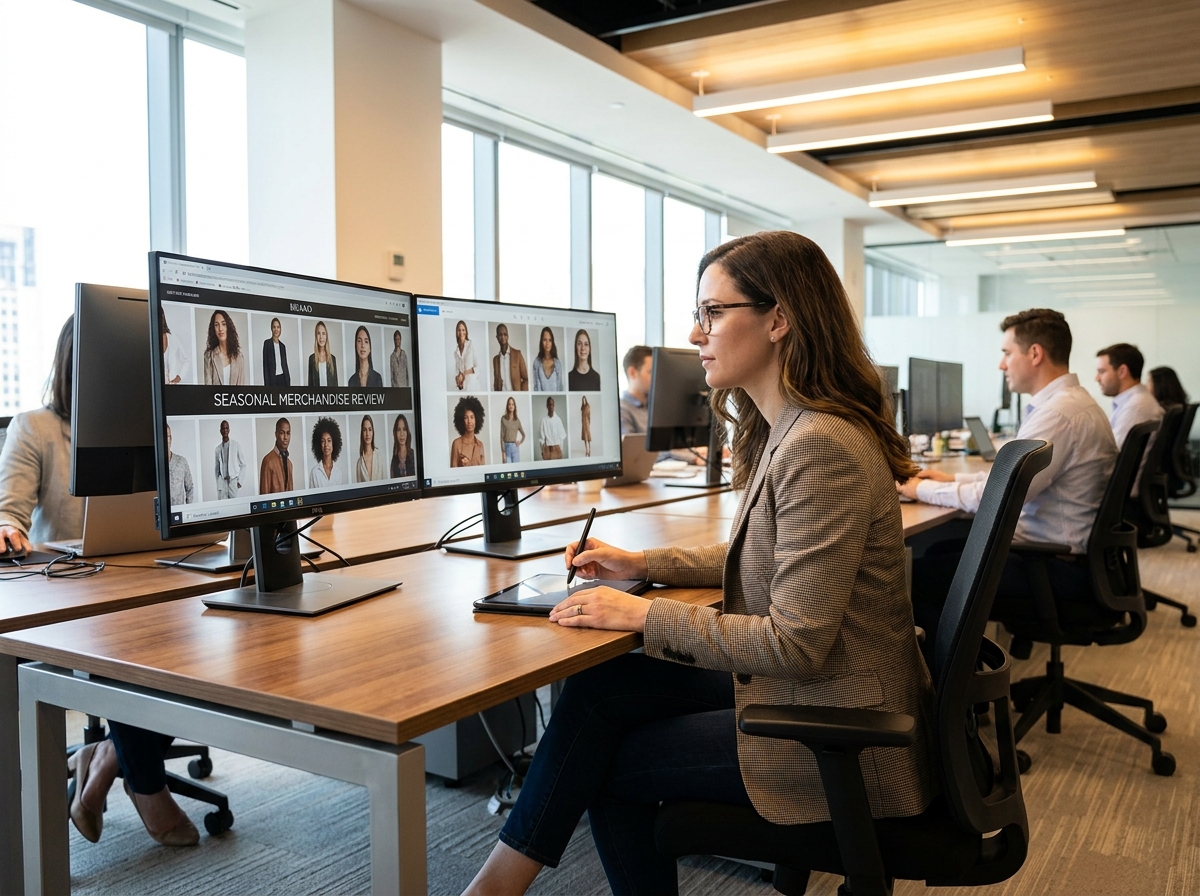
Ecommerce Merchandising Teams
Maintain a consistent presentation across product categories, collections, and regional storefronts. Create alternative model images while keeping the crop, background, and visual standard aligned.
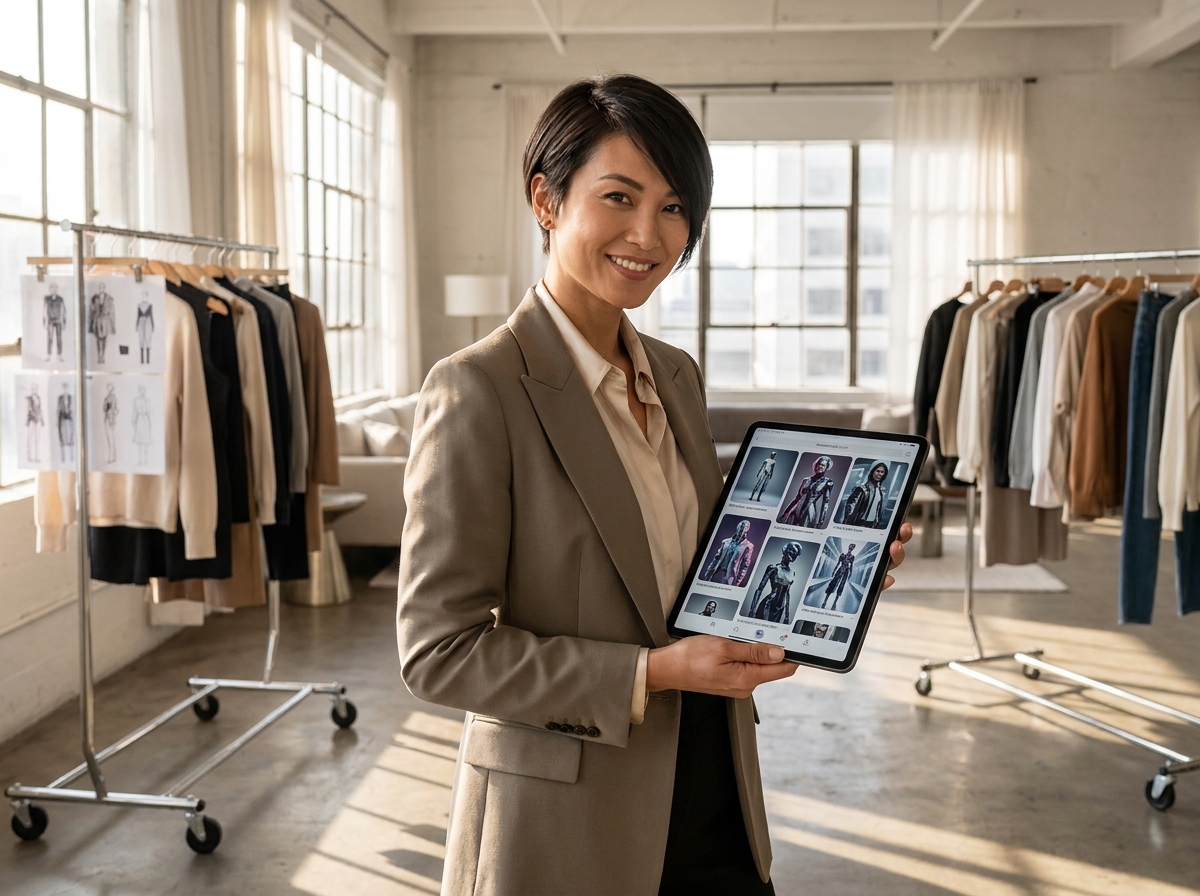
Marketplace and Wholesale Sellers
Upgrade basic supplier photos for Shopify stores, Etsy listings, wholesale line sheets, and retailer presentations. Show each product on a model or in context while keeping the item easy to inspect.
FAQs
1. What is an ecommerce fashion photography generator?
2. Can the AI fashion photography generator use flat lays?
3. Will the ecommerce image generator preserve the original product?
4. Can I use different AI fashion models for the same product?
5. Does the ecommerce fashion photography generator support accessories?
6. Should I review AI model photos before publishing?
Turn Product Photos Into Ecommerce Fashion Images
Use the ecommerce fashion photography generator to turn basic product photos into on-model, lifestyle, and high-resolution store images while preserving the item customers will actually receive.
Build Your Ecommerce Images