AI Auto Subtitle Generator
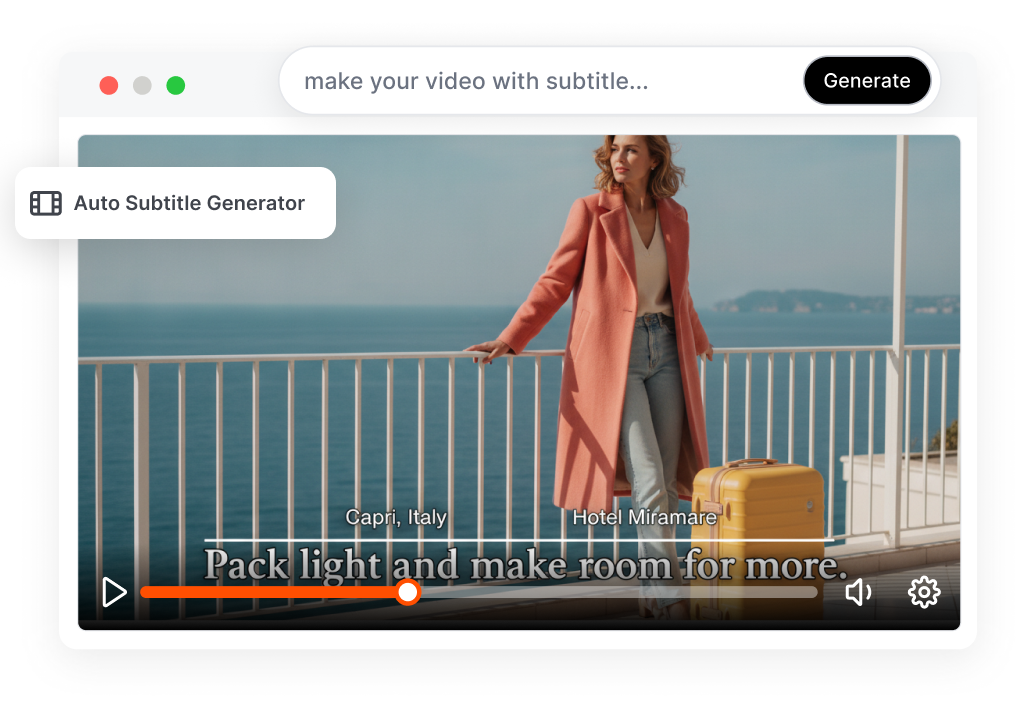
Upload a video or audio file to automatically generate timed subtitles. AI turns speech into editable, timestamped captions aligned with each spoken line. Style, translate, and export subtitles without typing the transcript from scratch.
Auto Subtitle Generator From Speech to Final Export
Turn spoken audio into accurately timed subtitles you can edit and export for any video workflow.
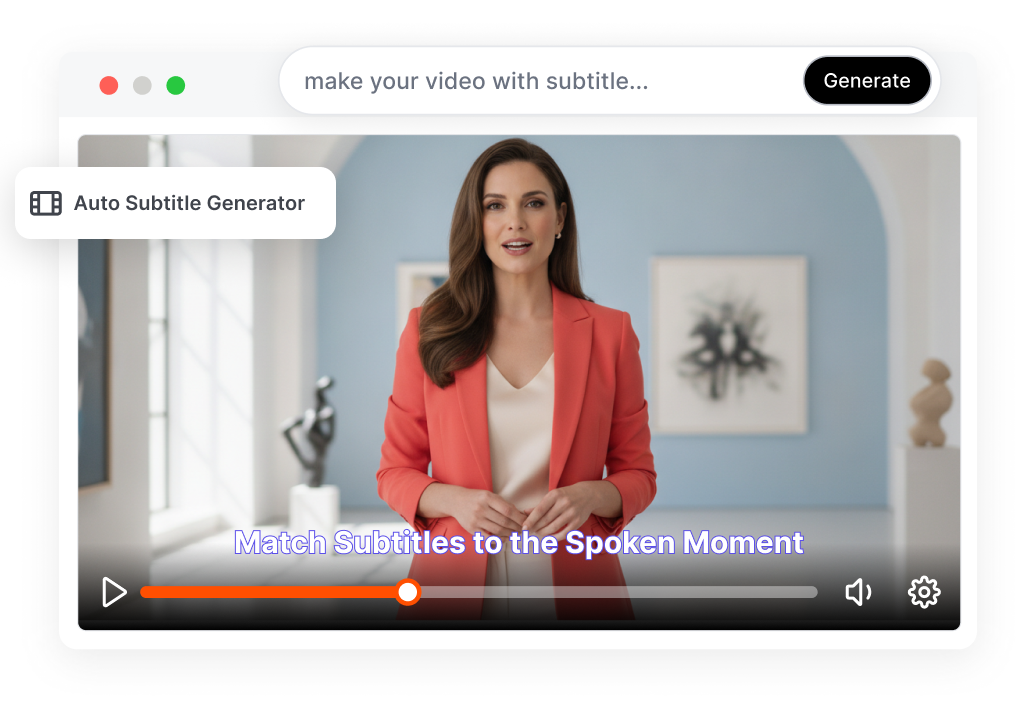
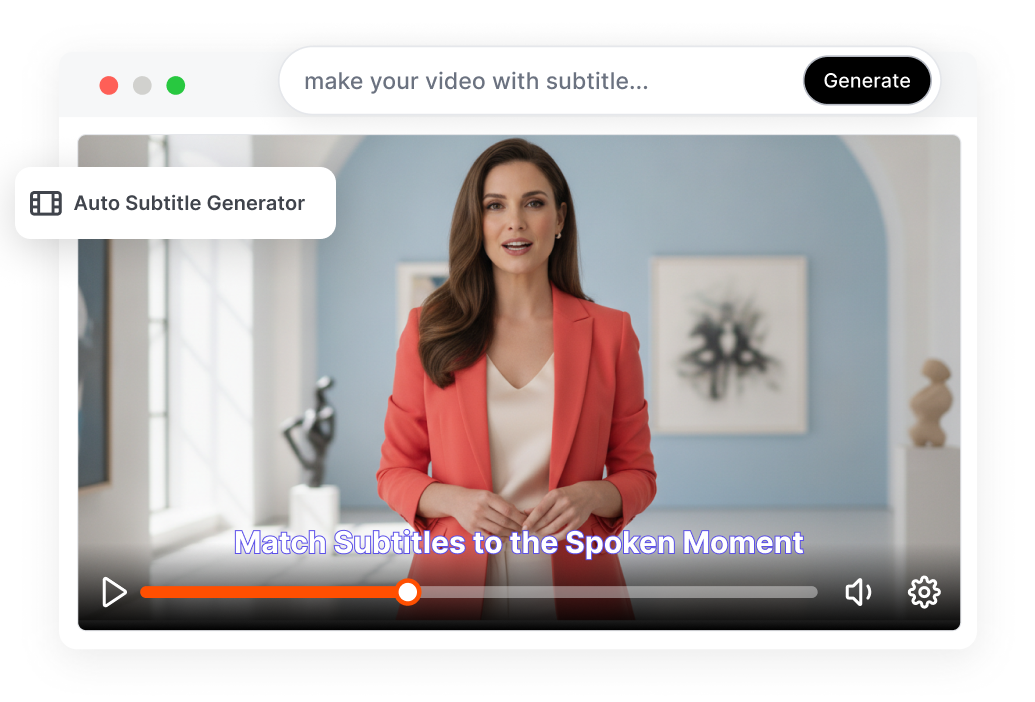
Match Subtitles to the Spoken Moment
Convert speech into automatically timed subtitles. AI uses pauses, sentence breaks, and word-level timestamps to place each caption on the timeline. Reduce the time spent manually adjusting subtitle blocks.
Correct the Text Without Losing Sync
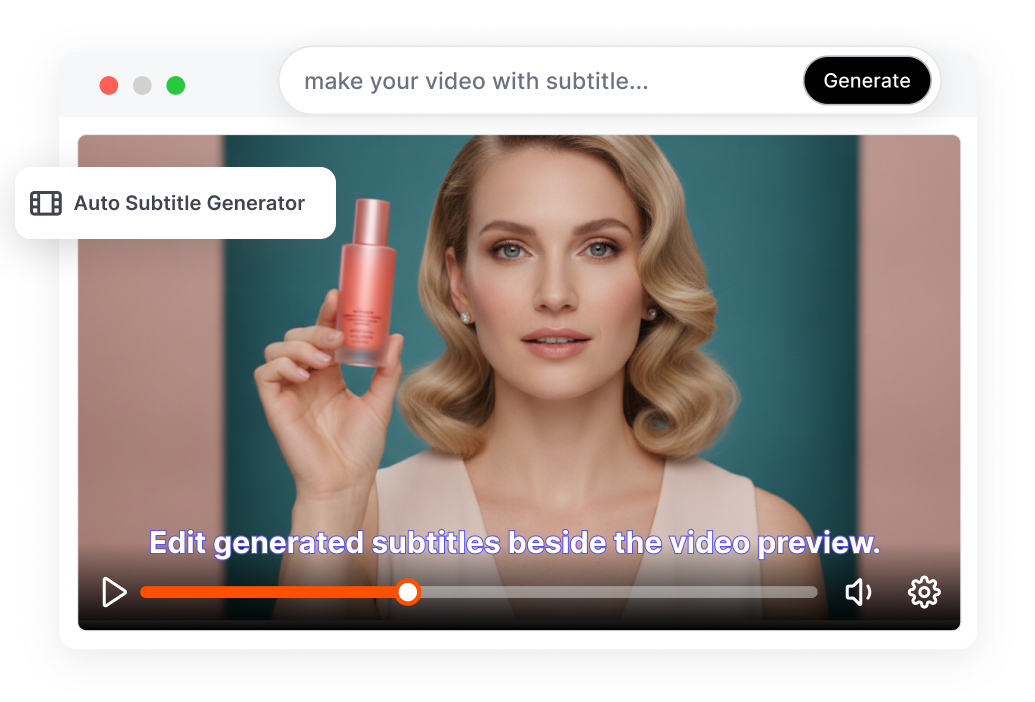
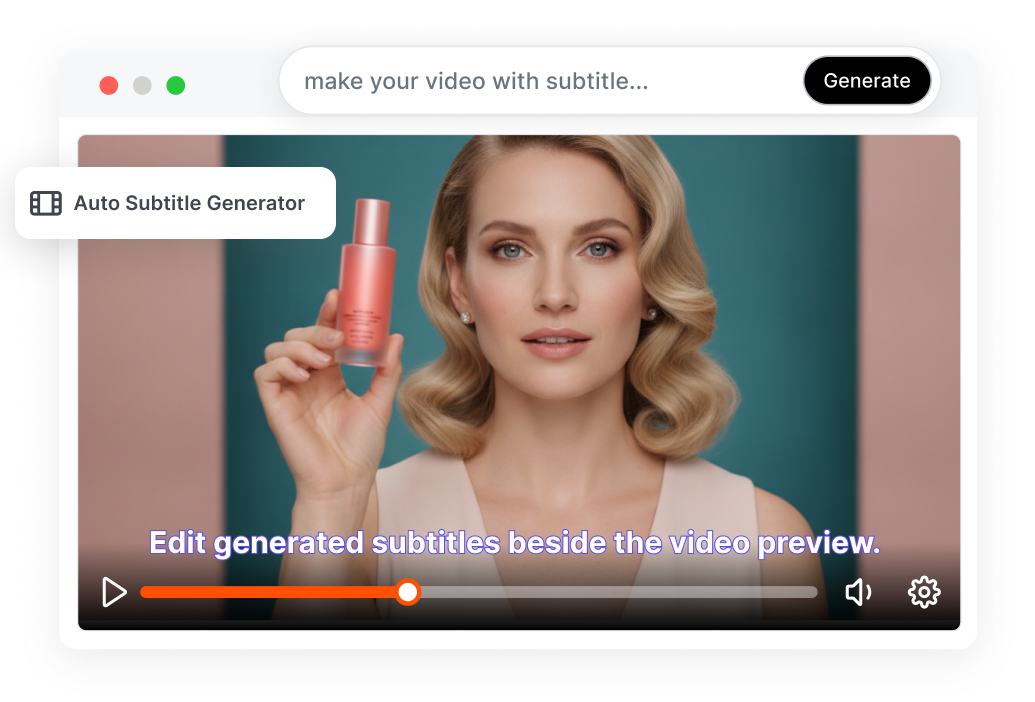
Edit generated subtitles beside the video preview. Correct names, technical terms, punctuation, and timing while listening to the original audio. Clean up the transcript without rebuilding the subtitle track.
Give Auto-Generated Subtitles a Visual Rhythm
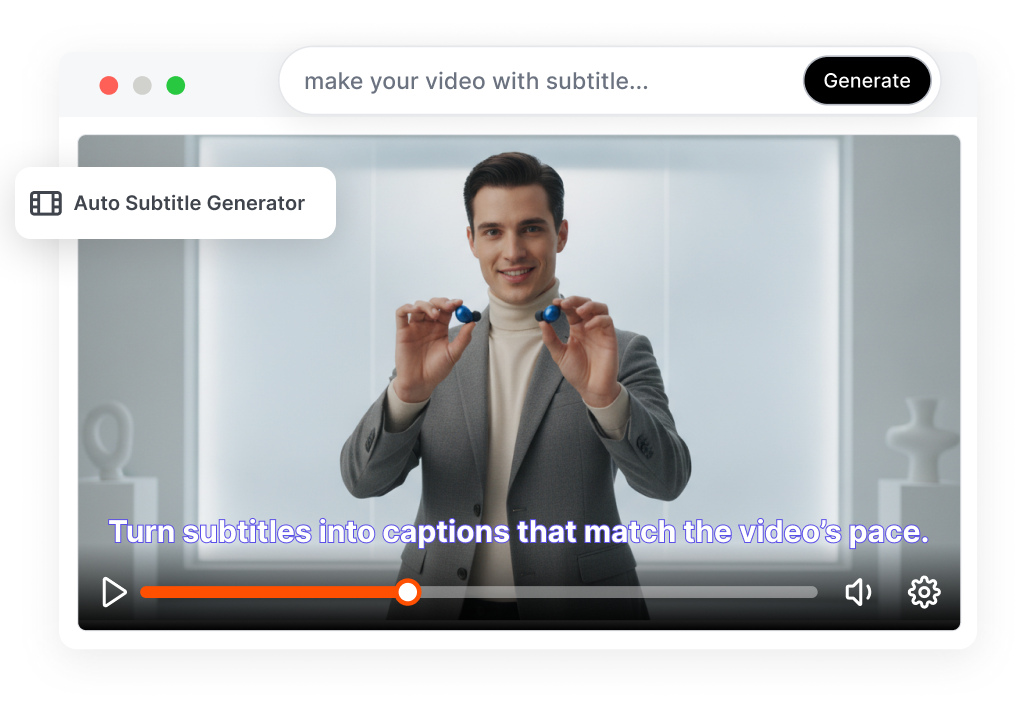
Turn plain subtitles into captions that match the video’s pace. Customize fonts, colors, backgrounds, highlights, and animations for social or branded content. Hold attention even when viewers watch without sound.
Export Subtitles for Any Workflow
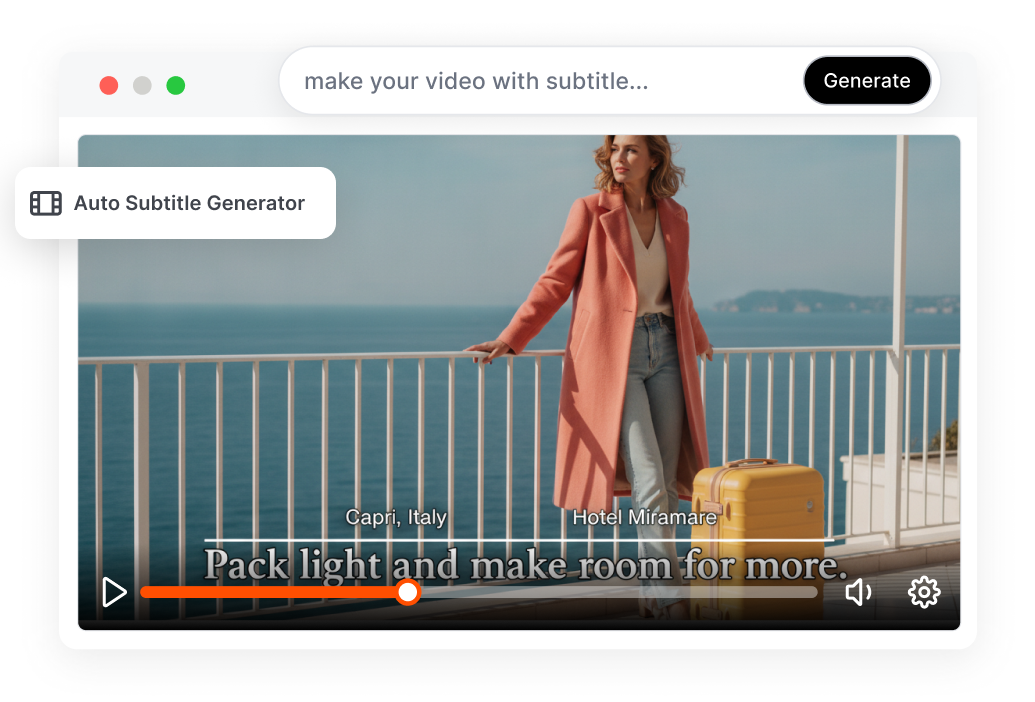
Export captions as a finished video or separate subtitle file. Choose hardcoded MP4, SRT, VTT, or TXT for publishing, editing, or accessibility. Reuse the same reviewed subtitles across workflows.
Auto-Generate Subtitles in 3 Steps
1. Upload Your Media
Upload an MP4, MOV, or audio file. The target workflow can also support YouTube or TikTok links and cloud imports.
2. Generate and Review
Choose the spoken language and let AI transcribe the audio. Correct words, adjust caption breaks, and check the timestamp alignment in the video preview.
3. Style and Export
Apply your fonts, colors, highlights, and animations. Download a captioned video or export the subtitles as SRT, VTT, or TXT.
An Auto Subtitle Generator for Every Video Workflow
Short-Form Video Creators
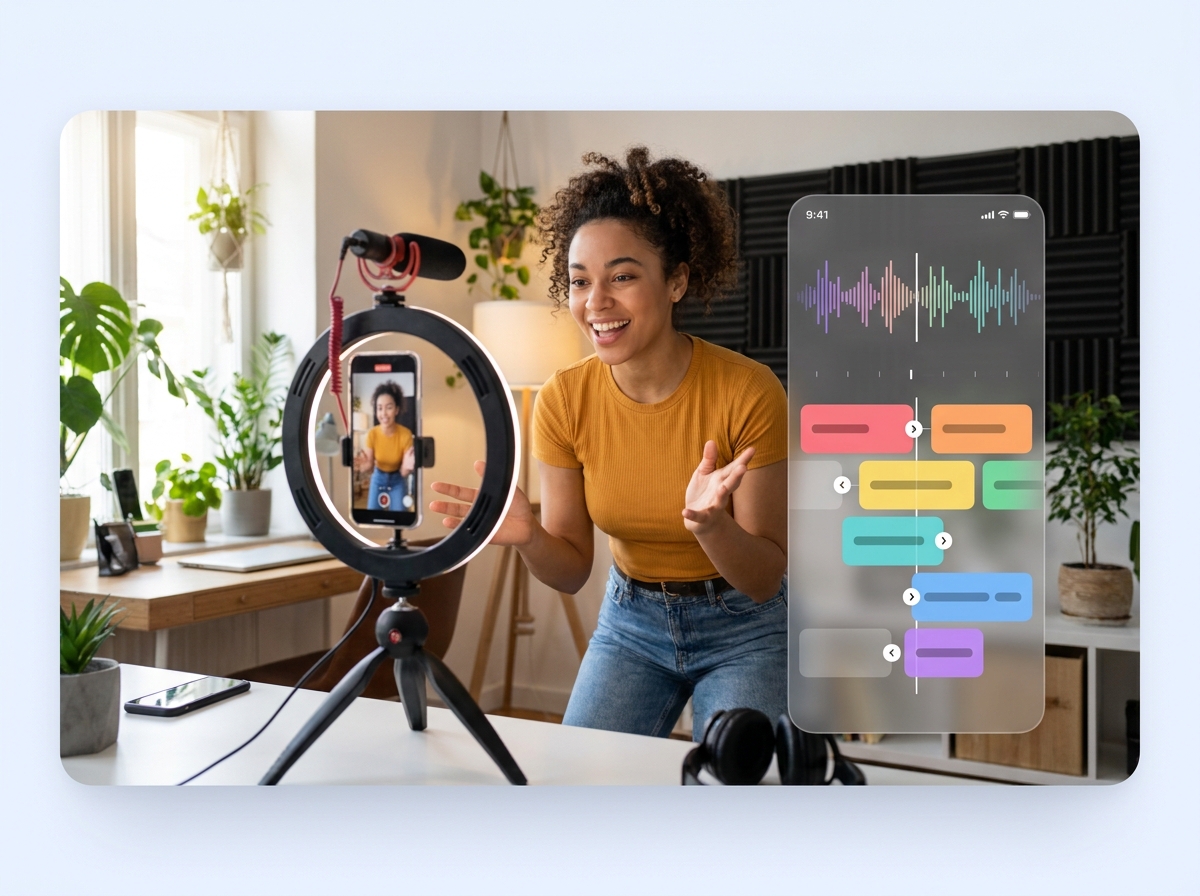
Turn dialogue into mobile-ready captions for TikTok, Instagram Reels, and YouTube Shorts. Highlight keywords and match the caption rhythm to fast cuts, reactions, and spoken hooks.

Educators and Training Teams
Add readable subtitles to lessons, tutorials, webinars, and course recordings. Correct technical terms and export subtitle files for learning platforms and accessible video players.

Marketing and Localization Teams
Create branded captions for product demos, interviews, social ads, and customer stories. Translate approved subtitles into new languages while retaining the original timestamps for easier review.
FAQs
What is an auto subtitle generator?
Can the automatic subtitle generator transcribe audio files?
Can I edit auto-generated subtitles?
Can the AI subtitle generator translate captions?
Can I customize dynamic captions for social media?
How accurate are AI-generated subtitles?
Let the Auto Subtitle Generator Handle the First Draft
Turn spoken audio into timed, editable captions with UGCVideo.ai. Review the words, shape the visual style, and export subtitles for your next video.
Generate Your Video Subtitles