AI Ad Campaign Generator
Turn a product brief into a coordinated set of AI video and image ads. Build product scenes, UGC-style concepts, digital presenters, and platform-ready variations in one creative workflow.
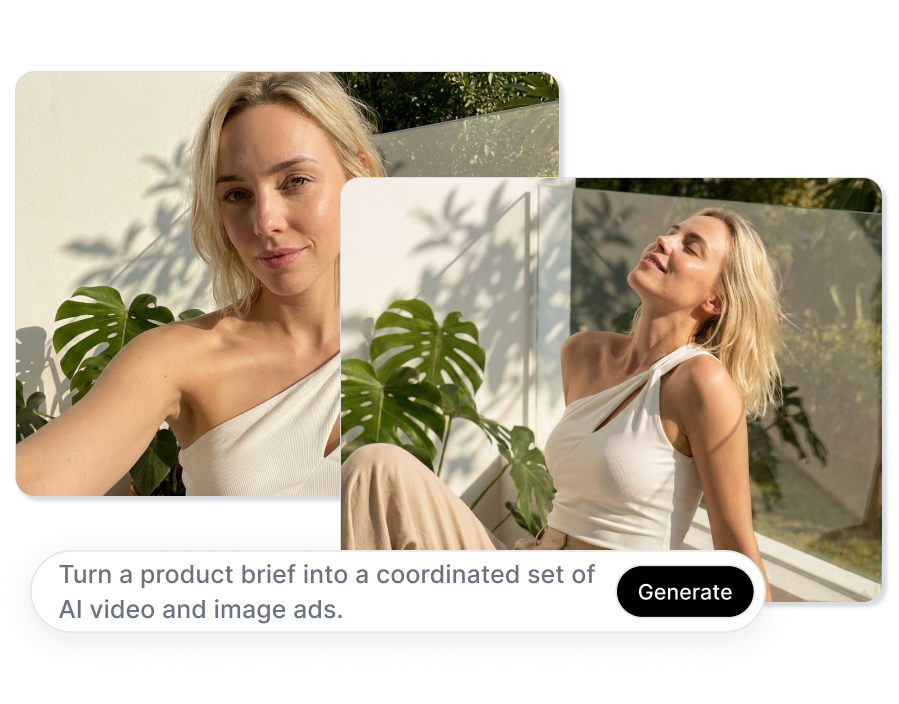
Build an AI Ad Campaign Generator Workflow Around Your Product
Bring your product, audience, offer, and message together before you create. UGCVideo.ai helps you shape the campaign direction, produce different creative formats, and keep the strongest visual idea recognizable across the set.
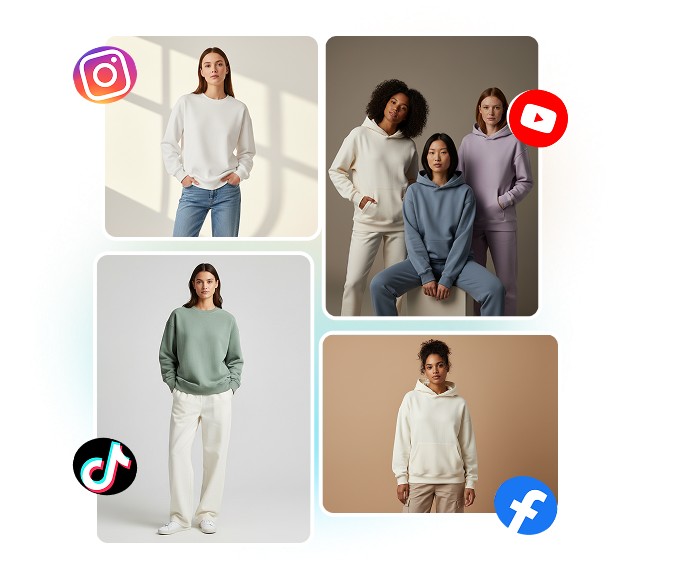
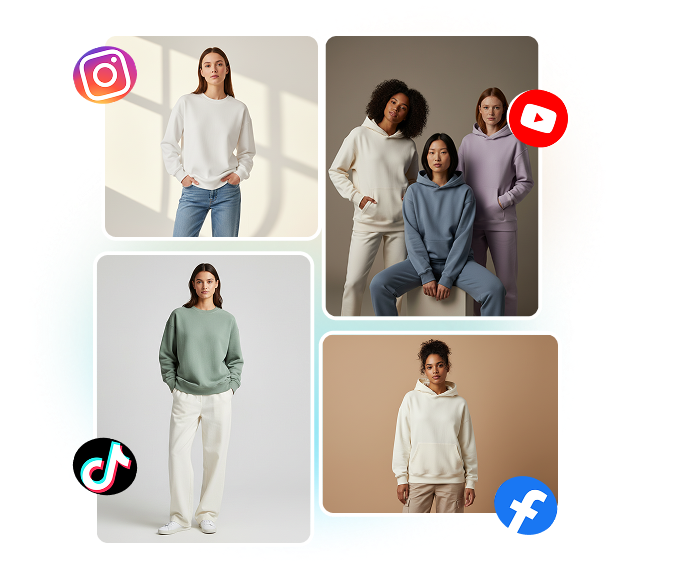
Turn One Product Brief Into Multiple Ad Angles
Describe the offer, audience, tone, and message you want to test, then explore product demos, problem-solution scenes, creator-style hooks, and launch concepts. Keep the brief focused so every variation answers the same campaign question from a different visual angle.
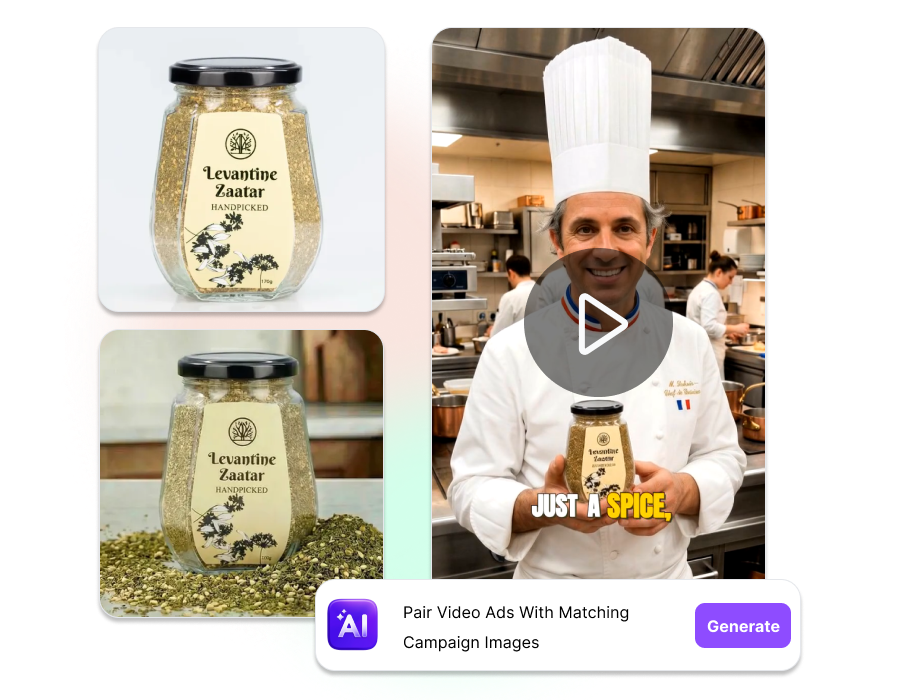
Pair Video Ads With Matching Campaign Images
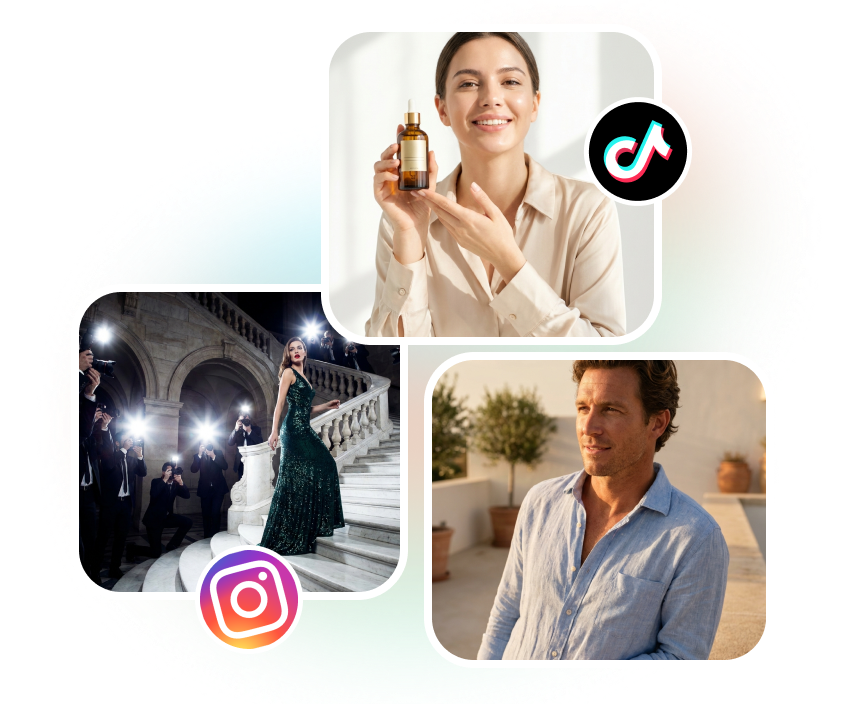
Create a short-form video concept and complementary static creative around the same product direction. Use a product close-up, lifestyle scene, presenter, or bold text layout so Feed, Reels, Stories, and other placements feel connected without looking identical.
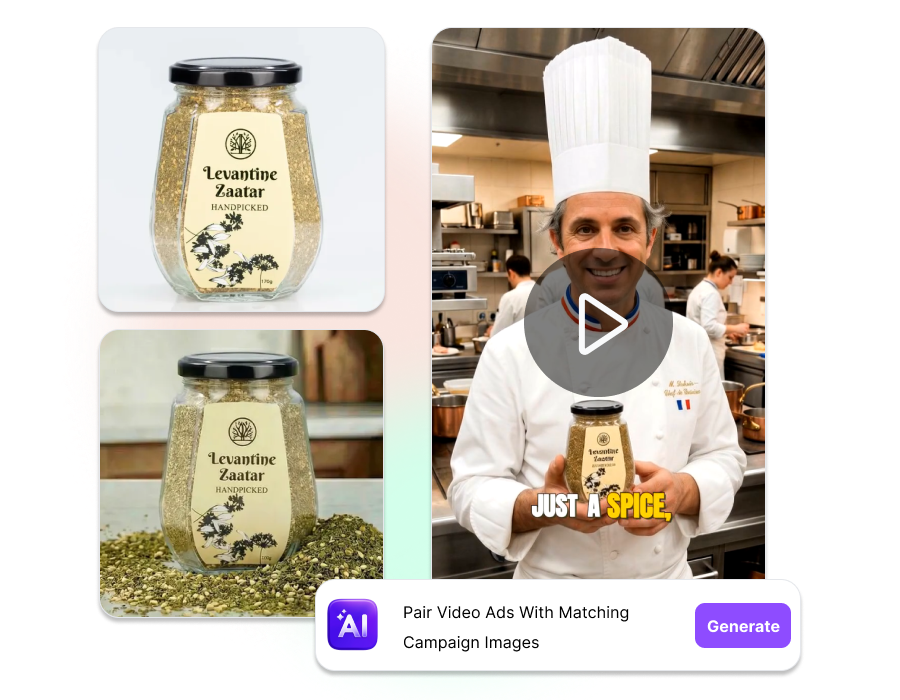
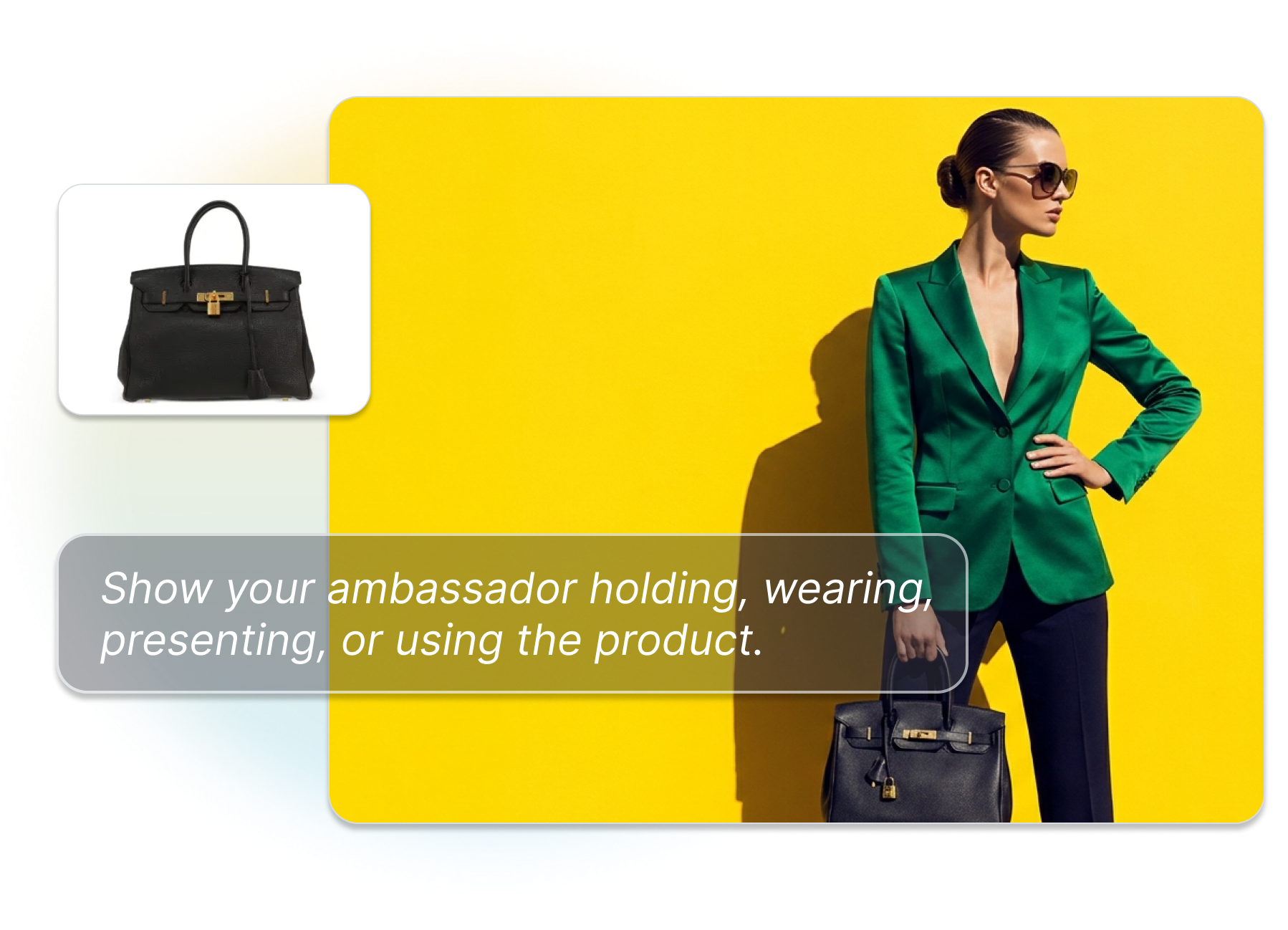
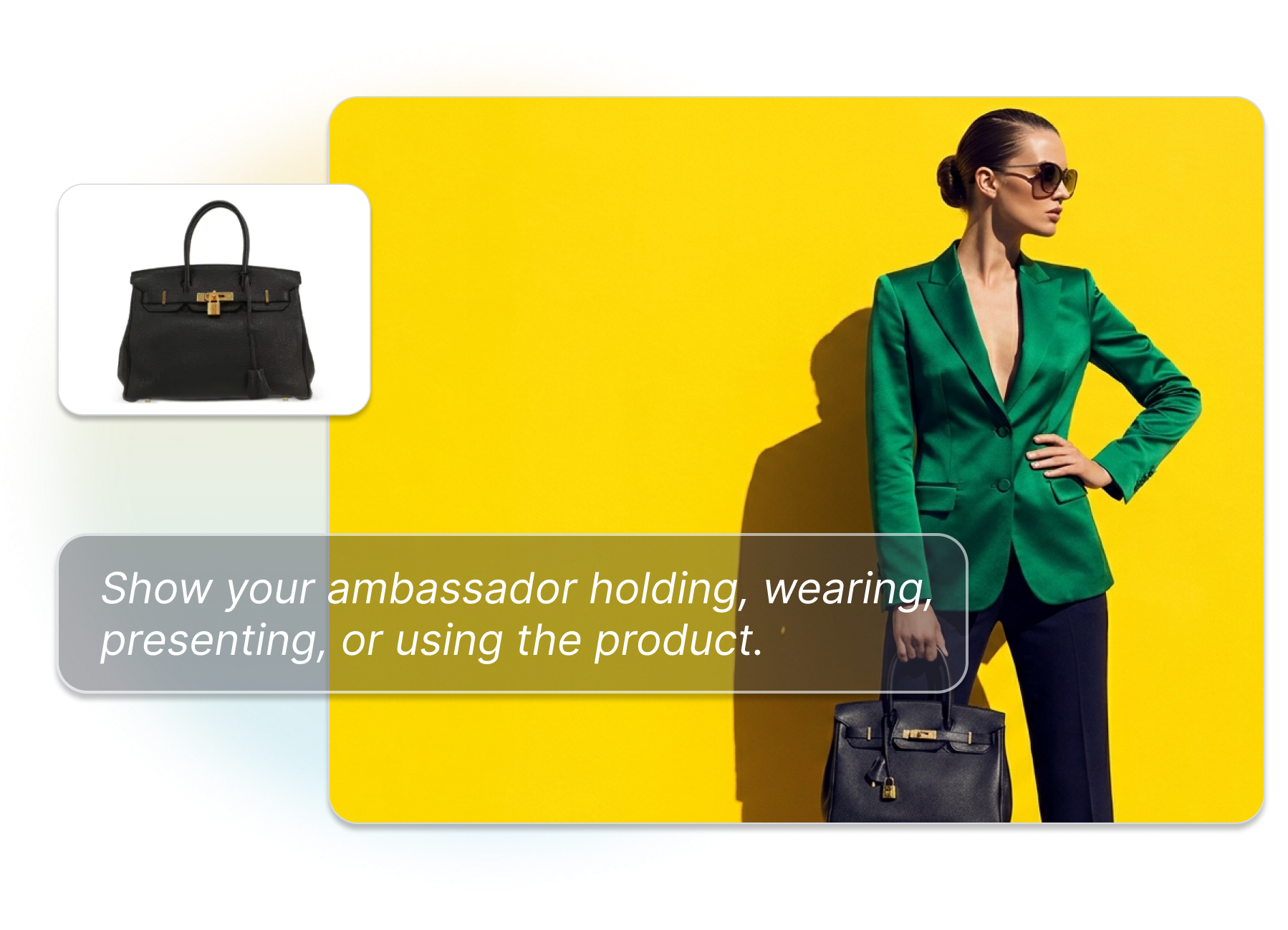
Show the Product in a Scene People Understand
Upload a product asset and direct how it should appear: held, worn, opened, demonstrated, or placed in a real setting. Review packaging, proportions, labels, hands, lighting, and the visual context before choosing an asset for campaign use.
Compare Hooks, Presenters, and Formats Side by Side
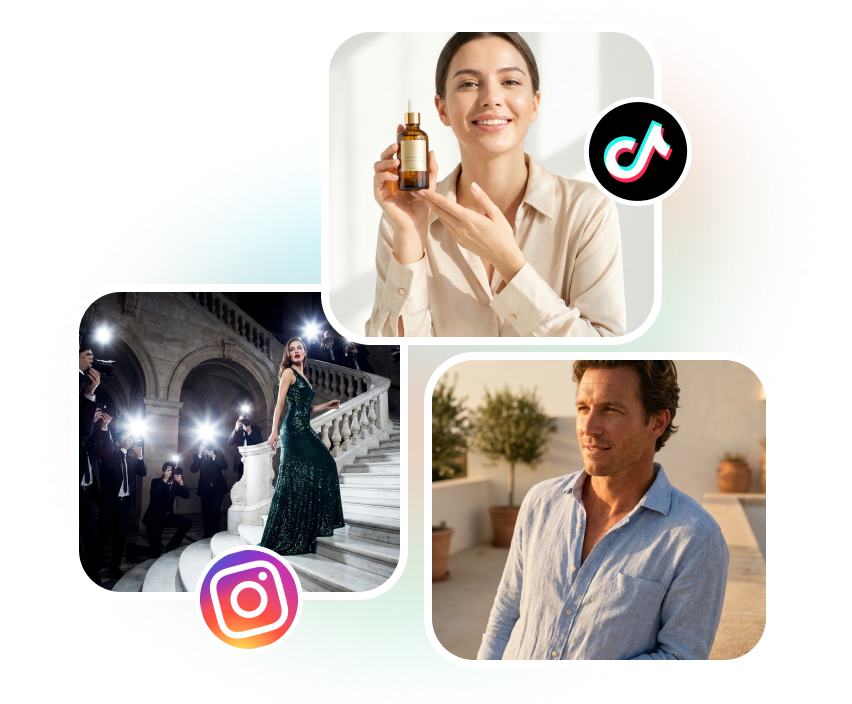
Build controlled variations by changing one creative decision at a time—opening hook, character, voice, background, crop, or CTA treatment. Compare the set together, keep the clearest route, and prepare distinct assets for your next round of testing.
How to Use an AI Ad Campaign Generator for Your Next Launch
1. Add the Campaign Inputs
Upload a product image or reference, then describe the audience, offer, message, and desired advertising context.
2. Choose the Creative Direction
Select a presenter or character where needed, define the scene and visual tone, and decide whether you need video, images, or both.
3. Generate and Review the Set
Create variations, compare the product presentation and message, refine the strongest route, and download the assets for your campaign workflow.
Who Uses an AI Ad Campaign Generator?

DTC and Ecommerce Brands
Turn a product photo into a launch set with product demos, lifestyle images, UGC-style videos, and alternate crops for storefront and paid social campaigns.
Performance Marketers and Media Buyers
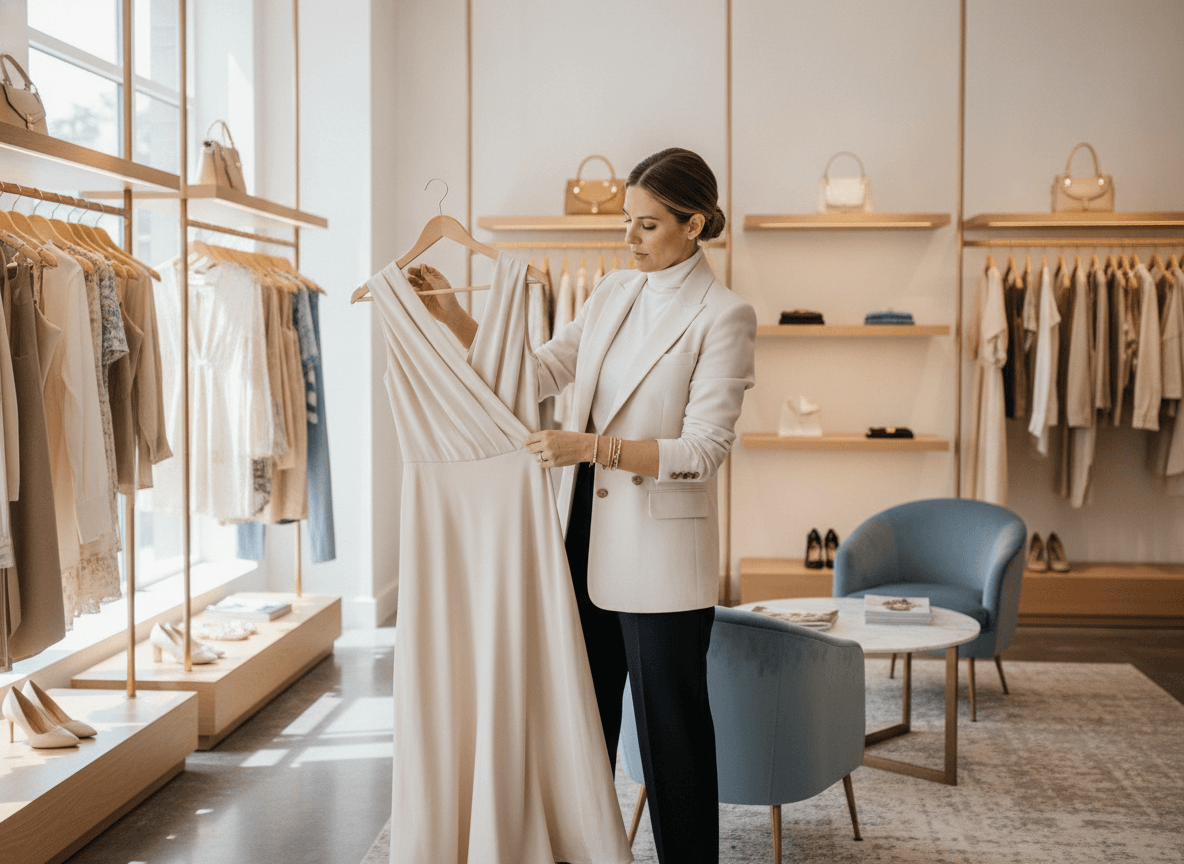
Create a clearer testing matrix for hooks, presenters, scenes, formats, and messages instead of recycling one tired creative across every ad set.
Agencies and Social Creative Teams
Develop several campaign routes from one client brief, present coordinated video and image directions, and refine the approved concept before production or launch.
AI Ad Campaign Generator FAQs
What is an AI ad campaign generator?
Can I create both video and image ads?
Can I start with a product photo?
Can this create Facebook or Instagram ad creative?
Can I create UGC-style ads with an AI presenter?
Start Building Your AI Ad Campaign Generator Set
Bring one product idea into a practical creative set with video, images, product scenes, and controlled variations. Start with your brief, review the outputs, and choose the route your team is ready to test.
Create My Ad Campaign